

Image Widget
-
My image url disappears when I hit save in the image widget. I have done others like this that are working. For some reason this one won’t. I’ve tried several times, other urls of the image, and even a new widget. This is for my amielouellen site. The widget displays but without the image.
The blog I need help with is: (visible only to logged in users)
-
Hi Amy,
After looking into you blog I found that I was able to view the image widgets as seen below in this screenshot:
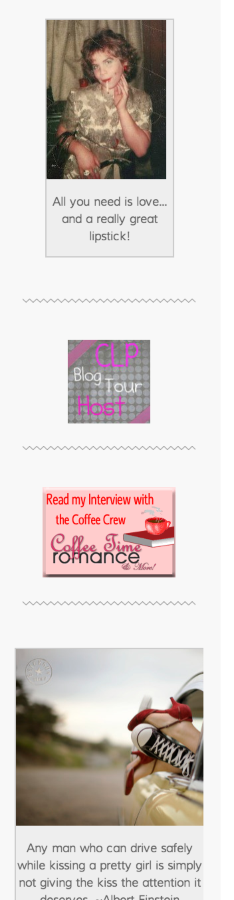
If you are having trouble with a new image widget that you would like to add, please upload a screenshot in your media library and provide me the URL of the image you would like to add!
Thank you!
-
Gracie–
Thanks for your help. Yes, I’m trying to get a new image widget onto my sidebar of a book cover and have it link to Youtube for readers to be able to watch the book trailer for that novel. I uploaded a screenshot into my media so that you could see where the problem is. The URL for the image is http://amielouellen.files.wordpress.com/2012/02/cbmlstart5x7-8.jpg?w=213&h=300 and the widget is already in place with the link. Just every time I add the image URL and hit save, the URL disappears from the widget box. I have done this before as you can see from the image widgets above and below this one. Thanks again! Amy
-
Hi Amy,
I was able to fix this issue using this URL for the image:

Please make sure that the image URLs end in .jpg, .gif, .png, etc. – if not, the URL will disappear. You can find this when you edit the image you want to use. You can find more information about this here.
Please let me know if you have any questions!
-


- The topic ‘Image Widget’ is closed to new replies.


 WordPress.com Forums
