

images automatically resizing
-
No matter what dimensions I enter for my images, upon loading the page in a browser they automatically resize themselves to full-size. This is a fairly recent phenomenon. Here is a page where some images are resizing and some are not. The difference seems to be the link.
The blog I need help with is: (visible only to logged in users)
-
Hi Natalie,
I don’t see a link to the page in question in your post?
I looked at several recent posts and pages on your site and don’t seem to see the issue:
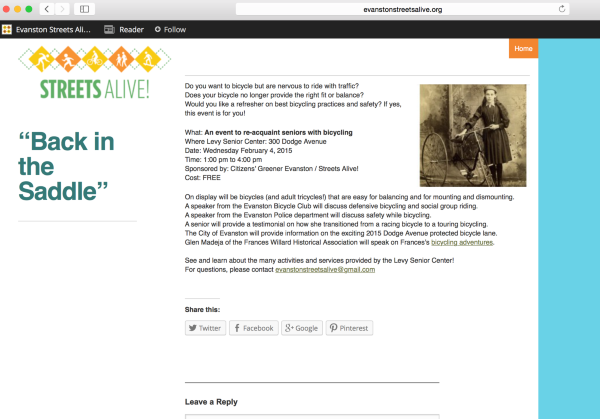
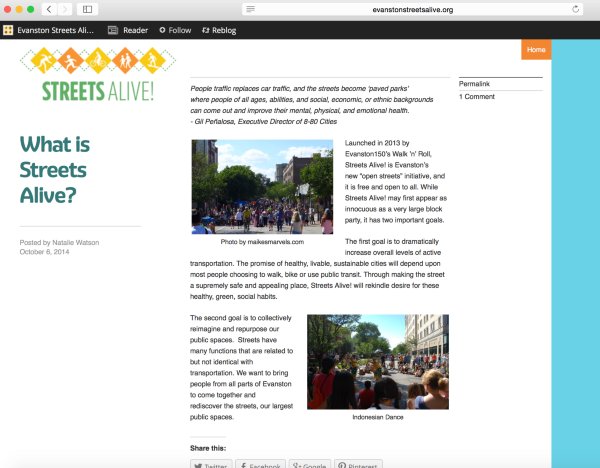
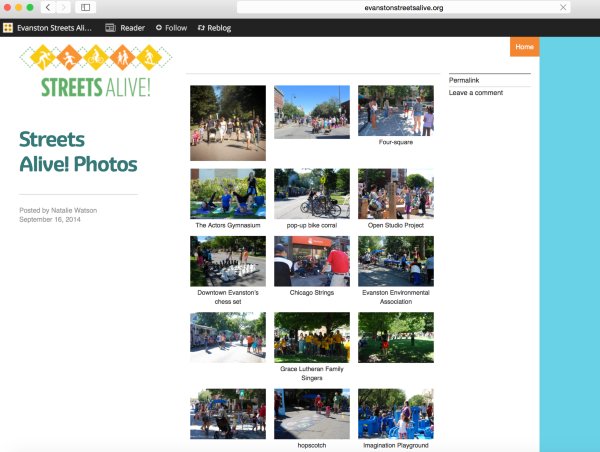
Please let me know the page where you’re seeing this and I’m happy to take a look.
Best,
-Alex G.
-
-
Hi Natalie,
Thanks for sending that link. :)
I saw the error you were referring to on those last three images. I believe this was just a caching error in your media library. I tweaked the scale of the images by 1 px and updated the post — this would refresh that cache without any noticeable change.
This post appears to displaying correctly now:
Do you have any other posts where this problem is occurring? I’d recommend going into the post editor, clicking the image to edit it, and make a slight change — even just a change to an attribute like its title, then save the change update the post. That should clear it up as I’ve done with this case.
Best,
-Alex G.
-
Hi Alex, thanks so much for trying. I still can’t make it work. I tried changing the deimnesions and retitling the image. I even tried deleting the media and re-uploading it, but it still resizes. I notice that it takes a second to resize. I guess I could save the image at the dimensions I want and then upload it, so it’s not urgent. Thanks again.
-
Hi Natalie,
Could you send me another link to a page where you have this issue?
I’ll make a screencast of what I was doing that fixed the issue previously, to make sure we’re doing the same process.
Best,
-Alex G.
-
Sure, here is another page: http://evanstonstreetsalive.org/2014/03/04/philosophy/
Thank again,
Natalie -
HI Natalie!
Thank you for that link! Here, my little fix wouldn’t work and this is a great example to share with my theme development team.
What’s happening is somewhere along the line, the Theme is taking your image’s code:

And adding this unwanted tag:

So that first source link, with the larger scale, is being presented.
Would you mind leaving that link as-is for the moment while I have them take a look?
Thank you so much your patience. :)
Best,
-Alex G.
-
Howdy Natalie,
Thanks for bringing this to our attention! Just a note to say this should now be fixed. Your images should no longer appear larger than intended.
Cheers,
Caroline


- The topic ‘images automatically resizing’ is closed to new replies.
 WordPress.com Forums