Insecure images (url)
-
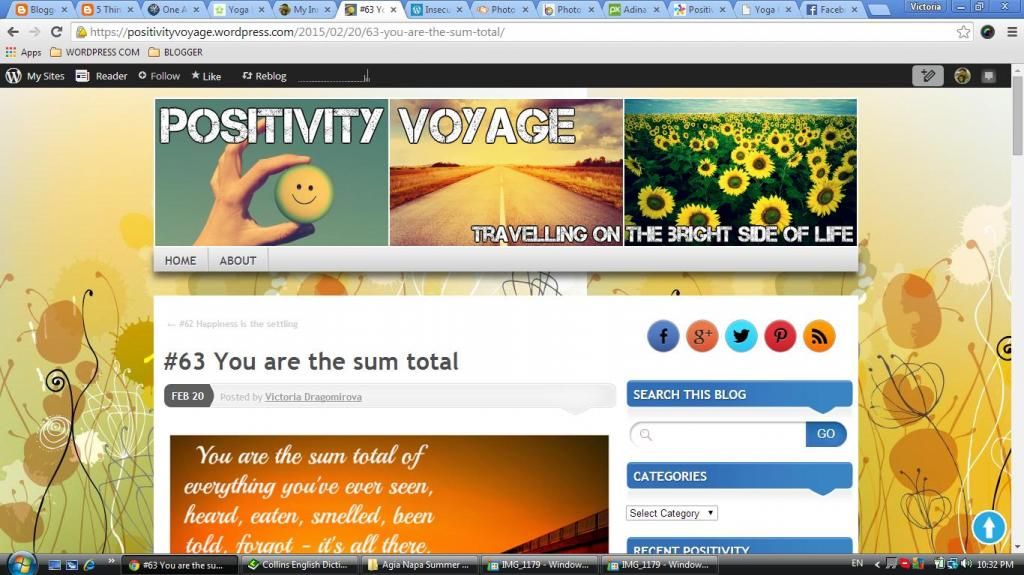
Hello, I made sure everything in my blog goes through https – external images, social icons, other widgets, etc. I am using Chrome and in the Home page the blog looks fine but when I go to a post url – Chrome says it is insecure. I use the “inspect element” function in Chrome and it reports about insecure photos. It means the photos in my posts and I wonder why is that, if they all are uploaded and stored in Worpress com media library of the blog. How shall I fix that?
Thank you in advance.
The blog I need help with is: (visible only to logged in users)
-
I’ve looked at your last post in Chrome40 and am not getting any kind of non-secure content warning. No shield icon in the address bar.
Can you take a screenshot of the warning you see and post the link to the screenshot here?
-
All that shows is that there is mixed content (secure and not) on your post but that the connection is secure. The only real difference between your front page and your single post view seems to be the comment box.
Since you are not collecting sensitive information I wouldn’t be concerned, but I will tag this for Staff input nonetheless.
-
Chrome says it is the image url which goes through http: but when I check the image in the library it is https:
How do I tag? I write in the forum for the first time.And Thank you for your time :)
-
-
So I changed the theme. Still the same problem. Mixed content about image of the post and the Related posts images and something about Twitter widgets, which are too through WordPress. I am confused and will leave it like that until someone finds the problem
:) Thank you -
Since I’ve marked this already for Staff input, let’s be patient and wait for them to respond. Each time we add another post to the thread, it is pushed down in the queue of threads waiting for their attention, so don’t bump unless you have vital new information to share with them.
-
Hi there,
This is really just about being in the middle of a transition.
WordPress.com recently moved to serving all of our pages over HTTPS. We are a little ahead of the curve though so some of the content that gets pulled onto your page from other sources is still being served from HTTP. That means you get the mixed content warning.
It looks dramatic, but I promise there is nothing for you to worry about.
-
It only happens on this particular blog and the way I proceed is the same as on my other.
Thank you for the reply :)I also noticed that the Twitter button “Original” doesn’t count. It just stays zero after I tweet my posts. Probably the same problem?
Cheers :) -
It only happens on this particular blog and the way I proceed is the same as on my other.
It’s not about anything you are doing. Each page just pulls different content. So for awhile you’ll see this notice on some pages and not others.
I also noticed that the Twitter button “Original” doesn’t count. It just stays zero after I tweet my posts.
This is also related to the transition to HTTPS. For now the best way to deal with this is to choose one of the alternate styles for sharing buttons (which it looks like you’ve done).
-
-
Bloggers logged into WP are not the only ones who see these error messages on their own blogs – our visitors, followers and logged out users also see these security warnings and that is a really, really big problem – not to be taken lightly at all.


- The topic ‘Insecure images (url)’ is closed to new replies.
 WordPress.com Forums