

Insert Google Photo albums
-
Hello,
I am able to insert Google Photo pictures into WordPress, but I haven’t found a way to enter a whole album. Can someone help me with this?
Thanks!
WP.com: Yes
Jetpack: No
Correct account: YesThe blog I need help with is: (visible only to logged in users)
-
Hey there, happy to help!
Now that you’ve set up your site to be able to add Google Photos pictures to your site, your WordPress.com and Google accounts are connected. This means that all the photos under that Google account are available through WordPress.com, and they work much like a second Media Library. You can even see the connected account from your Media Library, using the “Choose Media Library Source” button at the top left, as shown below.
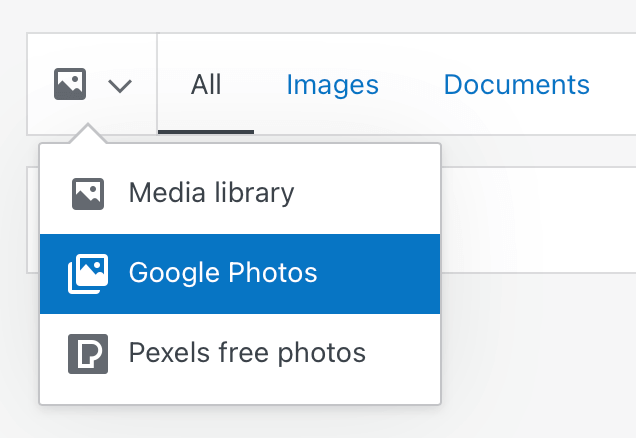
To set up specific Albums of your Google Photos, you’d need to manage that on Google’s side of things, but you can see your existing Google Photo albums when you go to add an image, using the View dropdown in the media selection window, shown here:

Finally, If you’re looking to set up a whole album on one page or post, I’d recommend adding a Gallery Block, which is designed to display multiple photos together, and work much more like an album. This will arrange your images together on the page, and let your visitors click through the images of the gallery in a pop up slideshow – creating a great experience for the viewer!
As you continue publishing new posts, if you decide you’re ready to expand, your site looks like a great fit for our Personal Plan! This plan would double your current media storage, allow you to use a custom domain (which you pick up for free for the first year if you purchase an annual site plan), remove Ads that run on free sites, and give you access to direct support from our team via email as well!
I hope this helps! Let us know if you have any follow up questions we can answer.


- The topic ‘Insert Google Photo albums’ is closed to new replies.
 WordPress.com Forums