

Invalid Key [1] back
-
Invalid key [1]. Back
While I can easily get into the dashboard from this I can not view my front page. Instead a blank white page and the message
invalid key [1] on top right corner comes up.
Using Internet Explorer 11, Windows 7 UltimateAlso users cannot access my blog “http://jupiterfarmsresidnets.com”
Please Help!
The blog I need help with is: (visible only to logged in users)
-
I have visited jupiterfarmsresidents.com and viewed several of its pages, and it appears to be functioning correctly:
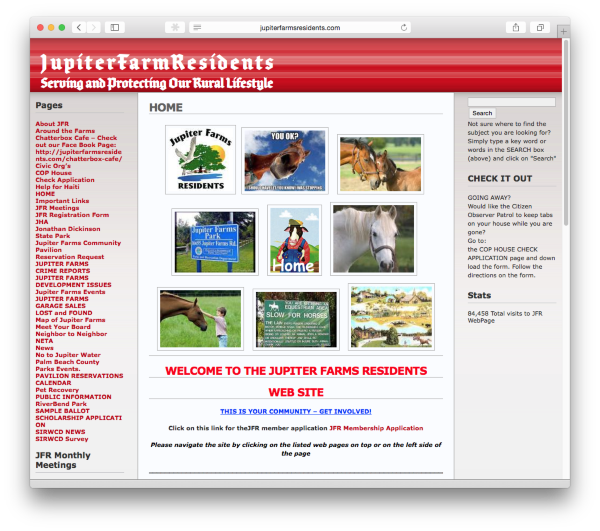
The issue you encountered was most likely due to either your browser’s cache, or DNS not yet being up-to-date.
Can you please try clearing out your cache and cookies?
If you are still having a problem, let me know, and we can take the next troubleshooting step, once I get more feedback.
-
-
It is happening again. Can’t access my blog as we are getting this message: Invalid key [1]. Back.
Can’t review edited page for same reason. -
The site still loads fine for me:
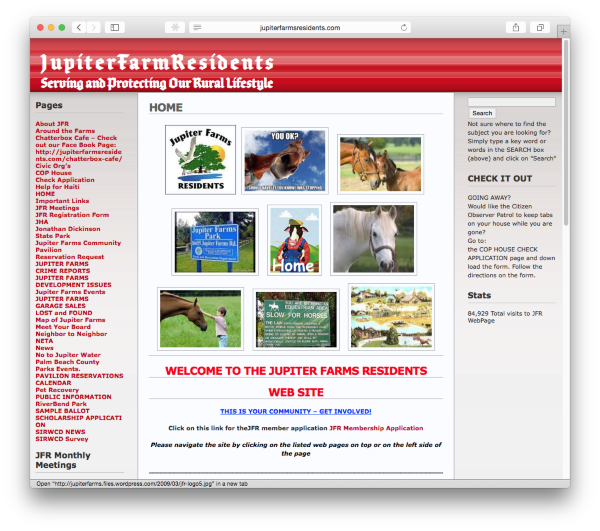
If possible, send me a screenshot, so I can better understand the issue. You can simply upload the screenshot to your Media Library, like any other image, and I’ll be able to access it from there.
The page at the following link has some helpful tips for taking screenshots:
Once I get some feedback, we can take the next troubleshooting step in resolving your issue.
-
A screen shot would reveal a blank screen with these words in the upper left corner of the screen: Invalid key [1]. Back.
on the tab on top of the screen is: r-login.wordpress.com.
When that shows I have to exit the application and log in again.
This happens when I make changes to a page and then try to view the page to make sure the changes are correct. -
Screenshots can provide additional information (e.g., browser configuration, add-ons installed, etc.) that may aid in the troubleshooting process. Creating and sharing a screenshot does not take much effort, so I advise providing them, when prompted.
By any chance, do you use HughesNet as your Internet provider?
If so, please disable the Turbo Page feature:
http://community.myhughesnet.com/hughesnet/topics/how_do_i_disable_my_turbo_page_turbopage
If you don’t use HughesNet, can you replicate this issue in alternate browsers (e.g., Firefox, Chrome)?
Once you give me some additional clarification, I will be more than happy to continue resolving your issue.


- The topic ‘Invalid Key [1] back’ is closed to new replies.
 WordPress.com Forums