

"Loading" message at the end of the article
-
Why is the “Loading” message showing up at the end of all my posts even though all content (with images) is loaded and displaying?
The blog I need help with is: (visible only to logged in users)
-
Hi there,
This is happening because you have the “Infinite Scroll” feature enabled. When you reach the bottom of the page it automatically tries to load older content even though there’s nothing more. You can read more how this feature works and how to disable here:
https://en.support.wordpress.com/infinite-scroll/Let me know if you need more help.
-
Thank you for your input.
I have looked through the support link you have given. I am using the theme – “Chateau” which doesn’t support Infinite Scrolling. If it helps, I have the option “Blog Pages show at most” set to 15 posts under Settings > Reading.
Here is the screenshot of the message I see under each post.. http://i.imgur.com/vYfMGwn.png
That said, this is happening only on Chrome browser. It seemed to be working fine on Firefox. I could probably live with working off of Firefox but my most preferred browser is Chrome and it bugs me to see this each time I access my blog.
So I am not sure if this is a bug or just a glitch with the Chrome or something else. Any help would be greatly appreciated.
-
Hi deepthiya,
Are you still having this issue?
I don’t see it now when I view the site in Chrome:
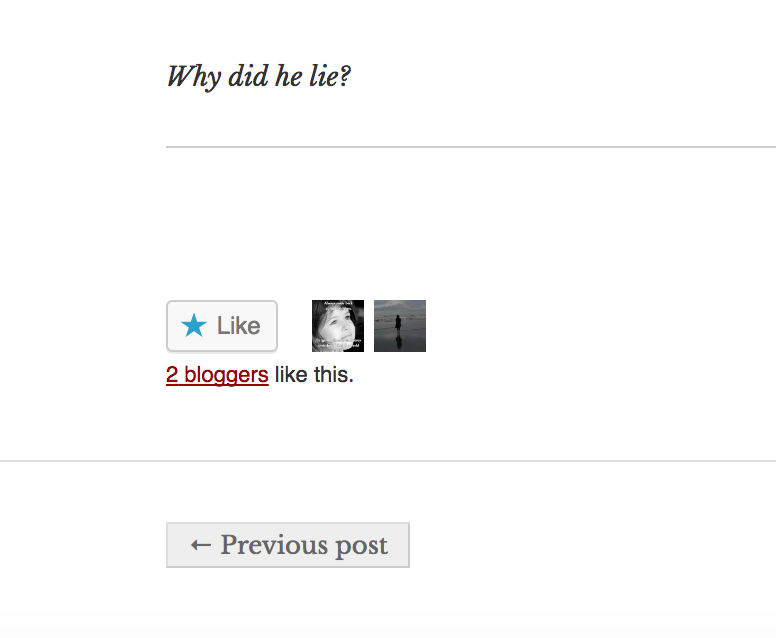
It seems the Like button and Gravatars weren’t loading for you when you took the screenshot.
If you’re still having that problem, if clear your browser cache does that make a difference?
-
Hi dcoleonline,
Yes I am still having the issue. I didnt realize until you pointed out that Like Button and Gravatars weren’t loading. I cleared my browser cache like you suggested but it didn’t resolve the issue.
But they are loading up just fine on other browsers. I am not sure what else to try.
-
Thanks for trying the browser cache. Since it only happens in Chrome, that helps to narrow things down a bit.
Could you check to see if you have any browser extensions enabled? Sometimes things like that can interfere with how parts of websites load. If you have any, try turning them off and see if that changes things.


- The topic ‘"Loading" message at the end of the article’ is closed to new replies.
 WordPress.com Forums
