Mail CHimp
-
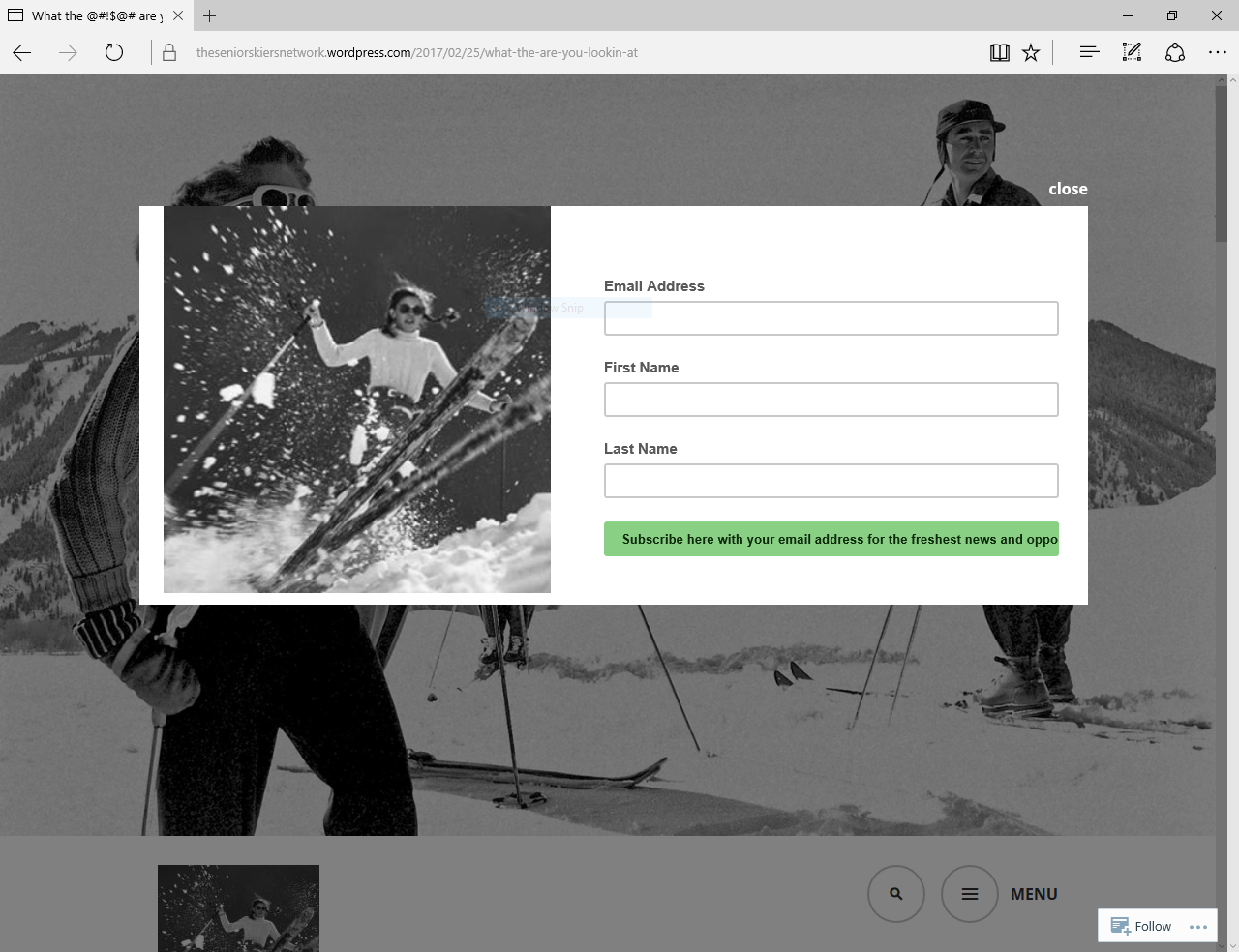
I tried to install the mail chimp widget. Everything went exactly as described. I put the code into the widget box and when I saved, the code changed and ..NO POP UP
The blog I need help with is: (visible only to logged in users)
-
Hi there,
When getting the code from MailChimp make sure to hit the Publish button first and then click the View Code button.
Delete the widget and try to set it up again following these instructions:
-
I followed the instructions to the letter at least 8 times for WordPress AND Facebook and never got a pop up on either. See if you can find a signup of any kind? I just looked and cannot.
D-I-Y Senior Skiing Lessons – What the Heck are you Lookin’ At?
-
As you can see from the following screenshot it works fine on my end:
https://cldup.com/hjKxYOiL3K.PNGI’ve tested it on all major browsers (Chrome, Firefox, Edge, Opera) with no problems.
The popup doesn’t work for you because you’re logged-in on WordPress.com. Log-out and try to view the page, or just view it through an incognito/private browser session.
Let me know how it goes.
-
I assumed the “preview” function would show ALL the features. I’ll try to get someone to test Jr for me
-
I’ve replied to you here: https://en.forums.wordpress.com/topic/mailchimp-33
Thanks for your help fstat :)
Closing this duplicate thread.


- The topic ‘Mail CHimp’ is closed to new replies.
 WordPress.com Forums