

My "article" page can't not be read properly
-
If you scroll back from the top, you’ll see there’s an issue with the “article” page.
If you scroll up from the bottom, you can see the “articles”, but scroll up a bit then it desapears.
Hope you’ll be able to help me !
The blog I need help with is: (visible only to logged in users)
-
The issue happens on screen sizes that are 1026px and wider, where the menu is not compressed:
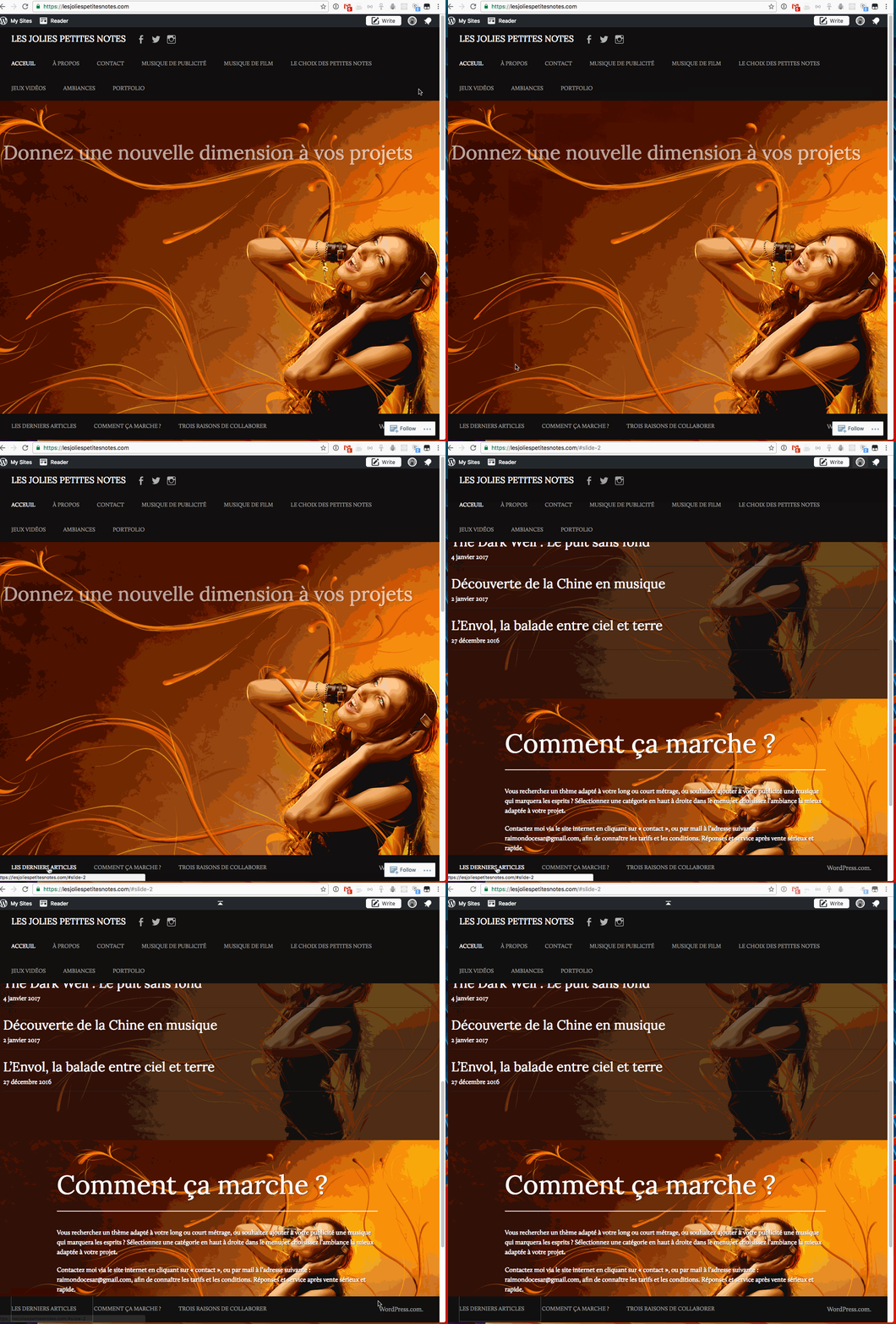
There are many items in the menu, and the menu is in a table to its height extends to contain them all. It happens to cover some of the posts as we scroll down to the id of #slide 2. This doesn’t happen in the theme demo only because the top navigation theme demo contains fewer items with fewer words, so it needs less height:
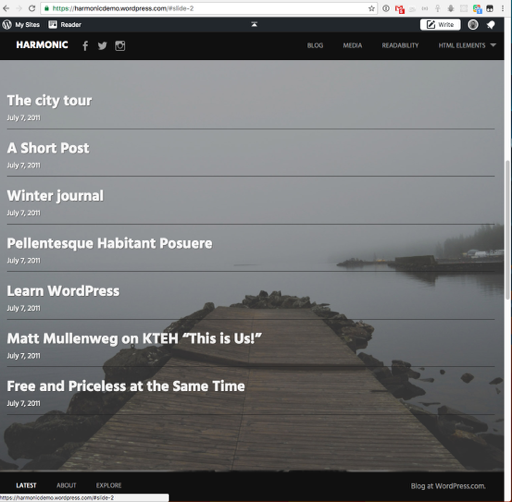
The simplest solution is to remove items from the navigation, or perhaps move some from the top-level in the menu to being subitems like the theme demo does with “IMAGE ALIGNMENT AND STYLES” being a child of “HTML ELEMENTS.”
However you can add some extra space to compensate for the space the menu needs with padding like this:
@media only screen and (min-width: 64.063em){}
	#news-section {
    	padding: 320px 0;
	}
}
The space is a little awkward when you scroll immediately through the site, but it does leave adequate space at 1026px:
To add that code to your site, open the Customizer and choose the CSS panel. Copy and paste the code (include the @ at the beginning and both }} at the end) beneath any other CSS you have running.


- The topic ‘My "article" page can't not be read properly’ is closed to new replies.
 WordPress.com Forums