My blog disappeared and I can\'t even log into it?
-
I have had a blog through wordpress for 2 years at taylorgagephotography.com/blog, and just yesterday purchased a squarespace site and had it point to my domain at taylorgagephotography.com, and now my blog has disappeared! It immediately brings up an error page on my new squarespace site and it’s driving me crazy- how do I fix this? Is it because my blog url isn’t exactly a whole separate site, and rather just /blog? I can’t even log into the back end, as it’s saying ”admin” is not a username (but that was my username). What is going on and how do I recover my blog????
-
-
taylorgagephotography.com/blog, but it’s not going there anymore, it’s going right to taylorgagephotography.com because that’s where I made my domain point to for the new squarespace site. I cannot find a way into my old blog in ANY way- it has completely vanished.
-
The URL is http://taylorgagephotography.com/blog and that is not a WordPress.com site, never has been, but a WordPress.ORG site, so you need to be over there for help with that.
-
What makes you say that? I have a site with WordPress and ProPhoto that I’m almost certain is wordpress.com. It seems .org is just the support site and I’ve never been there before until just now. I am going crazy trying to recover this blog – is there a way to talk directly to a wordpress support staff?
-
The source code of taylorgagephotography.com/blog shows this
<meta name="generator" content="WordPress 3.4.1" />Ergo, we are looking at a site using the WordPress standalone software, not a site hosted by WordPress.com.
For clarity: http://support.wordpress.com/com-vs-org/
For help with your standalone install of WordPress, please head over to the support forums on the WordPress.org site, the link is in the footer of this page under “Community”.
-
Well I get nowhere on that site either. It doesn’t recognize me at all and I’m absolutely at the end of my rope trying to figure out how to get back into my blog that I’ve had for 2 years that completely vanished when I changed the redirect to my new squarespace site. Is there no way to talk to a support team on wordpress???!
-
Where (on what site) exactly did you enter the redirect information?
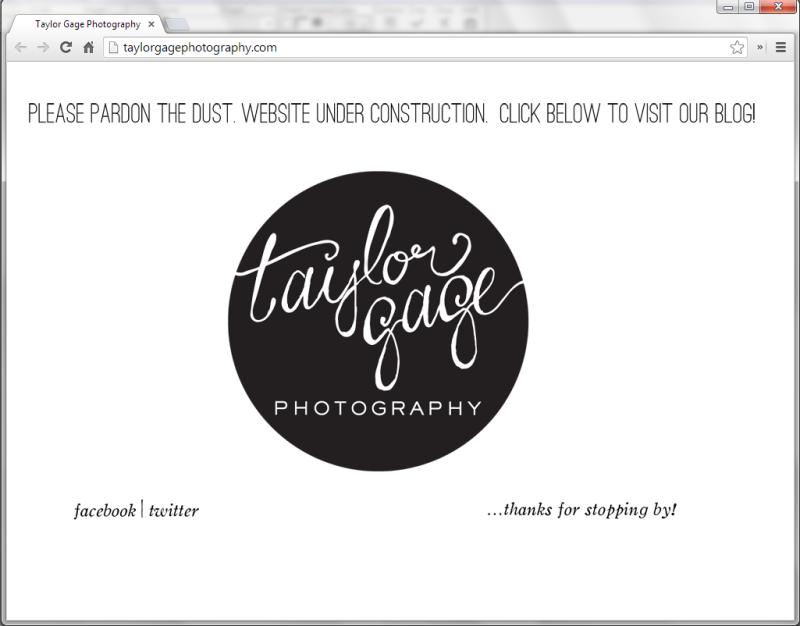
FWIW-Here is what I see when I go to taylorgagephotography.com (screenshot). Note the address.
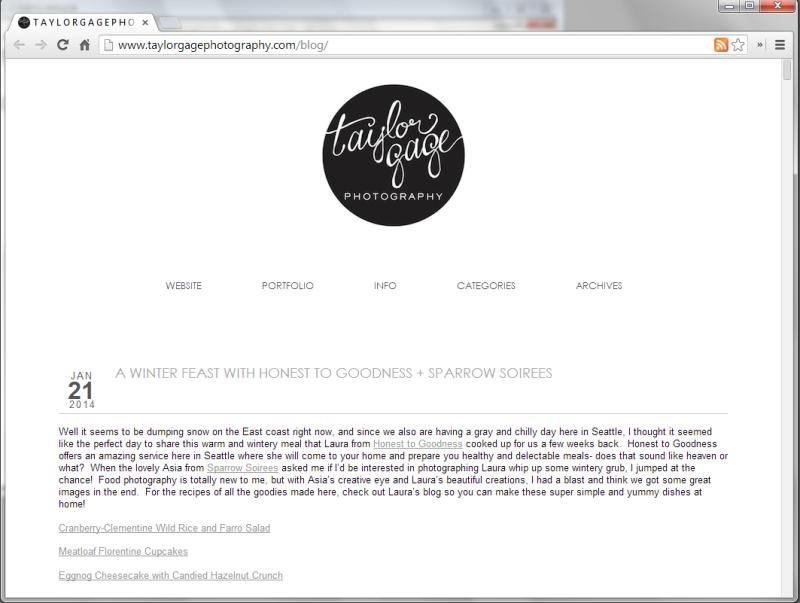
Here is what I see when I go to taylorgagephotography.com/blog (screenshot). Note the address.
In order to post on WordPress.org, you need to open a separate account. The two sites are entirely separate and do not share log-in information.
-
It looks like it’s working for you? My regular domain has been a “under construction” site while I get my website designed, and that’s my blog! When I go to either of those sites I get this: /Users/taylorolcott/Desktop/Screen Shot 2014-02-04 at 11.51.40 AM.png
I did the redirect in Bluehost, per the directions of squarespace.
Why is it working for you and not for me now? -
-
What you are seeing is the DNS propagation taking place and normally can take up to 48-72 hours. Usually it’s the site owner that is the last to see it and only after they’ve cleared out their browser’s cache and cookies.
But thank you. You’ve confirmed that you site is not hosted here on WordPress.com. To reiterate, we cannot help you here with problems you are having with your standalone WordPress install.
You’ll have to go register for the support forums on WordPress.org for any further help and best wishes to you for your site.


- The topic ‘My blog disappeared and I can\'t even log into it?’ is closed to new replies.
 WordPress.com Forums