

Need to remove/change a mapped domain
-
I made a typo when adding a domain. Now I can’t remove the domain and I can’t add the correct domain without paying again.
The blog I need help with is: (visible only to logged in users)
-
-
I mapped http://blog.speakeasy.ao to http://spksyblog.wordpress.com. The domain I wanted to map is http://blog.speakeasy.co.
I am already the owner of speakeasy.co, I just need to map it to my WP blog.
-
relevant support doc link – If you own a domain then see here for mapping an existing domain that you already own http://en.support.wordpress.com/domains/map-existing-domain/
I tagged this thread for Staff assistance as your entered the wrong URL. Please subscribe to it so you are notified when they respond. To subscribe:
1. Look in the sidebar of this thread and find the subscribe to topics link.
2. Or look below the comment box for this: _ Notify me of followup posts via e-mail -
Yes, I followed the instructions in that support doc. When I try to map the correct domain, it asks me to purchase a domain mapping upgrade, even though I have already purchased the premium plan (which includes domain mapping).
Why can I not add a second domain when I have a premium plan? Why can I not remove the first (incorrect) domain?
-
It’s in your best interest not to post into a thread after it has been tagged for Staff attention until they respond. They work in chronological order forward from the earliest datestamps and timestamps to the most recent. Please be patient while waiting.
-
Hi there,
I have updated your domain mapping to: http://blog.speakeasy.co as seen here:
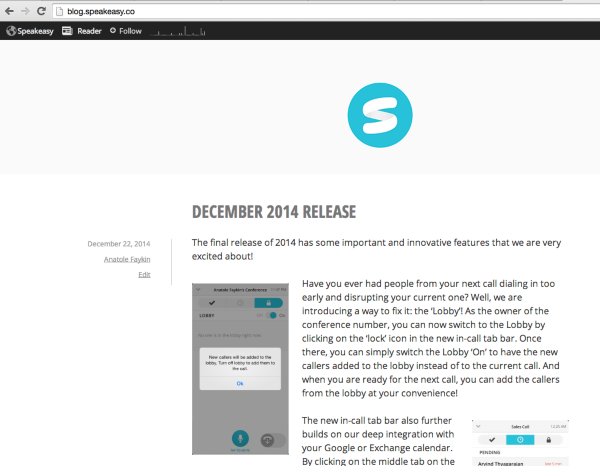
If that is not what you see, can you please try clearing out your cache and cookies using the guide below?
Let me know if you have any questions with this!
-
-


- The topic ‘Need to remove/change a mapped domain’ is closed to new replies.


 WordPress.com Forums