Not allowing me to connect to wordpress.com
-
I am trying to setup Jetpack n my blog & I am not seeing a Connect to WordPress button on the Jetpack setup page.
Blog url: http://horsefeathersgiftsblog.com/ -
Hi,
Is Jetpack activated in Plugins -> Installed Plugins?
If so, what do you see when viewing the Jetpack screen in your dashboard? Can you take a screenshot, upload the image to your Media Library, then reply with the URL to that image in this forum thread?
-
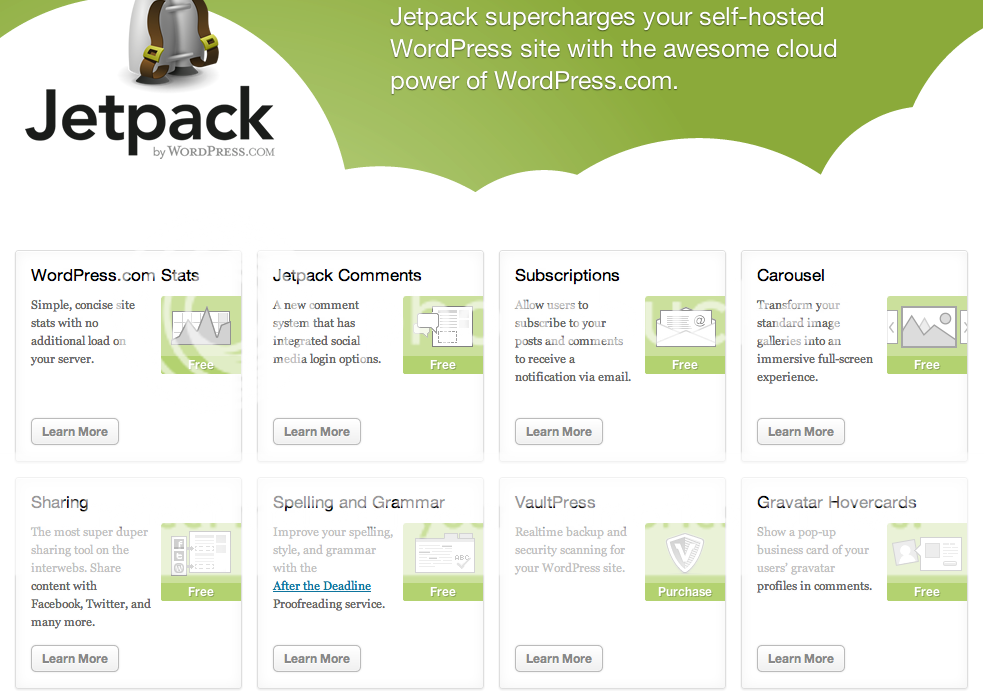
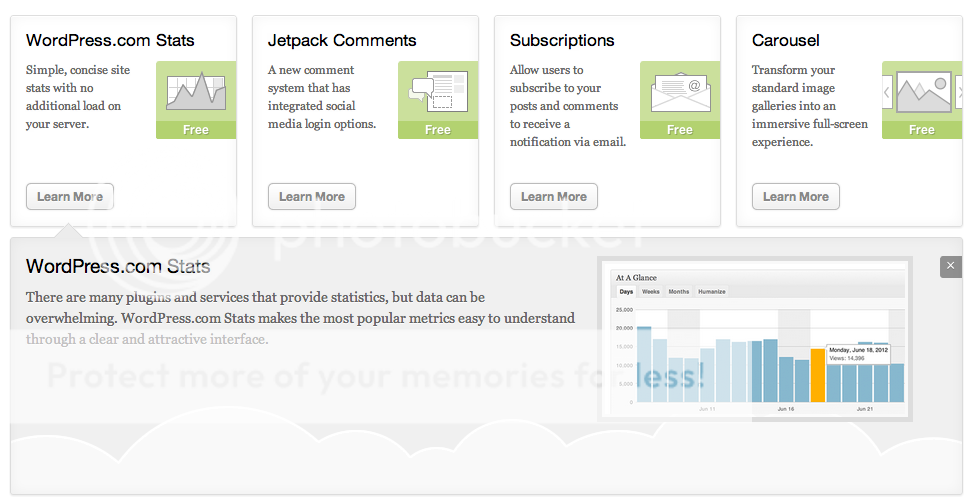
Yes. it is activated. I have even uninstalled and reinstalled it. I have attached screenshots to help you understand what I am trying to say. Its just not showing me the “connect to wordpress” button to get things going and its terribly frustrating!
Plugin Page: http://i404.photobucket.com/albums/pp122/OnTheSpotStudio/ScreenShot2012-09-25at82132AM.png
Jetpack main page:http://i404.photobucket.com/albums/pp122/OnTheSpotStudio/ScreenShot2012-09-25at82144AM.png
What the dropdowns look like: http://i404.photobucket.com/albums/pp122/OnTheSpotStudio/ScreenShot2012-09-25at82151AM.png
See how there is no “connect to wordpress” anywhere?
-
This could be caused by a conflicting plugin. Would you please try temporarily deactivating all other plugins?
If that doesn’t resolve the issue, theme functions can sometimes interfere as well, so please try with the Twenty Eleven theme temporarily active.
-
all other plugins are deactivated. I run the exact same theme and plugin on another website with no issues…
-
It still could be conflict, even if you have a similar setup elsewhere. Did you have any luck temporarily switching to the Twenty Eleven theme?


- The topic ‘Not allowing me to connect to wordpress.com’ is closed to new replies.


 WordPress.com Forums