

Notifications
-
Order notifications do not go to my email.
WP.com: Unknown
Jetpack: Yes
Correct account: YesThe blog I need help with is: (visible only to logged in users)
-
Hi there,
I would check your email settings by going to WooCommerce > Settings > Emails and selecting the Processing Order email template. There you can make sure that email notifications are enabled.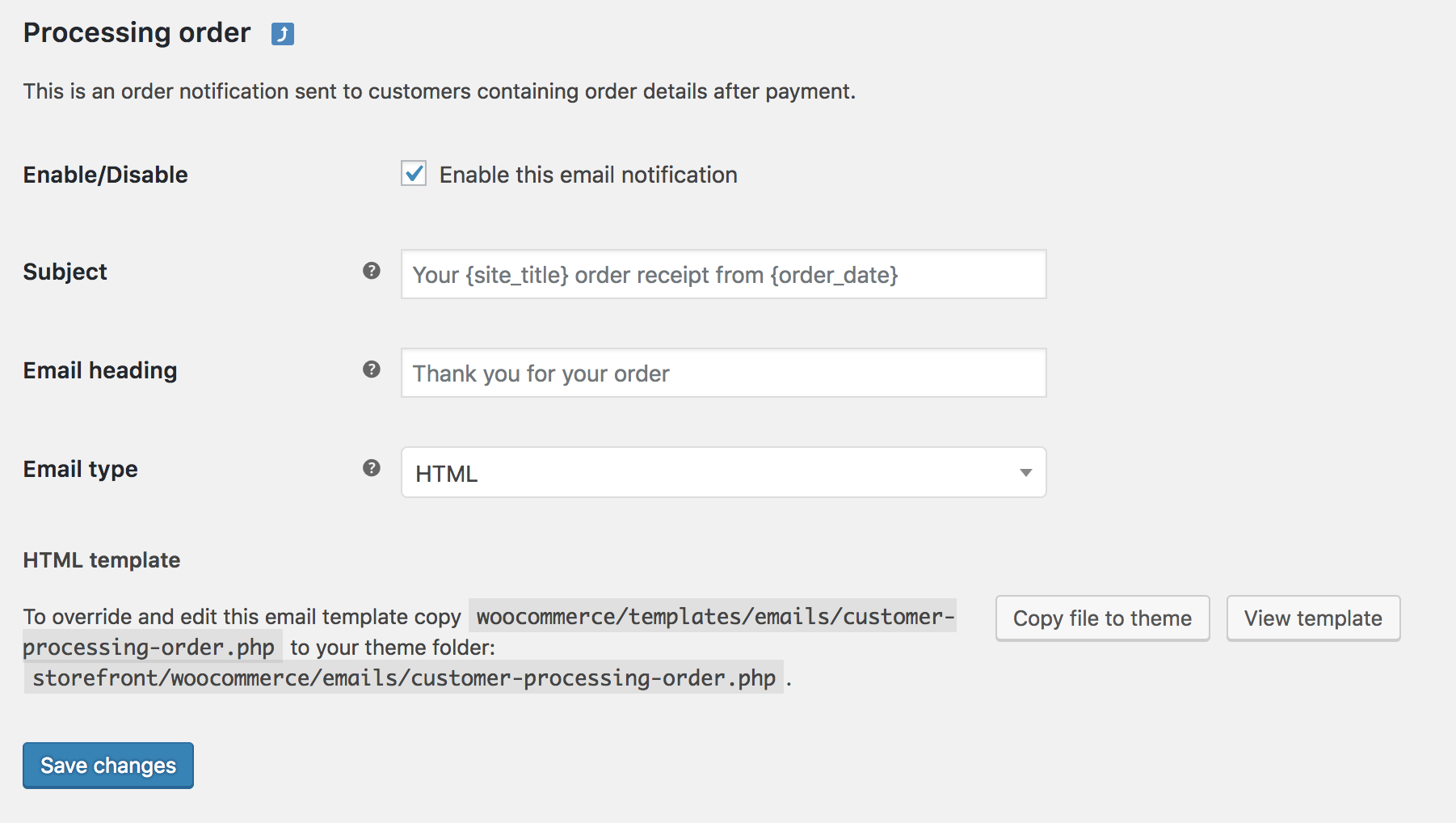
https://woocommerce.com/document/email-faq/#section-3
For further assistance, if you have WooCommerce installed on a WordPress.com Business Plan or have a paid WooCommerce extension on a self-hosted site you can open a ticket while logged into your account at:https://woocommerce.com/my-account/create-a-ticket/
But, if your site is self-hosted and built using the WordPress.org open software, you’ll need to seek assistance from their forums which can be found at:
https://wordpress.org/support/plugin/woocommerce
These forums are for WordPress.com-hosted websites, and we are limited in our support scope with WooCommerce-related issues.
Hope this helps.


- The topic ‘Notifications’ is closed to new replies.
 WordPress.com Forums