

Page order not working
-
What can I do to change the order of my pages? I already numbered the pages: first tried 0, 1, 2, 3… Then 1, 2, 3, 4… And finally 0, 10, 20, 30, 40… But they are still in the wrong order.
Please help!
The blog I need help with is: (visible only to logged in users)
-
Hi
Actually page order is easier to manage within the Apperance>Menu’s area these days.
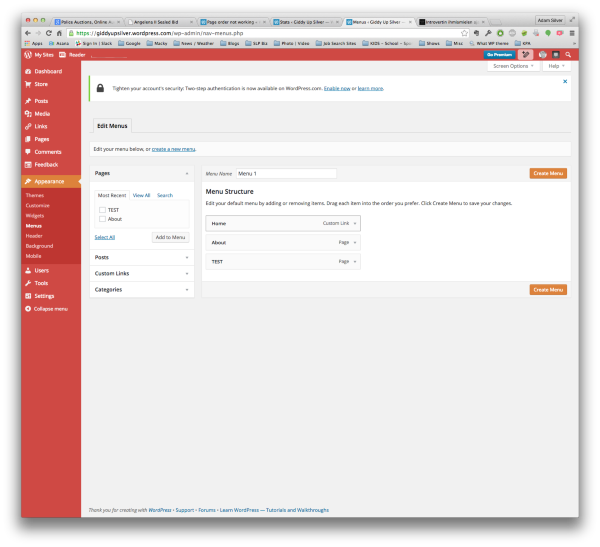
Create a new Menu – save it, then you can add the pages and drag/drop the order and sub-order you want them in.
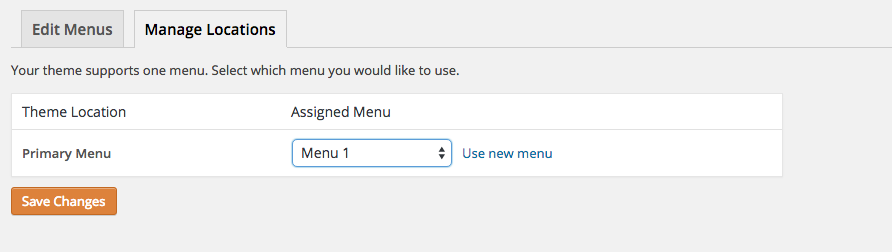
Don’t forget to then Manage Locations of the menu so it will actually show up on the correct page.
-


- The topic ‘Page order not working’ is closed to new replies.
 WordPress.com Forums