

Photo image cannot display
-
My display photos cannot be seen. When I comment or like, my avatar cannot be seen. How do I get rid of avatar? Right now, my photo when I comment is just a blank icon
The blog I need help with is: (visible only to logged in users)
-
I see a gravatar here in this thread. http://www.gravatar.com/avatar/a0f5842328aa552a412c19e1aac2b511?s=48&d=identicon&r=g Is that the one you are referring to?
-
Yes. That is exactly it. How do I change that to a picture of me. If you look at my thread above, its there too. I want it to be a oicture of me please not just a blank gravatar like that.Thank you
-
You have a displayed image next to your comment. I dont. Lol. I dont kniw how to change it
-
There is so an image next to your comment. it is this image http://www.gravatar.com/avatar/a0f5842328aa552a412c19e1aac2b511?s=48&d=identicon&r=g
To change it go to http://sharhepburn.wordpress.com/wp-admin/users.php?page=grofiles-editor
-
You may need to clear your browser cache and cookies to see the image you already have displaying that I can see and you cannot see http://en.support.wordpress.com/browser-issues/
If you are not running one of the browsers and versions listed at http://browsehappy.com/ please try upgrading or switching first. -
I can see that image of a green boutline gravatar. But i would like to have an image like yours. I dont want the hovercard from gravatar anymore. I would like an image of an actual photo like yours. Maybe if you can see an actual photo and not just a hovercard, then I will upgrade my blog. I have already cleared cache sveral times. I will try to upgrade
-
You can upload a new image here > Dashboard > Users > My Profile
Click the “change your Gravatar” link thereI’ll tag this thread for a Staff follow-up. Please subscribe to the thread so you are notified when they respond and please be patient while waiting.
-
Hi there,
Please note that @timethief is correct. If you go to Users > My Profile in your Dashboard you will be able to upload your own image. As an example, I can show you mine:
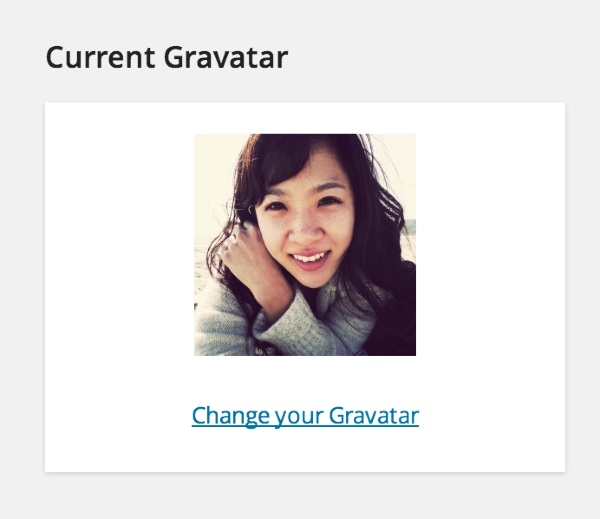
On the right hand side of the page, please click on the link “Change your Gravatar”. Then you can upload any image you have.
Feel free to reach out if you have any questions!


- The topic ‘Photo image cannot display’ is closed to new replies.
 WordPress.com Forums