photos won't appear when I hit insert media, just a string of words
-
-
Just went to your cloud link and there is no photo. In left corner the word sunflower with a lock by it. Nancy
-
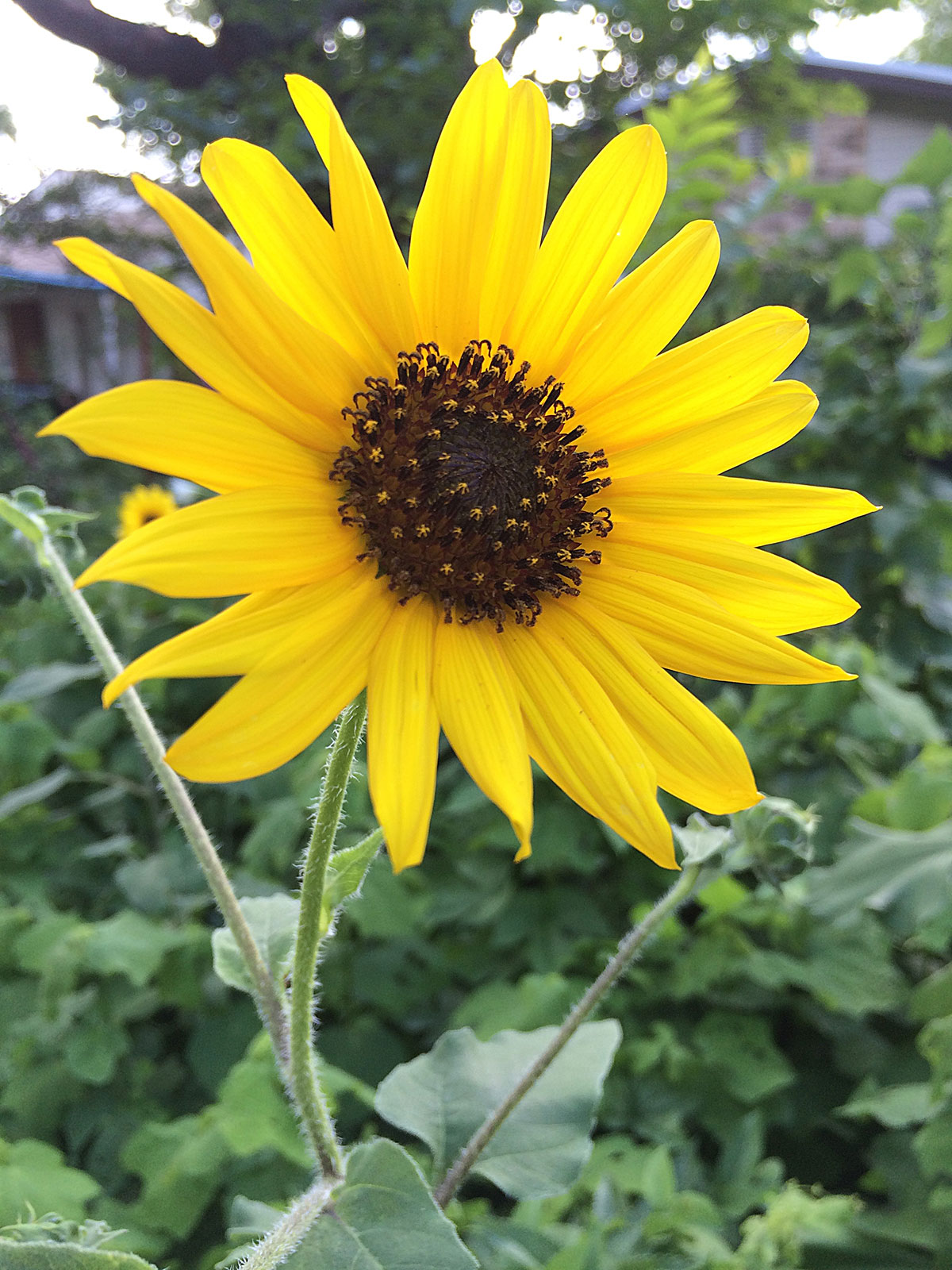
Hmm, for some reason the link I gave you before didn’t work. Try this one instead: https://i.cloudup.com/b1bVg9-ik8.jpg
Don’t worry about the screenshot for now. Let’s just see if you can upload an image to your media library and add it to a post.
-
Hi again,
Same results as before! I always resize my photos and I did this with yours too. Surely that can’t be a problem. Obviously I can see it in my media library. The link to is set on none.
I saved the blog and it is titled “test blog for photo”. No error windows showing. Nice photo by the way. Nancy -
It worked! :)
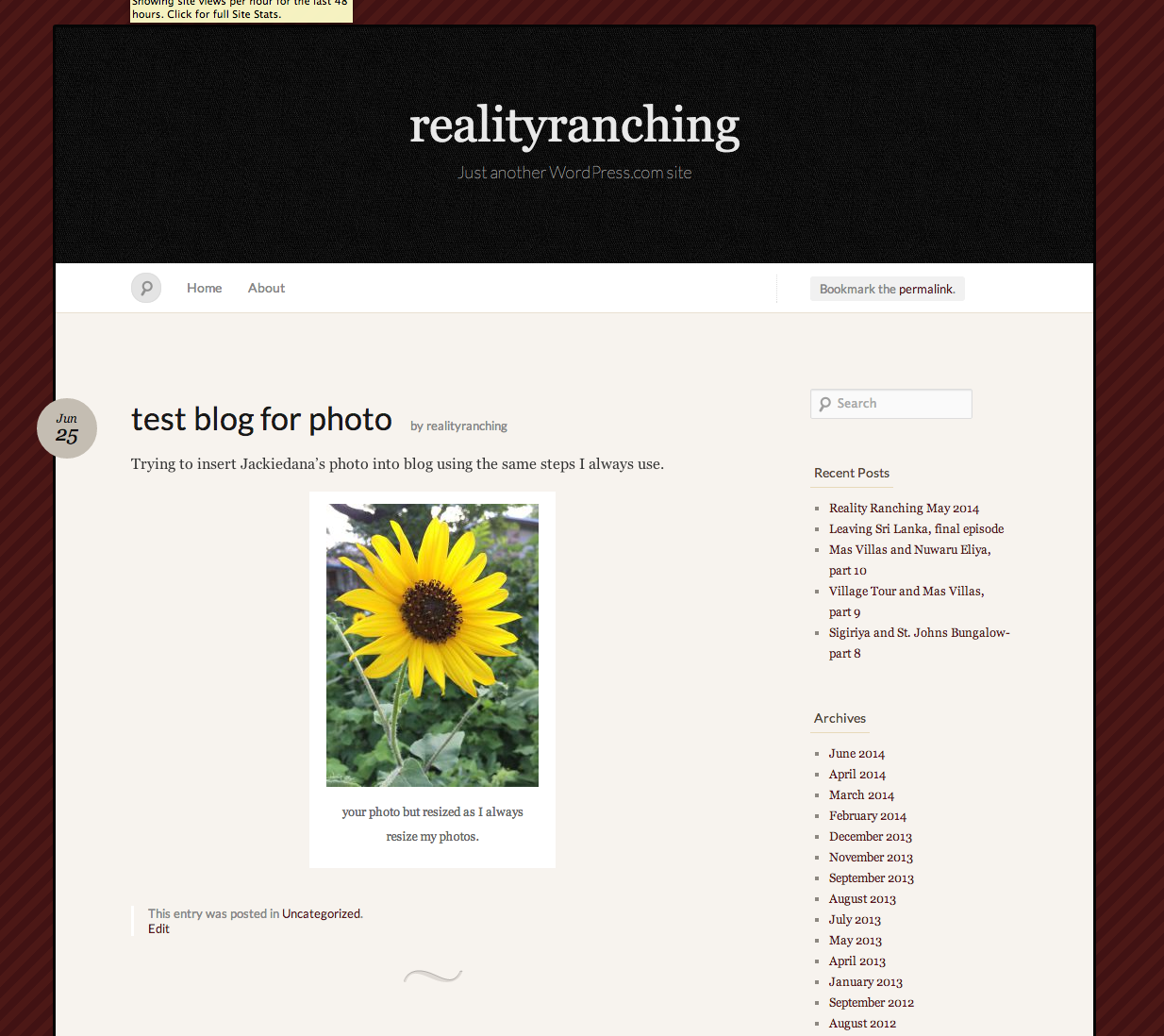
Since the process is now working, my best guess here is that in the past you uploaded images, added them to your post, and then deleted them.
-
Actually it didn’t work for me! The photo uploaded to my media library but didn’t insert into the test blog. I meant that when I tried to insert your photo into the test blog the same broken link showed up. Sorry that I didn’t word my email clearer. Nancy
-
BTW,@jackiedana: i see the “sun flower” in
https://cloudup.com/c_A7TeaWjy5 & https://i.cloudup.com/b1bVg9-ik8.jpg -
@realityranching my most recent post included a screenshot that showed my image appearing properly in your draft post. I wanted to ensure you could actually upload and attach an image to a post and that there was no issue with that process on your end. Because you were able to do this, the process is working for you.
When you preview the post at https://realityranching.wordpress.com/wp-admin/post.php?post=1008&action=edit (click on preview there) are you not seeing something similar to my screenshot at https://i.cloudup.com/BsbscG-RHV.png ?
-
Yes the photo is in the preview blog page! I never looked there because in the draft blog the broken link appeared instead of the photo. The photos have always appeared before in my draft blog.
I checked another blog by inserting a photo and again the broken link appeared in the edited draft but the photo was in the preview page!
Hurray! Don’t know why they aren’t appearing in my draft blog but I will settle for,this. Nancy -
Give things another try, and don’t delete any images from your media library. If you have issues with an image in a post, delete it just from the post itself. And keep me posted.
-
I have already put photos back in 3 blogs and the photos are showing up in the preview page. It makes it a little tough to work when I can’t see the actual photos on my draft page but I can live with that.
Thanks for all your help and patience. Nancy -
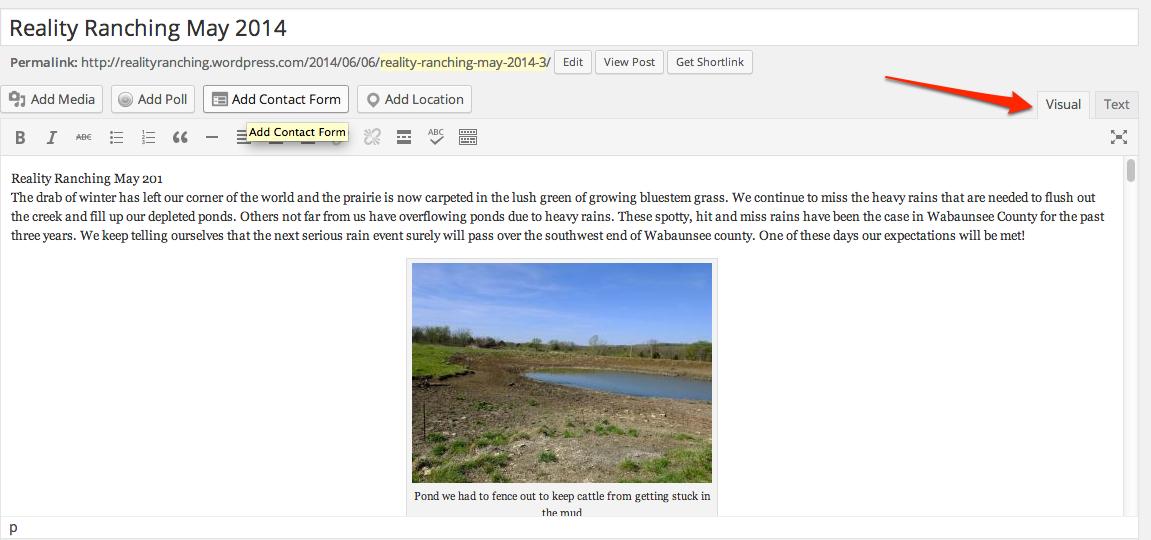
Please make sure you’re using the “Visual” tab, rather than the “Text” tab in the editor, and you should be able to see the photos then.
I’ve taken another screenshot to explain what I mean:
-
Oh for crying out loud! I have no recollection of changing that tab. I must have hit the text button by mistake.
Boy do I feel silly. Thanks so much, Nancy -
Aww, glad I could sort that out for you.
And don’t feel silly… be proud of yourself for learning something new. :)
-
Excellent point. I did learn a lot. I thank you again and I will now stop the forum thread. Nancy
-


- The topic ‘photos won't appear when I hit insert media, just a string of words’ is closed to new replies.
 WordPress.com Forums