

Pinterest Sharing Buttons
-
I would like to try adding Pinterest sharing buttons to my blog, but Pinterest is no longer available to add from the Sharing page. All I can see is ‘E-mail’, ‘Print’, ‘Press This’, ‘Google’, ‘Tumblr’ and ‘Pocket’.
The blog I need help with is: (visible only to logged in users)
-
I find a Pinterest button. Take another look please http://en.support.wordpress.com/sharing/#customize-your-services
-
I have seen that help page already and have followed the instructions. As I said – when I go to my dashboard, to the Sharing page, ony the buttons as listed above are present.
-
Please let us know:
(a) Exactly what kind of device you are using to connect to the internet and to WordPress.com.
(b) Exactly which browser (and version of it) you’re using by checking here if necessary http://www.whatbrowser.org/NOTE:
If you are not using a browser and version of it found here http://browsehappy.com then please upgrade.Make sure that you have both third-party cookies enabled and JavaScript enabled
http://en.support.wordpress.com/third-party-cookies/
http://www.google.com/adsense/support/bin/answer.py?answer=12654 -
I use the most up to date version of Firefox available. Java may well be the problem, if Java is necessary – I have Java disabled. I won’t enable it for Pinterest, so I will just have to do without. Many thanks for your help with this.
-
If you do not enable both third party cookies and JavaScript on your browser then many WordPress.com features will not be available to you.
In this case we aren’t even sure what the issue is. Please answer my other questions.
Please let us know:
(a) Exactly what kind of device you are using to connect to the internet and to WordPress.com.
(b) Exactly which browser (and version of it) you’re using by checking here if necessary http://www.whatbrowser.org/ -
I use a laptop and Firefox, the most up to date version, i.e. 30.0 Cookies are enabled, but never Java.
-
I’ll tag this thread for a Staff follow-up as hopefully they will be able to find out why you cannot see what I can see. I’m also using FF30 on Windows7. Please subscribe to the thread so you are notified when they respond and please be patient while waiting.
-
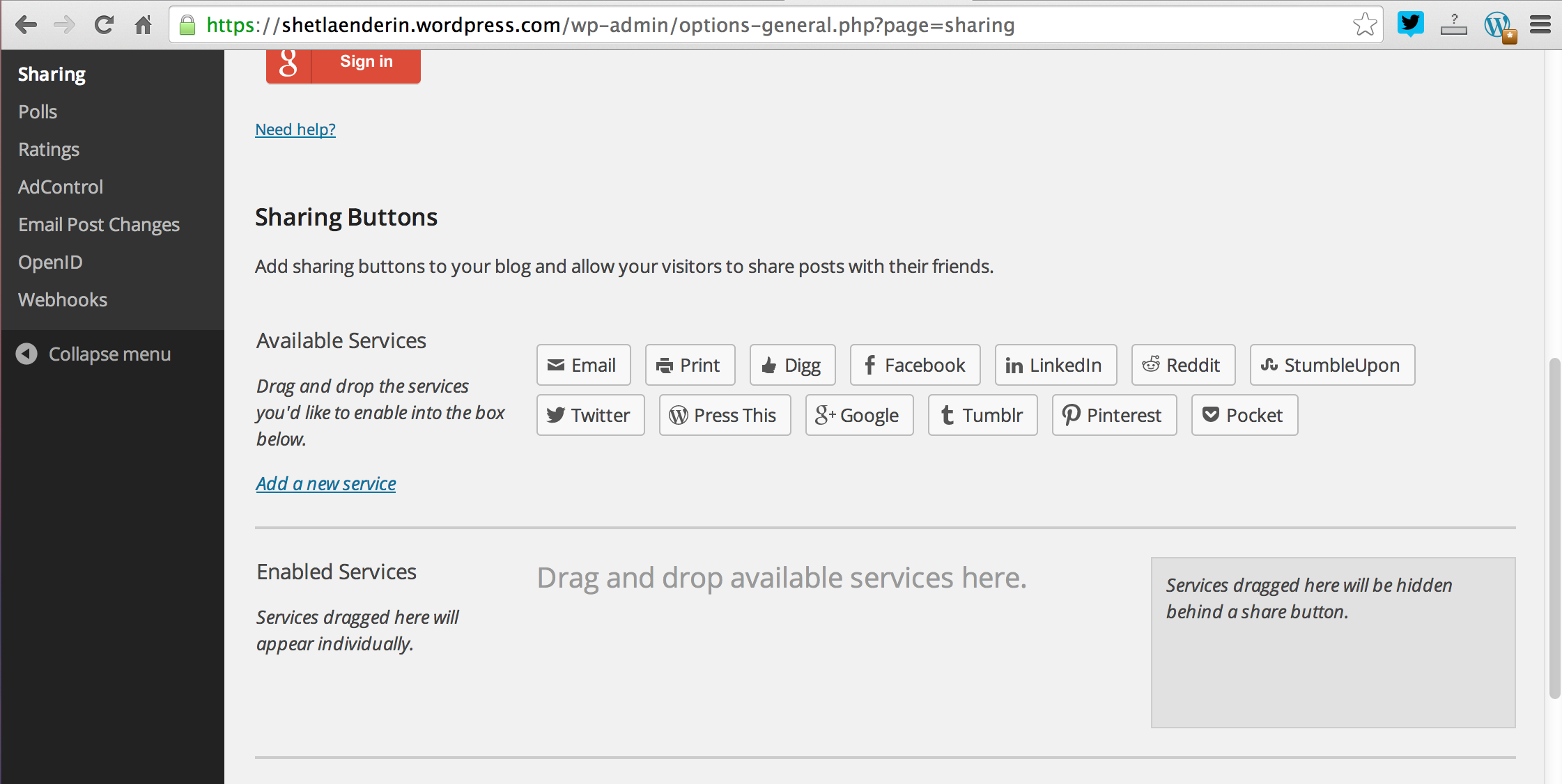
Hey there! I am able to see the Pinterest button among the Sharing Buttons in Settings -> Sharing in your blog’s admin. Please check out the screenshot that I took:
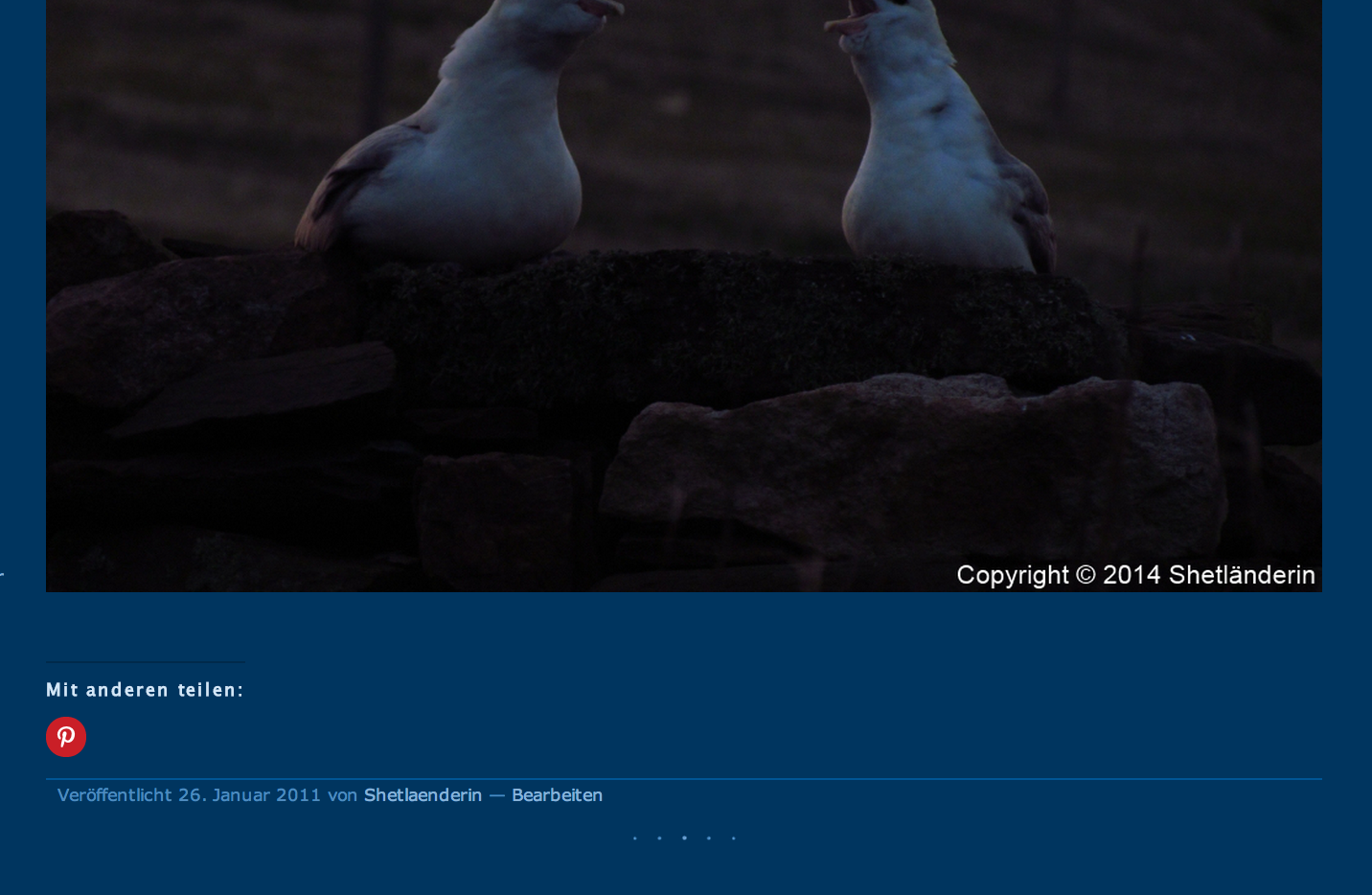
And I was able to get it to appear beneath your post:
Could you please try clearing our browser cache? That might help in getting the missing buttons to show up.
Let me know how it goes. Thanks!
-
This is very strange – I still only see a selection of the sharing buttons. I went to clear my cache, but there was nothing in it – I have the settings fixed to clear it every time I shut down the browser.
-
Hey there!
Can you try logging into your account on a different browser such as Google Chrome and see if the problem persists? You may download it from here:
Thanks!
-
Thanks for your reply! I’ll try to do this at some point on another computer: I am very touchy about what software I download onto my laptop! :o)
-


- The topic ‘Pinterest Sharing Buttons’ is closed to new replies.
 WordPress.com Forums