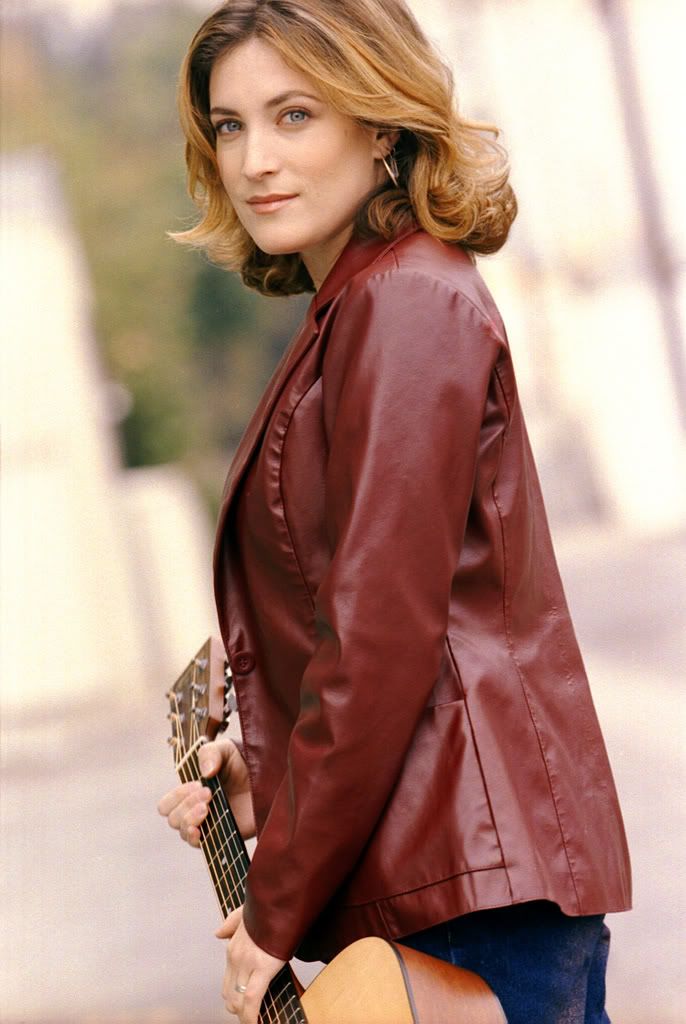
Portrait photos end up in landscape format
-
Hi
I’m a newbie to blogging. Somehow whenever I try to upload photos take in portrait format, they always turn up in landscape form ie. lopsided photos. How do I fix this?
Thanks
-
-
First: You need to change the link on your username. There is no “www” in your URL.
All of the photos are showing up in proper alignment as far as I can see. That is to say: they’re not 90 degrees off from the right alignment and some are taller than they are wide. Without pixel measurements, I can’t tell if that’s correct or not. This one, for instance:
http://i149.photobucket.com/albums/s45/samshaber/Sam.jpgIs taller than it is wide.
-
I’ve started blogging two months ago at blogger, but just moved to wordpress because readers were having difficulty commenting. I’m trying to upload pics but have the same problem of some pic being lopsided. I haven’t published the pics yet because I want to resolve the issue first..
kmsl.wordpress.com


- The topic ‘Portrait photos end up in landscape format’ is closed to new replies.
 WordPress.com Forums