

Position of video and images
-
Hello,
My personal pages is ready! But the only problem that I have, is the position of the information. I want the information and images at the center but is impossible.
You can view: http://www.juliagaredo.comhelp me please!!
The blog I need help with is: (visible only to logged in users)
-
Hi there,
To change this, visit My Site > Customize > Theme Options. Then change the Page Layout to One Column and click the blue Save button at the top.
Let me know if this doesn’t change the area on your site that you need help with.
-
-
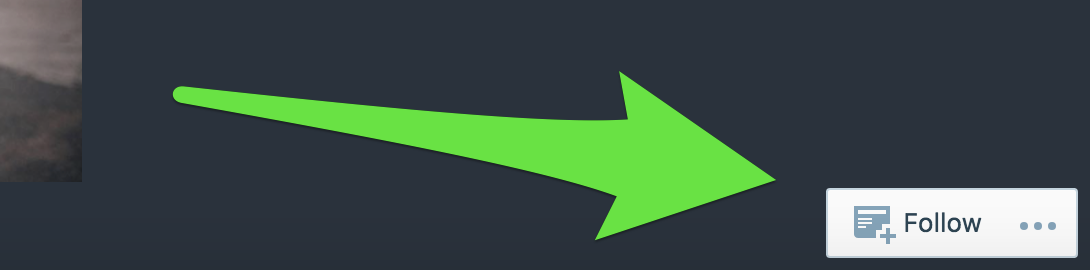
And one last question, how can I delete the eyelash that says follow, at the bottom right of white color.
-
-
Hi Julia if you don’t mind me asking which basic theme did you use? Your website looks exactly like the sort of thing I am trying to setup!
-
@adinteriorsolutions: The theme is Twenty Seventeen:
-
-
@juliagaredo: Hiding this requires Custom CSS which becomes available when upgrading the site to WordPress.com Business or Premium.
That said, we don’t recommend hiding it, as it is useful to your site visitors. If you decide to upgrade and you’d like to hide the button, you can use this CSS code in the My Site > Customize > CSS area:
#actionbar {
display: none;
}
If you have questions about a different topic, just open a new thread, and we’ll be able to assist you there.



- The topic ‘Position of video and images’ is closed to new replies.
 WordPress.com Forums