

Posting Images
-
I am not able to post pictures to my blog. I’ve tried using 3 different browsers on 3 different computers and it just will not work. It either gets hung up at 100% and never posts, or it doesn’t even start to upload. I’ve used Firefox, Chrome and IE (although I know you don’t support it, I thought I’d give it a try) on a Windows 7 64 bit OS and Windows 8.1.
The blog I need help with is: (visible only to logged in users)
-
Thanks for your browser details. See here please:
https://en.forums.wordpress.com/topic/downloading-images-3?replies=5#post-1885310I’ll also tag this thread for a Staff follow-up. Please subscribe to the thread so you are notified when they respond and please be patient while waiting.
-
Hi there!
Can you tell me exactly where you’re trying to upload your images? Is it through the Media Library? Or straight into a post?
We have had some reports of errors when people are using the Drag and Drop upload feature. In some cases, the file was actually uploaded, but still returned an error. Can you check your Media Library to see if the image ended up there?
-
-
Great! Just so I can do some testing and we can hopefully get this fixed, when you say “instead of insert photo” do you mean dragging and dropping like this:
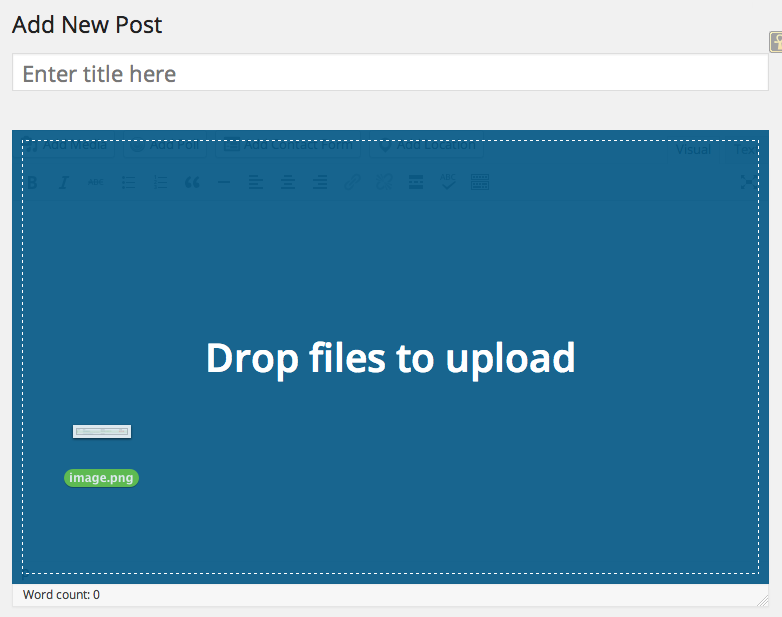
Or do you mean from the WordPress.com homepage here:
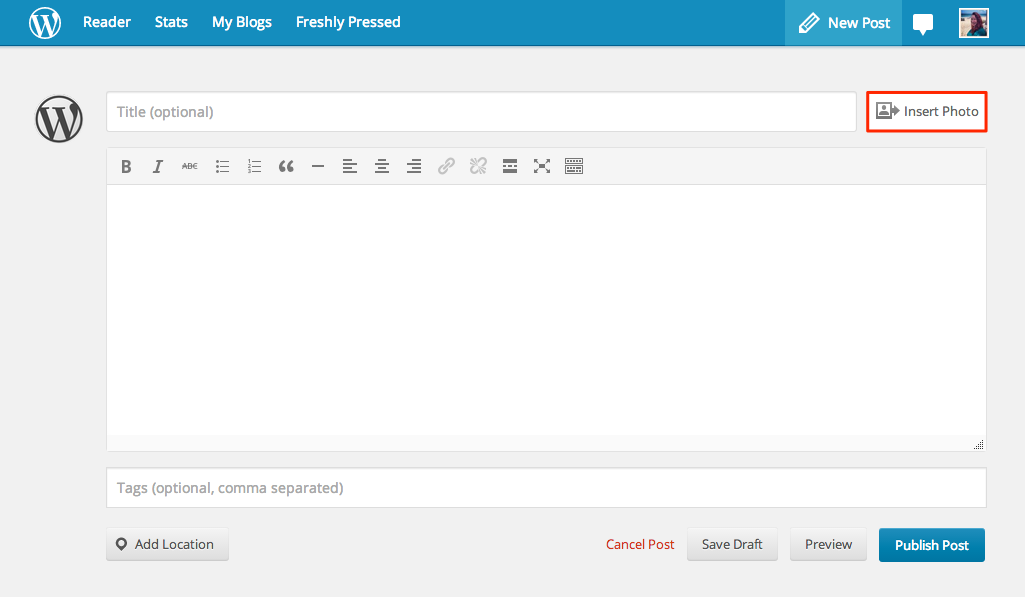
Let me know if you have any other issues uploading images!


- The topic ‘Posting Images’ is closed to new replies.
 WordPress.com Forums