

Problem with the attachments.
-
The last 2 days, im’ going at the multimedia collection (at dashboard) and I can’ t access the non-attached images for edit them.
I’m choosing them, but nothing happens. Only shows the whole collection of my pictures.
I hope for your help.
The blog I need help with is: (visible only to logged in users)
-
Hi there,
Have you tried going into your Media > Library page and hovering over the image? The Edit button should appear and you should be able to edit them.
When you open that up you should see an “Edit Image” button right underneath just like in that Twitter image you have uploaded:
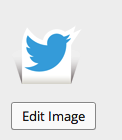
Once you click that you can edit the image as seen here:
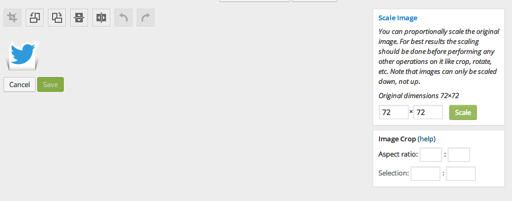
If you want to change the scale of the image, click Scale Image.
Feel free to reach out if you have any questions!
-
Hello and thanks for the response.
I have a different kind of problem with the media library.
I cannot access seperately from the dashboard the non-attached media.
At the media library there are three categories of media: “All”, “Images”, “Non Attached”.
Αny category I choose is the same with the others and I can’t see the “non-attached” seperately for add them at posts.Sorry if my english confuse you.
-
HI there,
You can attach them to posts when you are in the ALL section as seen here:
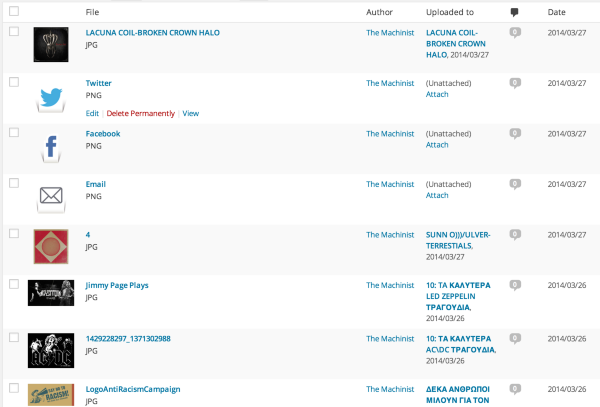
There is a link under every unattached image to Attach.
Let me know if that’s not what you are talking about!


- The topic ‘Problem with the attachments.’ is closed to new replies.
 WordPress.com Forums