

Problems with the Twitter Timeline Widget
-
Hi
I removed the old Twitter feed yesterday and set up the new Twitter Timeline Widget. Following the support notes, I copied the ID number from my Twitter widget creator (as per the support instructions) and saved the settings.However after 24 hours I’m still not getting any Twitter feed. I’ve double checked the ID and the twitter feed is working elsewhere.
the problem is in my blog: caravanchronicles.com
Thanks
S
The blog I need help with is: (visible only to logged in users)
-
-
Thanks for that galois
I’m running a Mac and looking at my blog in Safari, Firefox and Chrome all I see is the text “My Tweets” underlined like a hyperlink.
It must be something at my end… not a clue what though!
-
See here: Browser Issues
And make sure you have updated browsers:
http://browsehappy.com/If the problem persists, try another computer or from another location.
-
Thanks again galois
All my browsers are up-to-date and I cleared out the cache for all of them yesterday after I did the move over tot he new widget.
Next step is to fire up the macbook
-
-
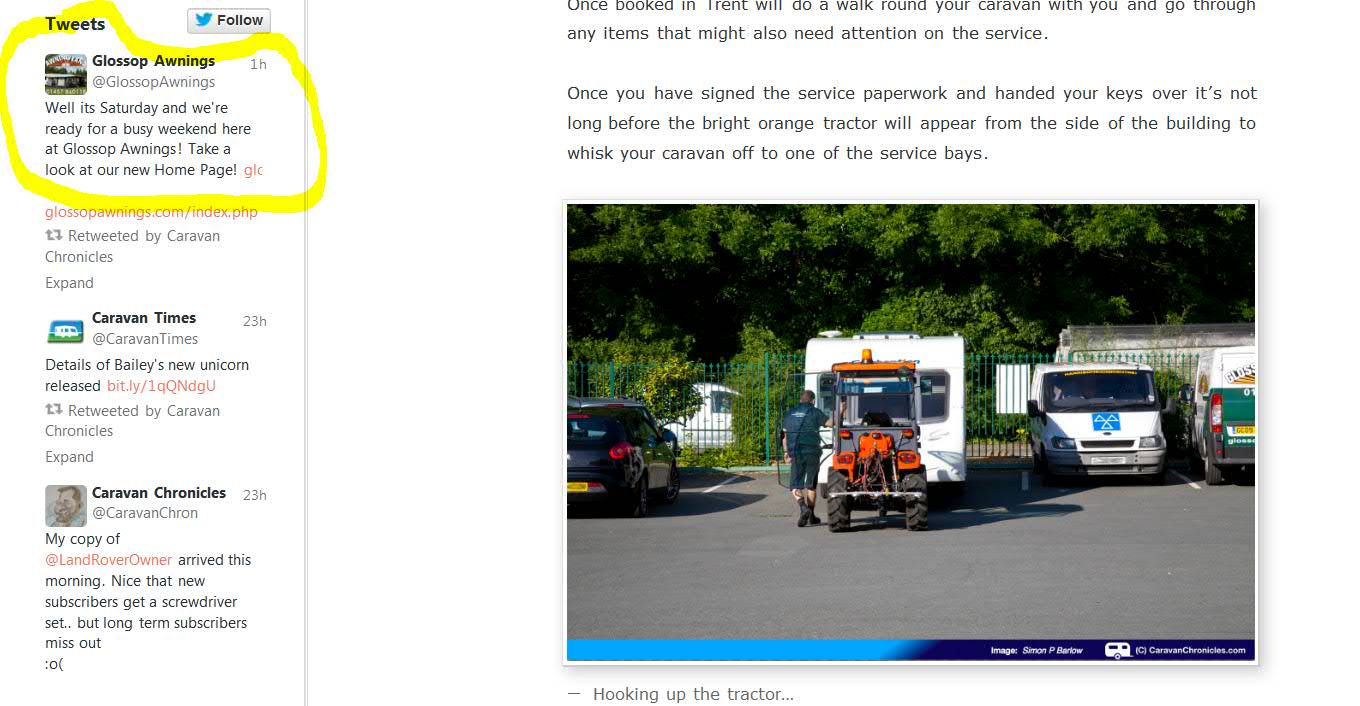
Well fired up the old macbook and Woo Hoo a twitter feed!
The only thing different on my Mac Pro is I have AdBlock running on all three browsers I wonder if that causes a problem?
-
-
I have AdBlock running on all three browsers I wonder if that causes a problem?
Yes, probably. And if you have other plugins in the browser, disable them.
-
Disabled AdBlock on Chrome and FIrefox, refreshed and cleared cache, not made any difference.
Ran AdBlock on my Macbook in Safari and Chrome and the widget worked OK I could see the tweets.
So I’m going to rule out AdBlock as the problem for the moment.
Set Safari on my Mac Pro exactly as it is on the Macbook… still can’t see the tweets. So it’s definitly an issue with something on my Mac Pro.
Thanks for taking the time galois, really appreciated.
-



- The topic ‘Problems with the Twitter Timeline Widget’ is closed to new replies.
 WordPress.com Forums