

Remove black bar from top of blog
-
How do you use CSS to remove the black bar that appears above the header image?
The blog I need help with is: (visible only to logged in users)
-
If you have the ability to alter your CSS with Custom Design, you should be able to comment out border-top.
#branding img { /* border-top: 4px solid #000; */ border-bottom: 1px solid #000; display: block; float: left; } -
If you are asking about the top black / gray Nav. Bar that says “My Sites” etc.
You can’t remove that – that is a violation of the terms of service – that is MY Nav bar – the bar must remain
-
If you are asking about the top black / gray Nav. Bar that says “My Sites” etc.
You can’t remove that – that is a violation of the terms of service – that is MY Nav bar – the bar must remain
I thought the same, Mike.
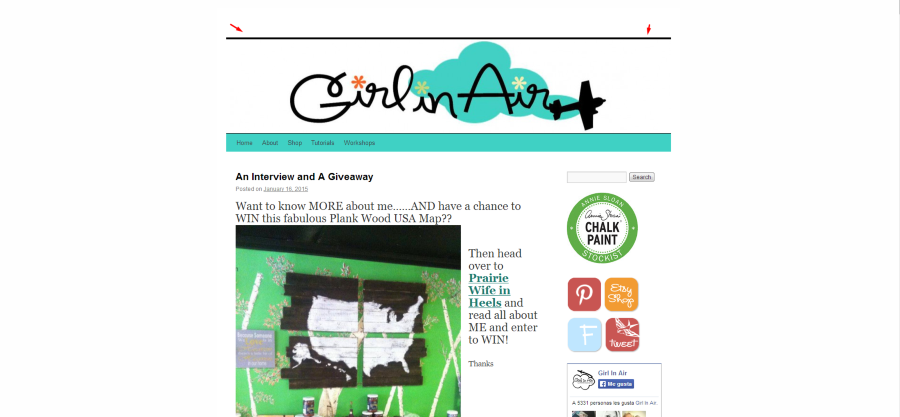
@girlinair15: Is this the black bar you mentioned?
-
-
Yes that is the black bar I mentioned. Is it not possible to remove it?
Yep, see the daschultemn’s response:
https://en.forums.wordpress.com/topic/remove-black-bar-from-top-of-blog?replies=5#post-2387999


- The topic ‘Remove black bar from top of blog’ is closed to new replies.


 WordPress.com Forums