

removing the carousel so pictures can be enlarged when clicked on
-
How do I remove the carousel, so that my thumbnails when clicked display a large photo? The way it is now is that when a thumbnail is clicked it goes to a carousel or slideshow and the picture can’t be enlarged to view the detail. I have tried many configurations in the gallery to no avail. I am stumped.
The blog I need help with is: (visible only to logged in users)
-
Hi Sherpa,
Are you talking about? :
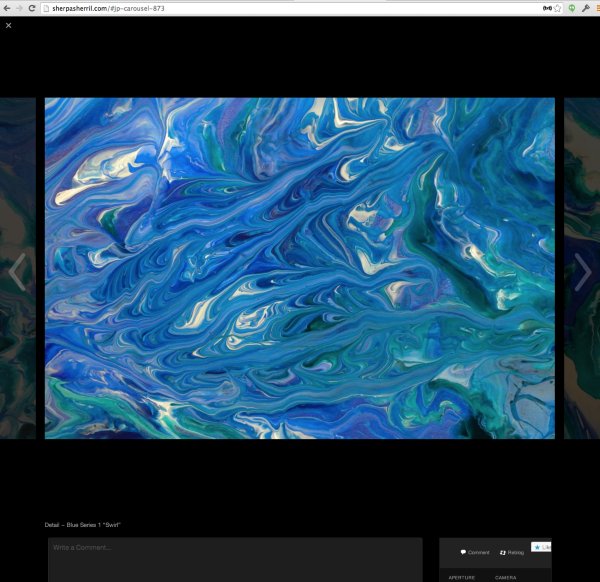
I’m sorry but that cannot be changed. However, what you can do is remove the gallery and insert the images separately through a table in the Text Editor:
<table align="center"><tr><td>
IMAGE URL 1
</td><td>
IMAGE URL 2
</td><td>
IMAGE URL 3
</td></tr></table>
Where it states IMAGE URL (1,2,3) please paste in the url of your image. Make sure the URL ends with an extension specific to an image file (such as .jpg, .gif, .png, etc.)
That will put three images in a row. Continue that until all the images are uploaded.
Cheers!


- The topic ‘removing the carousel so pictures can be enlarged when clicked on’ is closed to new replies.
 WordPress.com Forums