

sela theme: image for blogroll
-
When I add a link to an external website for my blogroll, there is an option to add an image in the advanced module. I uploaded an image into my media library and entered that URL for the link image. The link works when I click on it, but it displays a “?” beside the link on my website. Here is the URL:
https://hearttotheartlomilomi.files.w/the-organic-hair-shop.png
How do I get the link to display the image?
Thanks,
JoyThe blog I need help with is: (visible only to logged in users)
-
https://hearttotheartlomilomi.files.w/the-organic-hair-shop.png. is an incorrectly formed file URL, and doesn’t link to anything. The part of the URL which goes “hearttotheartlomilomi.files.w” should probably hearttotheartlomilomi.files.wordpress.com,” but there’s more wrong with it than that. For example: Every file URL in the media library must be dated. This one isn’t.
-
You can grab the URL for any image in your media library by copy-pasting the full file path out of the File URL field here:
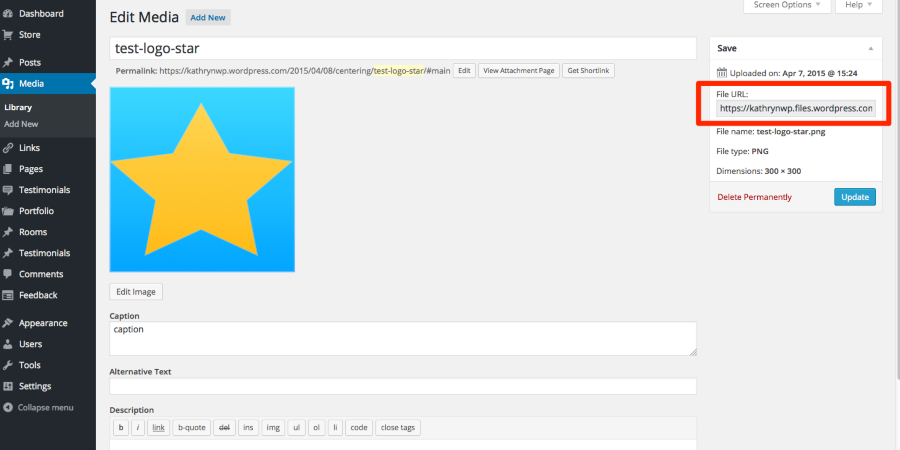
I’m seeing a couple of deleted sites on your account, so if you still need help, please provide a link to the site in question. Thanks!


- The topic ‘sela theme: image for blogroll’ is closed to new replies.
 WordPress.com Forums
