Slideshow not linking to media files
-
Slideshow not linking to media file. On http://hoogefamilyreunion.wordpress.com/ I have a slideshow that is set to link to media file but it isn’tg working properly. Is there something that I need to do to each individual photos in the slideshow? Or is there something else that isn’t working properly.
The blog I need help with is: (visible only to logged in users)
-
-
yes, but for some reason when I have it in gallery mode I can’t click on the images to make them bigger like I can if I choose any of the other options
-
So, while it isn’t as clear as it could be when you set up a gallery, the ability to link to a media file is not available when the gallery is presented as a slideshow.
See step 8 here:
http://en.support.wordpress.com/images/gallery/
Link to: Does not apply to slideshows.
-
Just wanted to pop in an leave a note to say the settings have been cleaned up to try to help make the options around slideshows more clear in gallery settings.
The “Link to” option should not have been showing before because there isn’t support built in to WordPress for “Link To” for galleries or slideshows, so the option was removed and hopefully that will clear up any confusion for others in the future.
Thanks for posing your question here in the forums! It led to an update that helps make the software better. :)
-
Thanks for pointing that out @designsimply.
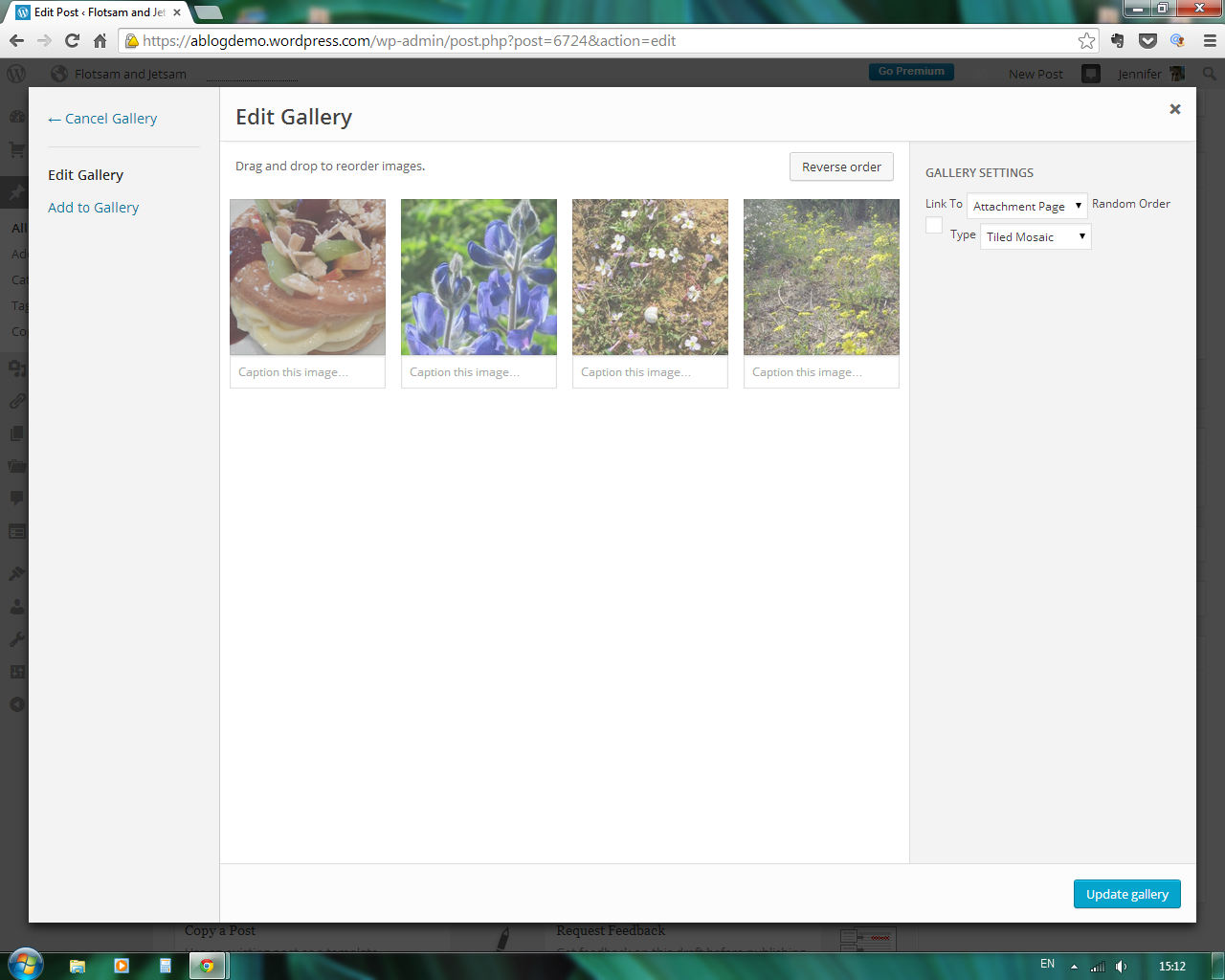
Right now in my Create Gallery screen, there’s a bit of funkiness going on with the placement of the Gallery options (screenshot) Besides the misalignment of the Random Order line, there seems to be some kind of overlay on the images themselves.
Chrome 36 on Win7Pro


- The topic ‘Slideshow not linking to media files’ is closed to new replies.
 WordPress.com Forums