

Social Links Menu not showing up
-
Hi,
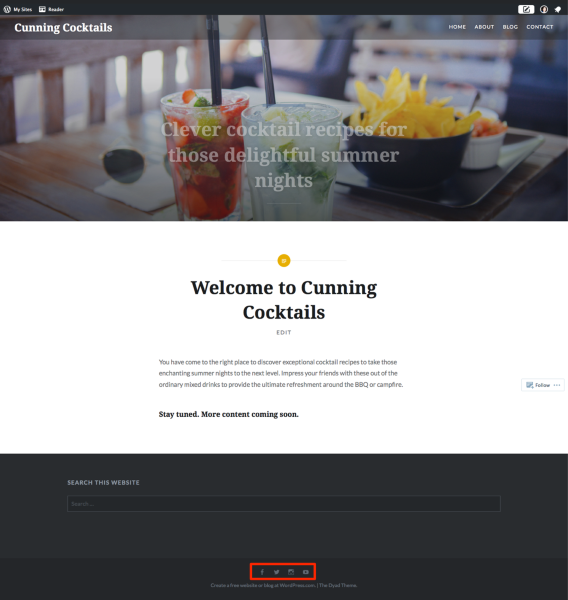
I am using the Dyad theme and after following the steps outlined in the description, I am not able to make the social media icons show up as part of the Social Links Menu. I have no idea why this won’t work. Any help is much appreciated.The blog I need help with is: (visible only to logged in users)
-
If you are not successful when using the instructions provided at https://wordpress.com/themes/dyad/ then you can type modlook into the sidebar tags on this thread for a Staff follow-up. How do I get a Moderator/Staff reply for my question? https://en.support.wordpress.com/getting-help-in-the-forums/#how-do-i-get-a-moderatorstaff-reply-for-my-question Please subscribe to this thread so you are notified when they respond and be patient while waiting. To subscribe look in the sidebar of this thread, find the subscribe to topics link and click it.
-
-
Hi, thanks for checking my issue out. In Google Chrome it shows up indeed, in Safari it doesn’t. So I guess it must be a problem related to my browser.
Best,
-
-
Can you confirm what version of Safari you’re running, and what Mac OS?
You can visit http://supportdetails.com/ if you’re not sure.
-
-
That’s a recent version so let me do some testing and get back to you. Thanks for the report.
-
I’m able to see the icons running the same OS and browser version as you:
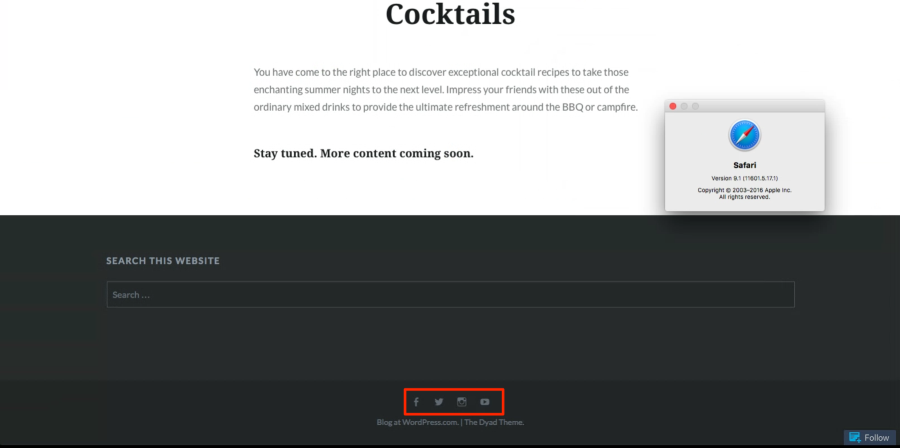
This means that there might be something specific to your setup blocking the menu.
Can you try temporarily turning off any extensions or plugins running on Safari to see if one of them might be the culprit?
https://support.apple.com/en-ca/HT203051
If that brings back the menu, try reactivating them one-by-one until you find the problematic one.
Let me know how it goes.
-
Great suggestion, turned out to be my Adblocker causing the issue.
Thank you very much for your assistance! -


- The topic ‘Social Links Menu not showing up’ is closed to new replies.
 WordPress.com Forums