Some images not displaying (tiled galleries)
-
I understand very little, so please explain everything like I’m 5. :)
Random images are not showing on my posts. I used tiled galleries. For example, on the post New Zealand Days 1-3: Christchurch and Lake Tekapo, the image DFWTXMX thumbnail shows a broken image tile with the alternate text “Tacos and a burrito at TX MX in DFW Airport.” When you click on this, the image appears successfully.
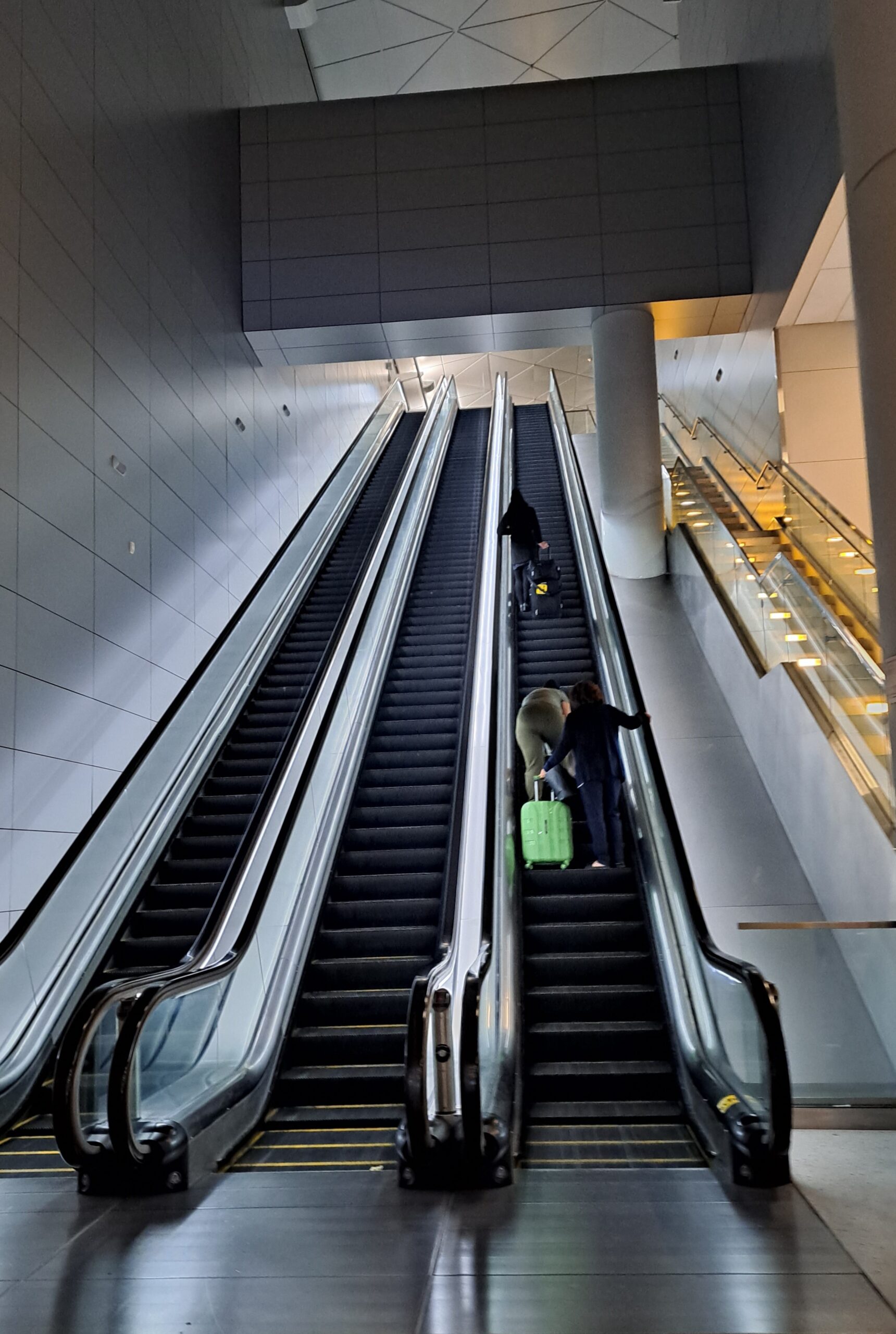
On the same post and gallery, the image DFWEscalators also shows the broken image tile & alt text. However, when you click on this image, the broken file icon still shows. If you click the information button and click View Full Size, you go to an “Oops! That Page Can’t Be Found” page. The url that it takes you to is https://www.ourquarterlifeadventure.com/wp-content/uploads/2023/02/20230218_202646-1-scaled.jpg. The image appears successfully in my media library. The listed permalink is https://www.ourquarterlifeadventure.com/2023/02/21/new-zealand-days-1-2-christchurch-to-lake-tekapo/20230218_202646-1/ but the file url https://www.ourquarterlifeadventure.com/wp-content/uploads/2023/02/20230218_202646-1-scaled.jpg.
To add to the confusion, when I attempt to edit that gallery, DFWTXMX just shows a grey box, while DFWEscalators appears correctly.
Similar issues appear across many other posts and galleries. I’m really at a loss.
I’ve tried updating all of my plug-ins, clearing my cache, disabling Jetpack site accelerator, disconnecting and reconnecting Jetpack, and allowlisting Jetpack IPs on my Wordfence Security plugin. What troubleshooting should I try next?
Thank you!
The blog I need help with is: (visible only to logged in users)


- The topic ‘Some images not displaying (tiled galleries)’ is closed to new replies.
 WordPress.com Forums