Sudden Vigilance Formatting Issue
-
Hey there,
My domain is ctcmr.com and I run it on the Vigilance theme. Just checked the front page of my site and found that, for some reason, the formatting keeps changing up when the page finishes loading. More specifically, the movie posters on my reviews go from being in the top right-hand corner of a post (http://ctcmr.com/2013/06/20/man-of-steel-review/) to being bumped up to the top of the post (http://ctcmr.com/2013/06/18/this-is-the-end-review/). It doesn’t look good, you’ll see what I mean when you visit the site. I don’t know if there was an update to Vigilance today that I didn’t know about it, but if there’s a quick fix to all this, I would very much appreciate it. Thanks and please let me know if there’s anything I can provide from my end.
-
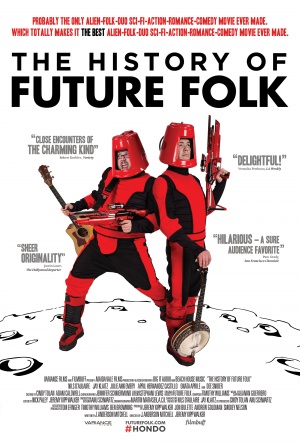
Alrigh, checked the HTML coding on the posters and that seems to be the problem. When they’re formatted correctly, it looks like this:
<img class=”alignright” alt=”” src=”http://3.bp.blogspot.com/-0-oes_qIeIk/UbXFtL0HeCI/AAAAAAAAC1M/FxEmoORBCv0/s320/l_2245195_d0a0d69b.jpg” width=”216″ height=”320″ border=”0″ />
When they’re formatted incorrectly, it looks like this:
For some reason, certain posters are being automatically coded incorrectly and messing up the whole format. Being that I don’t post with HTML and have always let WordPress take care of that for me, I don’t know why this is suddenly an issue. So if there’s some other way to resolve this without me having to go back and fix the HTML on more posters than my brain can handle, that would be awesome. Thanks again and let me know what else I can do to help.
-
-
Hi there, we are following up with your support request here:
https://en.forums.wordpress.com/private-support/did-something-go-haywire-with-vigilance-in-the-last-24-hoursPlease reply to that thread with any further questions or information, and we will continue to work on this issue with you. Thanks!


- The topic ‘Sudden Vigilance Formatting Issue’ is closed to new replies.
 WordPress.com Forums