

text formatting not holding
-
ok, on the “Legacy Award” page, why why why does the hard return before “Nomination” not hold. I have entered it multiple times and more than one and it keeps cropping them out.
I nommed it up so you can find the exact space. :) It disappears in the dashboard window after updating too, never shows up on the page…
Thanks,
TimThe blog I need help with is: (visible only to logged in users)
-
HI!
Do you mind me taking over control of the page? Currently, it looks like you’re editing it. Only one person can edit at a time.
Let me know if it’s okay for me to take over!
-
I took a look, and it appears as though the return is sticking as shown here:
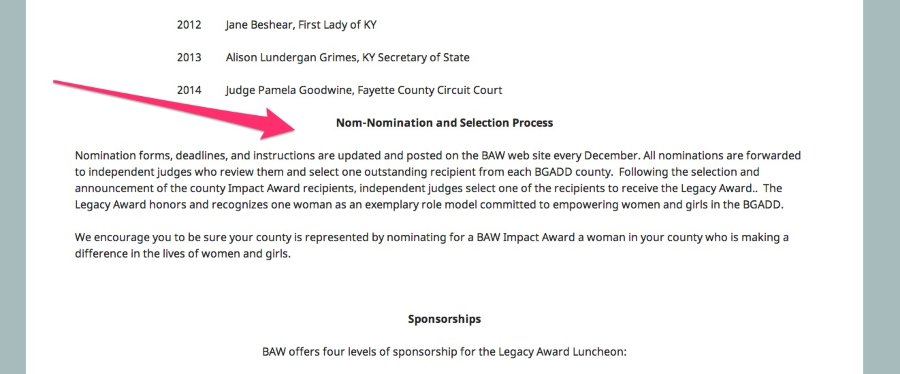
Is that the spot you’re referring to?
-
Yes, that’s the spot. Check it out, I’ve put a 6 or 7 returns in there and it always goes back to one. Maybe something funny with the list before it? Most of the content was pasted from .docx files.
Thanks,
Tim -
Hey Tim,
I checked out the post, and I don’t see anything that would be gobbling up the extra hard returns. Can you try to put some non-breaking spaces between the headline and text instead? That can be achieved by pasting the following code on its own line in the Text Editor:
So, in the Text Editor (not Visual Editor), the text would look like this:
<p style="text-align:center;"><strong>Nom-Nom-Nomination and Selection Process</strong></p> Nomination forms, deadlines,....Give that a try and let me know if that achieves the look you’re going for!


- The topic ‘text formatting not holding’ is closed to new replies.
 WordPress.com Forums