

The header color is not appearing properly.
-
On the edit page, the header appears correctly, but when I visit my site, it’s wrong. I’ve cleared my cache and cookies and it still doesn’t work. Help!
The blog I need help with is: (visible only to logged in users)
-
Hi Madelyn!
Currently, your header is displaying correctly on my side:
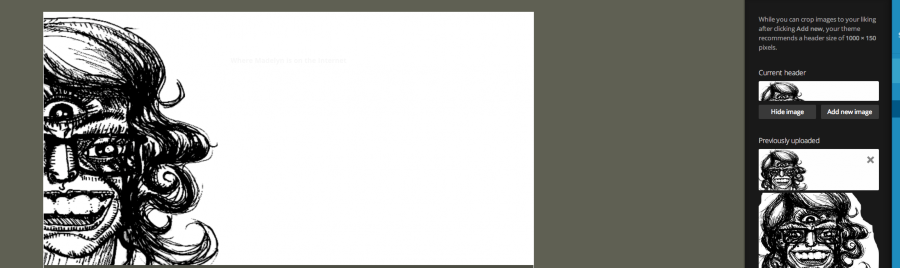
It looks like it matches the header image you have uploaded. Can you let me know if you’re still experiencing trouble on your side?
-
No–it’s the text that’s the problem. Though the dashboard says the header text color is dark grey, it is appearing in your screenshot and on my side as white and light grey.
-
Hi Madelyn,
Now, I understand. I apologize for the oversight. So, it looks like your site title is actually white, and the sub-heading is a light grey as shown here:
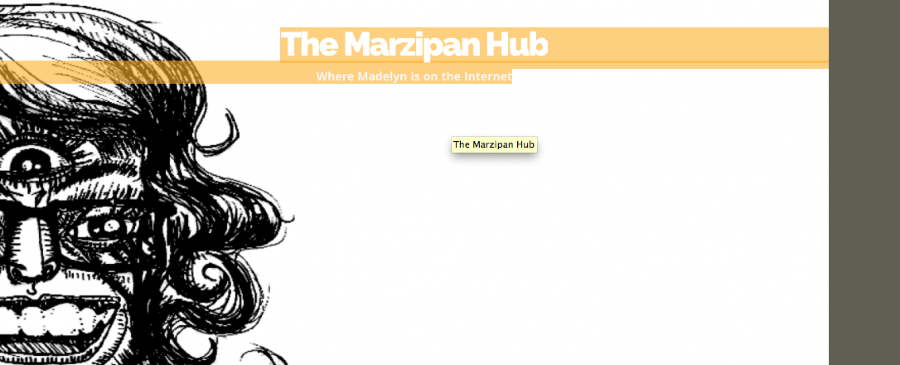
This matches the theme default shown here:

In order to have the title display in a different color, you have two main options:
- Upload a header image with a darker background
- Try out our custom design upgrade that allows you to specify colors as well as change fonts and upload CSS. The upgrade is explained in detail here:
You’re welcome to try the custom design upgrade to see if you like it. Just navigate to Appearance -> Customize -> Custom Design and click the “Try Now” button.
Let me know if you have any additional questions!


- The topic ‘The header color is not appearing properly.’ is closed to new replies.
 WordPress.com Forums