

The site is down
-
The site does not open in the browser for most of my friends and it is pathetically slow.
Can you explain why?
It is affecting our business a great deal.
Please act immediately!!!!The blog I need help with is: (visible only to logged in users)
-
We serve WordPress.com out of multiple data centers in the USA and utilize Content Delivery Networks around the world to make sure static assets (CSS and JavaScript) are delivered as quickly as possible to our users.
It is possible that there is a connection problem or slowdown between your location and one of our facilities. Can you load the following URLs and tell me if any of them are slow?
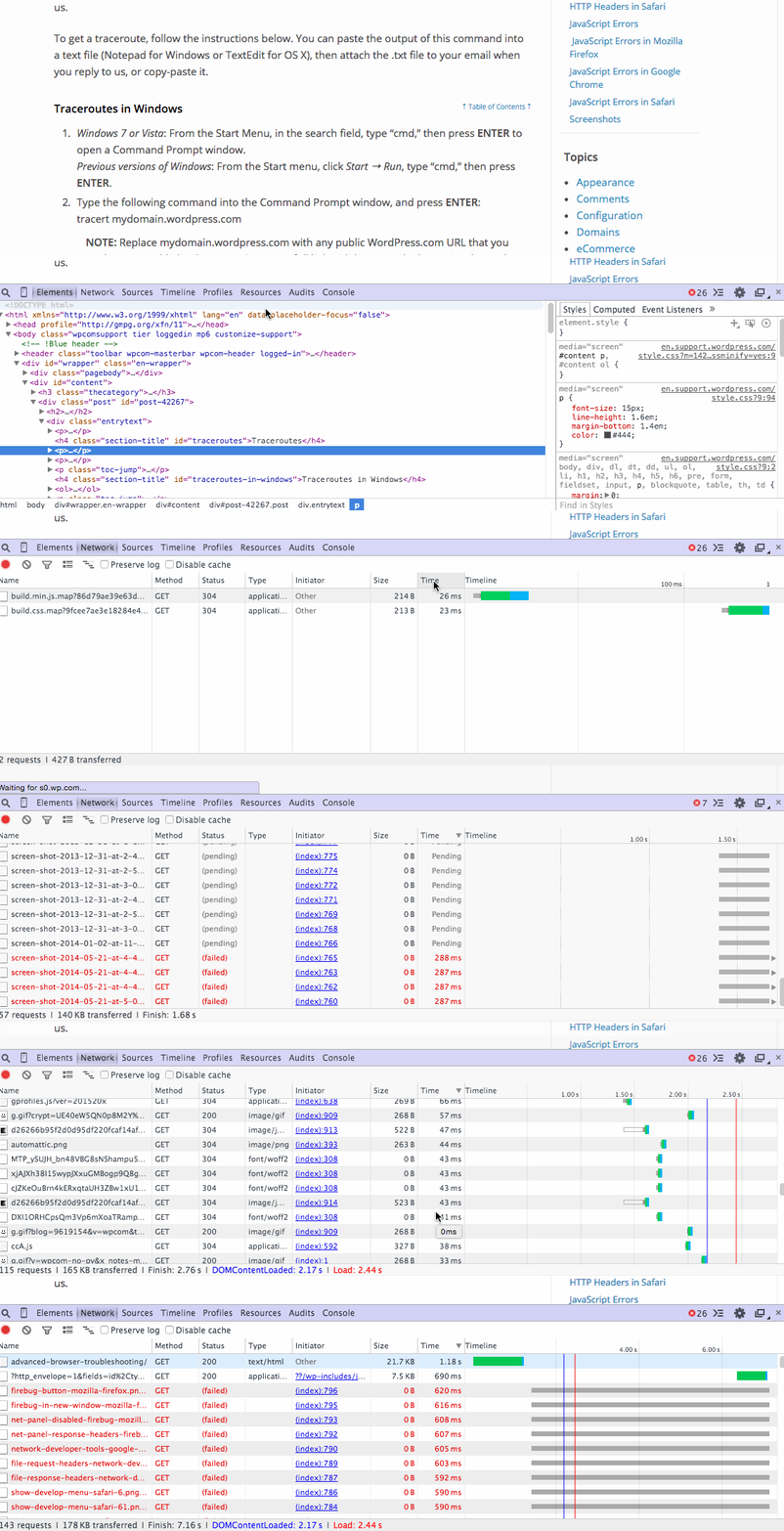
Also, it is possible that there are 1 or 2 things on the page that are slowly loading, thus causing the entire page to appear slow. The Web Inspector in Safari and the Firebug plug-in for Firefox will show you how long each thing takes to load on the page.
Do you mind installing those and telling us what the slowest things are?
Additionally, can you tell me if there are other blogs that are slow for you on WordPress.com?
Once I get some feedback, we can take the next troubleshooting step in resolving your issue.
-
-
You can access Developer Tools in Chrome by right-clicking on the page and selecting Inspect Element:
Are any other WordPress.com sites loading slowly for you?
Can you please try clearing out your browser’s cache and cookies?
Are you and your friends using the same network when you experience this issue? If so, can you please try accessing the site from a different network and report your findings?
Thank you for your patience.
-
Hello –
Yes. I have asked many of my friends across cities and countries to check the site. The site loads very slowly and this is how the site looks once it is loaded..Sometimes it even times out.
I can clear our the cache and cookies on my browser but how does it help my customers to view the website???? I want the website for my customers not for me..
How can I upload screenshots to show that the site does not load completely..
Customers dont have patience to deal with such websites. So please resolve this asap.
-
You can simply upload your screenshots to your Media Library, like any other image, and I’ll be able to access them from there.
The page at the following link has some helpful tips for taking screenshots:
Clearing the cache and cookies is a good, first step when troubleshooting an issue. Now that you’ve defined the scope of the problem, we can move on to other steps to identify where the issue might lie.
When replying, please make sure to answer all of my questions, as it will help resolve your issue.
Are any other WordPress.com sites loading slowly for you and your friends, or is it just your site?
Were you able to access Chrome’s Developer Tools? Were you able to identify which items on the page were loading the slowest? Can you provide screenshots of the results?
Can you please provide a traceroute for both your site, theorientaldialogue.com, and iad.wordpress.com? You can find instructions for doing this here:
To clarify, I am not having any issues loading your site. So, as far as I can tell, this might be a regional issue:

We just need to figure out where exactly the problem lies.
Thank you for your continuing patience.


- The topic ‘The site is down’ is closed to new replies.
 WordPress.com Forums