

transfer website ownership
-
transfer website ownership not working
WP.com: Yes
Jetpack: Yes
Correct account: YesThe blog I need help with is: (visible only to logged in users)
-
We can’t help as that site isn’t running on the wordpress.com platform but is registered by Godaddy and hosted by Cloudflare – https://whois.domaintools.com/katemorgandesigns.com
You must contact Godaddy support to solve this problem yourself.
-
-
Why is this site showing up on my WP account as my primary website?
Your primary site is the website that appears first when you access your WordPress.com account. From the dropdown option, you can choose which site you want to be the primary site in your account:
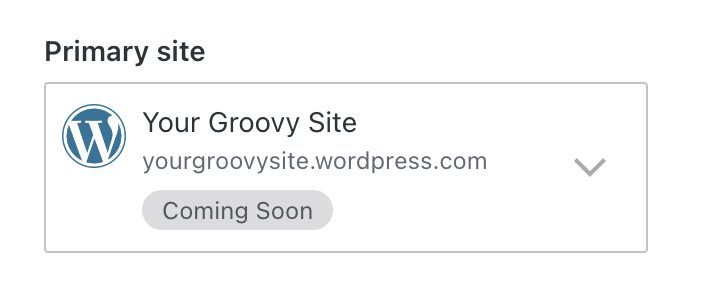
If you only have one site, there will be no dropdown. Your website will be set as primary automatically.
Only WordPress.com sites on which your account is a user, or self-hosted WordPress sites connected to your account via Jetpack can be set as the primary site.
Given that you’ve installed the Jetpack plugin on your GoDaddy-hosted site, the setup process entails having a WordPress.com account to unlock all of Jetpack’s features. Your site is designated as the Primary Site in your WordPress.com account because it’s the only one associated with your account.
I hope this explanation provides clarity!


- The topic ‘transfer website ownership’ is closed to new replies.


 WordPress.com Forums