Twitter Widget
-
Hi my Twitter widget doesn’t appear to be working. It will “highlight” when I scroll the curser over the “Follow Me” but when clicked it doesn’t go anywhere. Any advice would be appreciated
The blog I need help with is: (visible only to logged in users)
-
Mine isn’t working, either, neither is my Facebook widget. Someone else flagged this up yesterday. Is WP doing anything about it?
traceymorait.co.uk
-
@brynnew88 – Are you using the newer “Twitter Timeline Widget“? The old Twitter widget has been retired.
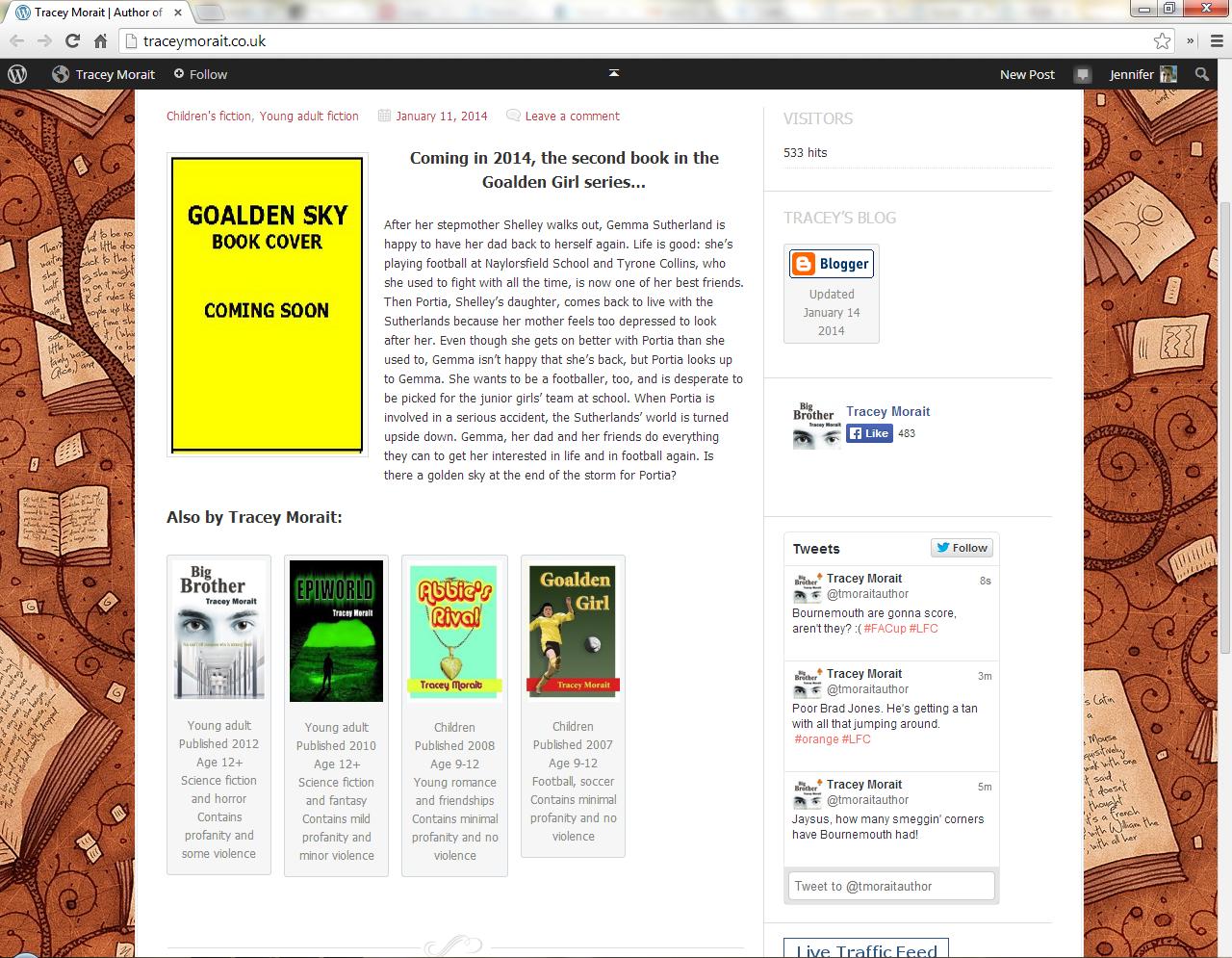
@traceymorait – I see both your Twitter Timeline widget and your FB widget in all their glorious details. (screenshot) I’m viewing your site with Chrome32.
-
Ah, Jennifer, you’re right. I can see them both in IE. It must be a problem with Firefox which is what I use.
I’ll see what I can do to sort it.
Many thanks.
-
Tracey – I just looked in Firefox 26 (latest version) and everything looks just like it does in Chrome32.
Make sure you are using an updated browser.
-
-
Then it sounds like a caching problem to me. If you are still seeing this problem, I suggest logging out of WordPress.com, clearing your browser’s cache and cookies, closing your browser and opening it again.
Do note that clearing your browser’s cache and cookies will sign you out of all sites you may be logged in to.
-
@justjennifer yes, as far as I’m aware I’m using the most up to date version. I go to twitter, create the widget, past the relevant code into the widet and click save. When I go to my blog and click follow me on twitter, nothing happens. I was expecting that anyone clicking this would be take to my twitter profile in order to follow me. Am I correct in this?
-
@brynnew88-looking at the underlying source code again on your timeline widget in your sidebar, I don’t see the numeric code that twitter gives you. “Follow Me” is only the widget title.
Just to make extra sure, did you follow these instructions to add the timeline widget here on WordPress.com:
Step 1: First create your timeline widget on twitter under Settings>Widgets. Make sure to save it.
Step 2: After creating the widget on twitter, copy the long string of numbers from your browser’s address bar. That’s your widget ID.
Step 3: In your WordPress.com widget dashboard, drag and drop the Twitter Timeline Widget to the sidebar where you want it to appear. Open the widget.
Step 4: On the Widget ID line, paste the long string of numbers you copied. All the other settings are frosting. Save your widget.
Step 5: Wait for twitter to catch up. It’s not instantaneous the first time.
If you only want a “Follow Me” button and no timeline, use these instructions http://en.support.wordpress.com/twitter/twitter-follow-button/
-
@justjennifer Thanks I think I was posting the whole of the widget ID not just the number. There seems to be something working on the blog now. It’s not quite what I wanted, I just wanted a follow button rather than my twitter “time line” but what is there is better than nothing. So I’ll leave well alone for now! Thanks again for the help.


- The topic ‘Twitter Widget’ is closed to new replies.
 WordPress.com Forums