Unfollowing a site
-
I asked a question a few days ago, regarding how to unfollow a site. I was given the answer to manage my subscriptions here: https://wordpress.com/following/manage
However when I go to that link, all of the sites I follow are listed, but I do not see a unfollow button anywhere on the page. How do I actually click unfollow?
The blog I need help with is: (visible only to logged in users)
-
Hi there,
You can unsubscribe from any site you followed here https://wordpress.com/following/manage by locating the URL there and clicking the following link so it changes to following.
All support docs are at https://en.support.wordpress.com/
I searched for following https://en.support.wordpress.com/?s=following
Results Following Blogs https://en.support.wordpress.com/following/That is where I located:
How to Unfollow a blog if you’re a WordPress.com user
https://en.support.wordpress.com/following/#how-to-unfollow-a-blog-if-youre-a-wordpress-com-user -
When I click on the site I want to unfollow, there is no button in the right hand corner that says following. Therefore I am unable to unfollow the site. I have tried this with several sites and none of them have the following button.
-
You can unsubscribe from any site you followed here https://wordpress.com/following/manage by locating the URL there and clicking the following link so it changes to unfollowing.
-
Hi @fstopmama,
The instructions that @timethief suggested should work to unfollow, but it is possible that there is an issue with your browser or a problem within the back end of your account.
Can you provide a screenshot of what you see when you go to https://wordpress.com/following/manage?
You can use https://snag.gy/ to create a link for your screenshot image and post that link here for us to review.
-
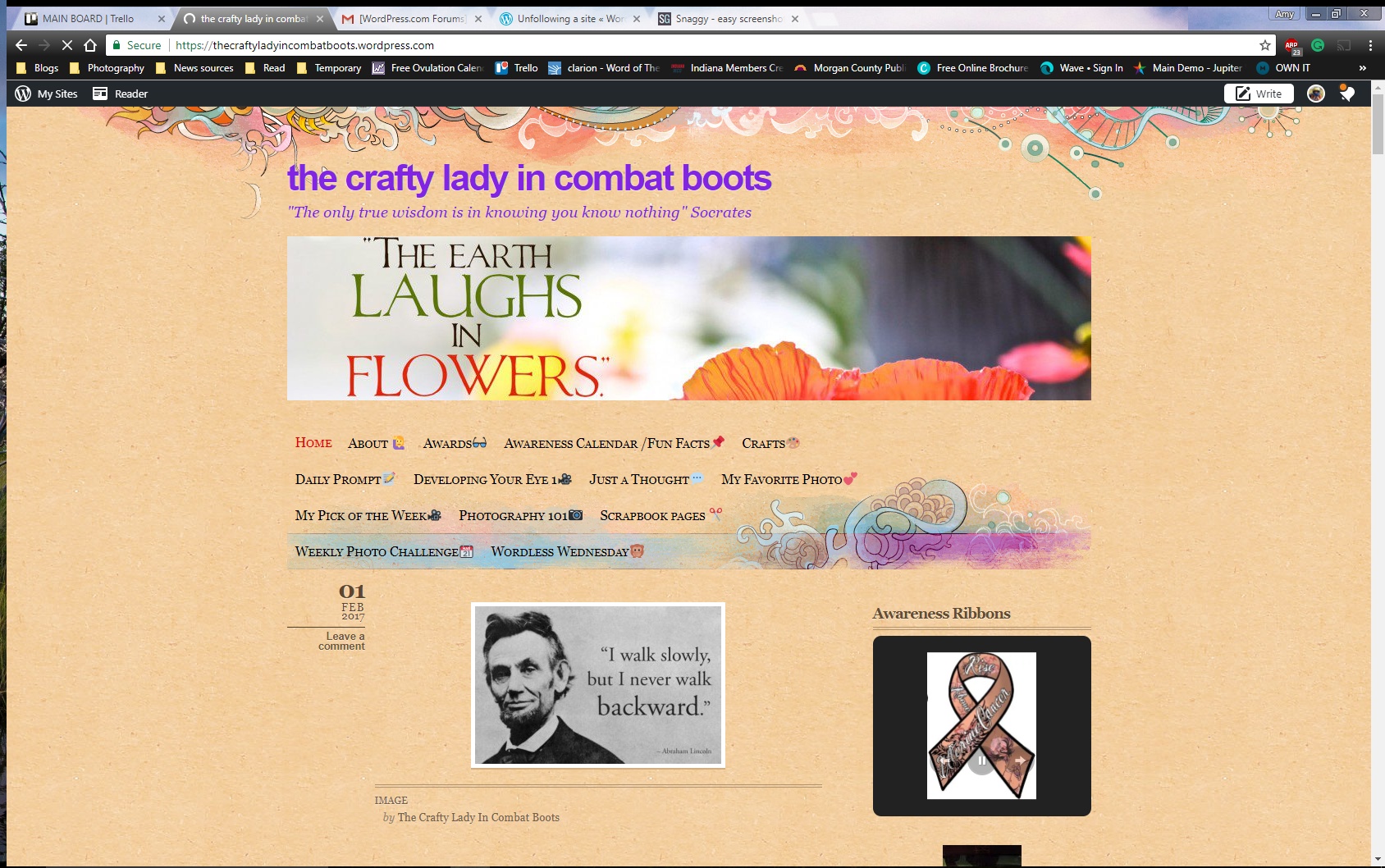
Here is a screen shot of my manage page:

Here is another when I click on a site:
https://snag.gy/ra6Hgp.jpg
https://snag.gy/b9oIdu.jpgThank you for the help on sharing a screen shot here.
-
Make sure you are running an up to date browser version found at http://browsehappy.com and make sure you have third party cookies enabled. https://en.support.wordpress.com/third-party-cookies/#how-do-i-enable-third-party-cookies
Read all the tips here https://en.support.wordpress.com/browser-issues/ Try clearing your browser cache https://en.support.wordpress.com/browser-issues/#clearing-your-browser-cache
Disable any adblocker browser add-ons. Disable all browser add-ons and extensions.
Try using another browser.If you are not successful please post this specific info here:
(a) Exactly what kind of device you are using to connect to the internet and to WordPress.com.
(b) Exactly which browser (and version of it) you’re using by checking here if necessary http://supportdetails.com/Then type modlook into the sidebar tags on this thread for a Staff follow-up. How do I get a Moderator/Staff reply for my question? https://en.support.wordpress.com/getting-help-in-the-forums/#how-do-i-get-a-moderatorstaff-reply-for-my-question Also subscribe to this thread so you are notified when they respond and be patient while waiting. To subscribe look in the sidebar of this thread, find the subscribe to topics link and click it.


- The topic ‘Unfollowing a site’ is closed to new replies.
 WordPress.com Forums