Why are all my images displaying as tiny 80-pixel-wide thumbnails?
-
Everything was fine with my WordPress blog last month, but today I found that in all my posts (including those from last year), all my images display only as tiny thumbnails. They also don’t expand to their original size when clicked, like they used to. This destroys the whole reason for blogging.
The blog I need help with is: (visible only to logged in users)
-
Hi there,
I found that in all my posts (including those from last year), all my images display only as tiny thumbnails. They also don’t expand to their original size when clicked, like they used to.
I visited your site and for the posts I could see, images were being displayed at full width, and were linking to the full size image as they should.
Can you send me a link to one of the affected posts? I’ll be happy to take a closer look.
-
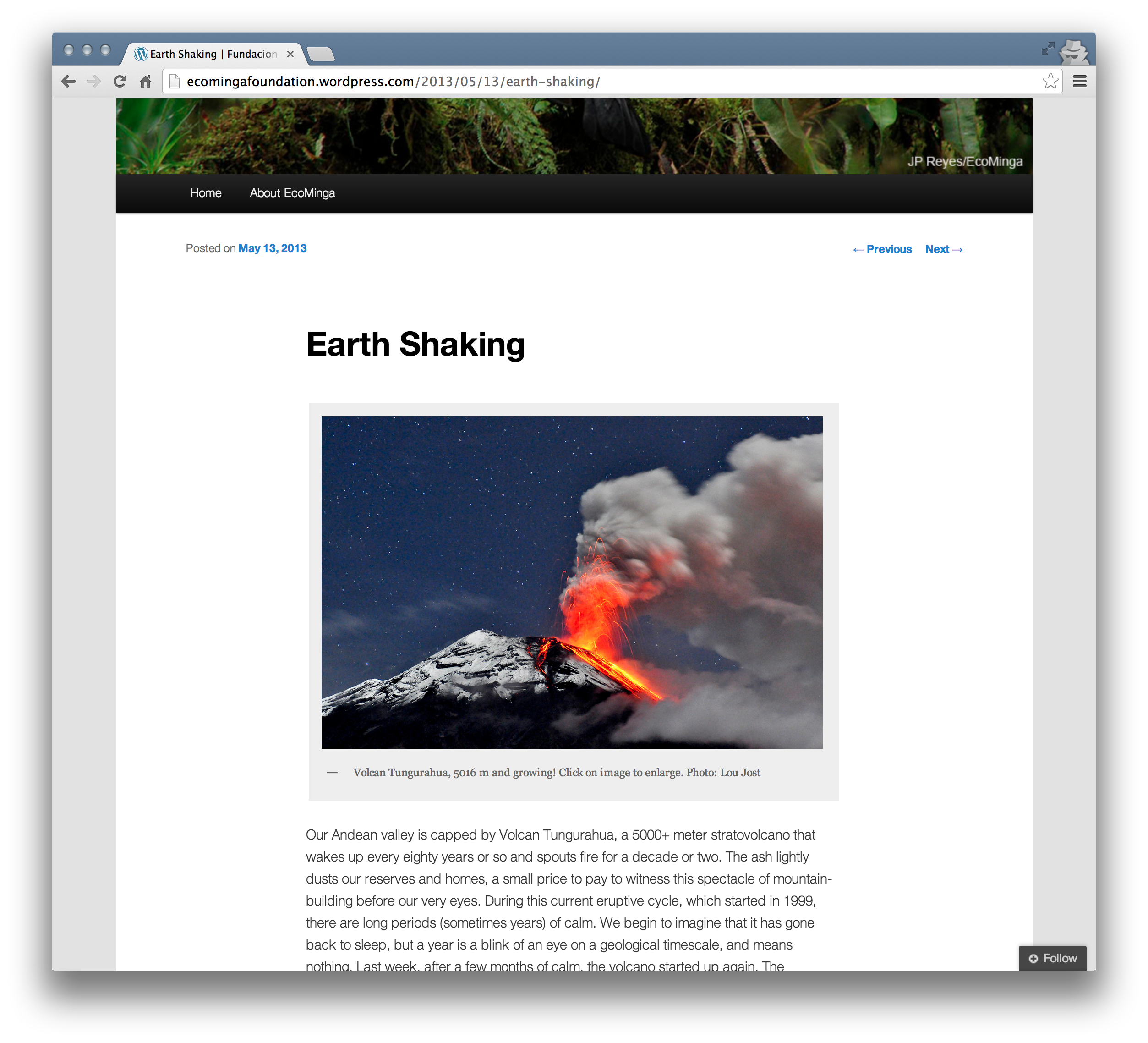
Thanks very much for checking so quickly! For me, all recent posts (e.g Macaws; also Earth Shaking) have this problem, not only on the computer I use to upload the site but also on a different computer with no history related to the site.
When I go to my media library and click “View” for a particular image (old ones and also ones I uploaded yesterday), the viewing page shows a properly-sized image, but it is just a low-resolution blow-up of the tiny thumbnail. There is no evidence (on my side) that the original images are stored there. When you saw my images (on Earth Shaking, for example), did they look crisply sharp or did they show severe compression artifacts as if they were blown up from a tiny thumbnail? All images on that post were tack-sharp.
-
-
When you saw my images (on Earth Shaking, for example), did they look crisply sharp or did they show severe compression artifacts as if they were blown up from a tiny thumbnail? All images on that post were tack-sharp.
Yes, and that is how I see them. They look great, actually! Here is what I see: https://i.cloudup.com/iYPFdLtwYy.png
And when I click in the image, I am taken to this full size image here: http://ecomingafoundation.files.wordpress.com/2013/05/dsc0026.jpg
Can you try clearing out your browser’s cache and cookies, trying a different browser, or a different computer if you can? Do you still have the same problem?
You can learn more about how to clear your cache here: http://en.support.wordpress.com/browser-issues/#clear-your-cache-and-cookies
If you’re still having problems, to help me troubleshoot this further, can you send me a screenshot of what you see. It would be great if you could right click on the image itself, chose “Inspect element” from the list of options, and then take a screenshot that includes the page with the small image, and also the inspector window and the information it displays.
Thanks!
-
I cleared the cache and cookies, but no change. The first image in my Macaws post is still 80 pixels wide. I inspected the element and it says “image.size-full.wp-image-338”.
When I followed the link you gave for instructions on clearing the cache, I noticed it mentioned that my internet service provider might itself be caching things. Maybe that is what is happening. I still get small images even when I use another computer, but it was using the same internet service provider (same router). Is there any way to deal with that?
-
Hi there,
I noticed it mentioned that my internet service provider might itself be caching things. Maybe that is what is happening. I still get small images even when I use another computer, but it was using the same internet service provider (same router). Is there any way to deal with that?
Yes, that is a possibility. Could you do me a favor and send me a screenshot of what you see on your end, using the instructions I provided above? I cannot test on my end (images are still fine for me) but a screenshot that includes the inspector view of the image will provide some clue as to what is happening on your end.
Thanks!
-
Jerry, oddly enough, updating my browser from Firefox 19 to the current one fixed the problem! Thanks for your messages, Lou
-
-
Jerry, today my blog reverted to the 80-pixel thumbnails again, on all posts including the older ones, and also in Preview and other editing windows. I’ll send you a screenshot. Where to send it?
Lou -
Hi Lou,
When you take a screenshot, can you upload it to your media library? Once you do that you can post a link to the file here, or just let me know and I will take a look.
Don’t forget to right click on the image itself, chose “Inspect element” from the list of options, and then take a screenshot that includes the page with the small image, and also the inspector window and the information it displays. This will help me to troubleshoot the issue.


- The topic ‘Why are all my images displaying as tiny 80-pixel-wide thumbnails?’ is closed to new replies.
 WordPress.com Forums