

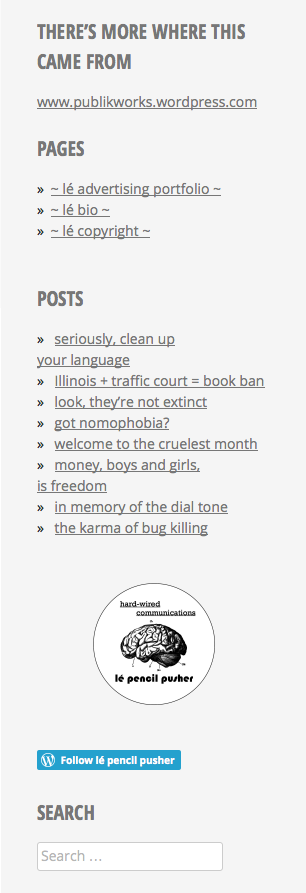
Why does the Minnow sidebar cover the gravatar profile?
-
Then there’s also an issue with the follow button — it’s buried and indecipherable. How can I fix this? Better yet, can it be fixed?
The blog I need help with is: (visible only to logged in users)
-
Why does the Minnow sidebar cover the gravatar profile?
I see the overlap issue you mean and will report it to our developers. Good catch! We’ll keep you posted here once it’s fixed.
Then there’s also an issue with the follow button — it’s buried and indecipherable.
Could you explain a bit more what you mean by “buried and indecipherable? This is how your follow button looks to me in Firefox 36.0.4:
Perhaps the follow blog widget would be more to your liking? It’s a bit larger:
https://en.support.wordpress.com/widgets/follow-blog-widget/
-
Hi, Kathryn:
Button may be the wrong word. There was a blue follow tab in the bottom right hand corner, kind of half-exposed and unaligned. It’s gone today?
While I have you though, there’s an issue with the sidebar icon, It doesn’t show up on my iphone, but appears on my computer. A friend of mine had the opposite experience — it showed up on her phone, but not her computer.
And one last nitpick: Is lowercase type possible in the blog name and titles?
Thanks for your help. You’ve been a God send.
-
The Gravatar overlap issue has been fixed!
I’ll get back to you on your other questions a bit later, but just wanted to let you know for now that the first issue is resolved.
-
There was a blue follow tab in the bottom right hand corner, kind of half-exposed and unaligned. It’s gone today?
If you’re logged out of your WordPress.com account and you have the option set for it to appear, a “Follow” tab appears at the bottom left. That sounds like what you’re describing. It’s a way for folks not logged into a WordPress.com account to sign up to receive notifications of new posts on your site.
If you prefer not to show the Follow tab to logged-out users, you can turn off that option under Settings > Reading, by unchecking the box next to “Show follow button to logged out users.”:

-
And one last nitpick: Is lowercase type possible in the blog name and titles?
Uppercase site title and post titles are part of Minnow’s design, but you can override that sort of thing by using some custom CSS.
.site-title, .entry-title {
  text-transform: inherit;
}
Since your account is over a certain age, you can still purchase Custom Design as a standalone upgrade in the WP Admin dashboard, under Store:
https://lepencilpusher.wordpress.com/wp-admin/paid-upgrades.php
-
there’s an issue with the sidebar icon, It doesn’t show up on my iphone, but appears on my computer. A friend of mine had the opposite experience — it showed up on her phone, but not her computer.
It looks like you’ve activated the separate mobile theme, which is why your site’s display may vary quite a bit, depending on the device.
Since Minnow is already mobile-friendly (aka “responsive”) and adapts well to different sizes of devices, from phones through tablets, laptops, and desktops, I’d recommend turning off the separate mobile theme for the best and most consistent viewing experience.
You can do that under Appearance > Mobile, by selecting “No” next to “Enable mobile theme”:
https://lepencilpusher.wordpress.com/wp-admin/themes.php?page=mobile-options
-
-
-


- The topic ‘Why does the Minnow sidebar cover the gravatar profile?’ is closed to new replies.
 WordPress.com Forums