

Why is my blog post not displaying correctly in email?
-
I have a screenshot that best illustrates the problem, but basically, the type of the post is extremely far below the posted image.
The blog I need help with is: (visible only to logged in users)
-
Hi there!
Taking a look at your two most recent posts, I see the copy well below the image there as well:
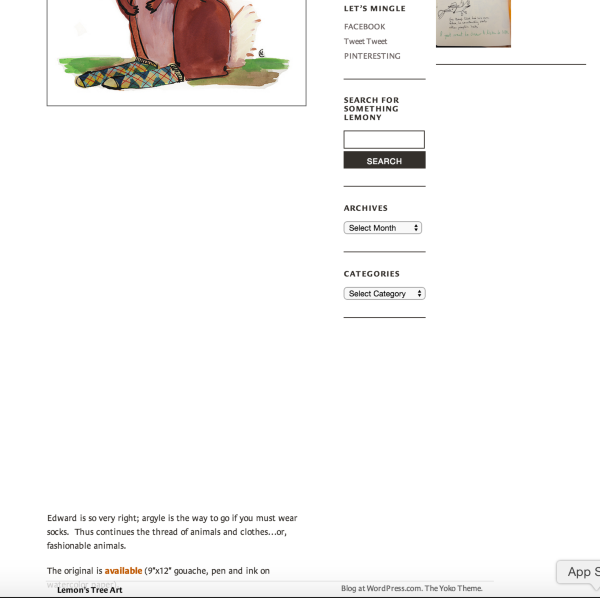
If you’ll edit that post, switch to the Text Editor, it looks like there are several of these elements between the image and the text:
These are “non-breaking space elements” they basically add whitespace to your post, and it would show up in the email as well.
If you’re using the Visual Editor to create posts, those elements usually get added whenever you hit Enter to start a new block of text.
Do recall doing anything differently in the two most recent posts, as this issue didn’t occur in older posts?
-Alex G.
-
Hello!
When I switched to the Text Editor and removed the nbsp elements, the type formatted up the side of the image.
I guess the only thing that was different was that I aligned the image left instead of center, like I used to. Once I aligned the image center, the text was easy to draw up under the image.
Thank you for your help.
Nancy
-
Hi Nancy!
Glad that removing the nbsp’s and aligning center fixed it up.
Let me know if I can help with anything else. :)
-Alex G.


- The topic ‘Why is my blog post not displaying correctly in email?’ is closed to new replies.
 WordPress.com Forums