

widgets
-
I recently changed my theme. Now none of my widgets show up. The menu tells me they are no longer available……HELP……jim
The blog I need help with is: (visible only to logged in users)
-
Hi!
Nurture features three widget areas that are shown at the top of the site as described at the bottom of the page here:
https://wordpress.com/themes/nurture/support/
It looks like you have several setup currently. You should see them when you click the arrow icon here:
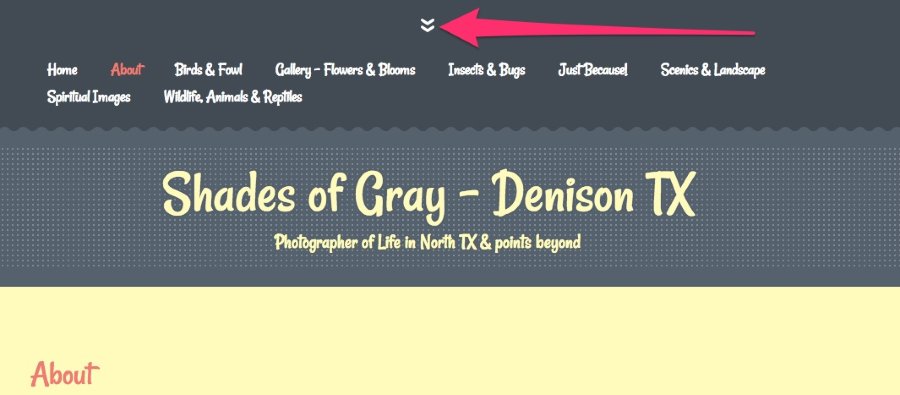
Can you give that a try?
-
Jeremey…..thanx for pointing out the little arrow. They used to be on my sidebar which is where I would prefer them. I guess I am just a wonder has to how someone would know to click that arrow to find my widgets?….thanx…jim
-
Hey Jim!
Each theme displays widgets a bit differently. With the Nurture theme, widgets are hidden by default until someone clicks the action arrow. In many themes, arrows like that denote something hidden. For example, you’ll see a similar experience if you click the buttons at the top of the Ryu theme here:
Similarly, the Syntax theme offers widgets hidden to the left:
http://syntaxdemo.wordpress.com/
There’s no real instruction telling a reader to click the button to open up the widget area. It’s more of an intuitive thing that readers will pick up over time.


- The topic ‘widgets’ is closed to new replies.


 WordPress.com Forums