

widgets and sidebars
-
I am so frustrated I’m ready to cancel my account. I’ve had my wordpress FREE account for several years with no problem, but the very day it moves to a paid account, everything goes to hell! Please help me!
For some reason, my wedges REFUSE to go on my sidebar at the top. They are pushed down to the very bottom and that’s not helpful at all. I’ve tried changing themes and everything and most don’t work. I’ve never had this problem before!
The blog I need help with is: (visible only to logged in users)
-
-
Hi there,
Sorry for the frustration here! I went into your site and was able to move widgets to other orders:
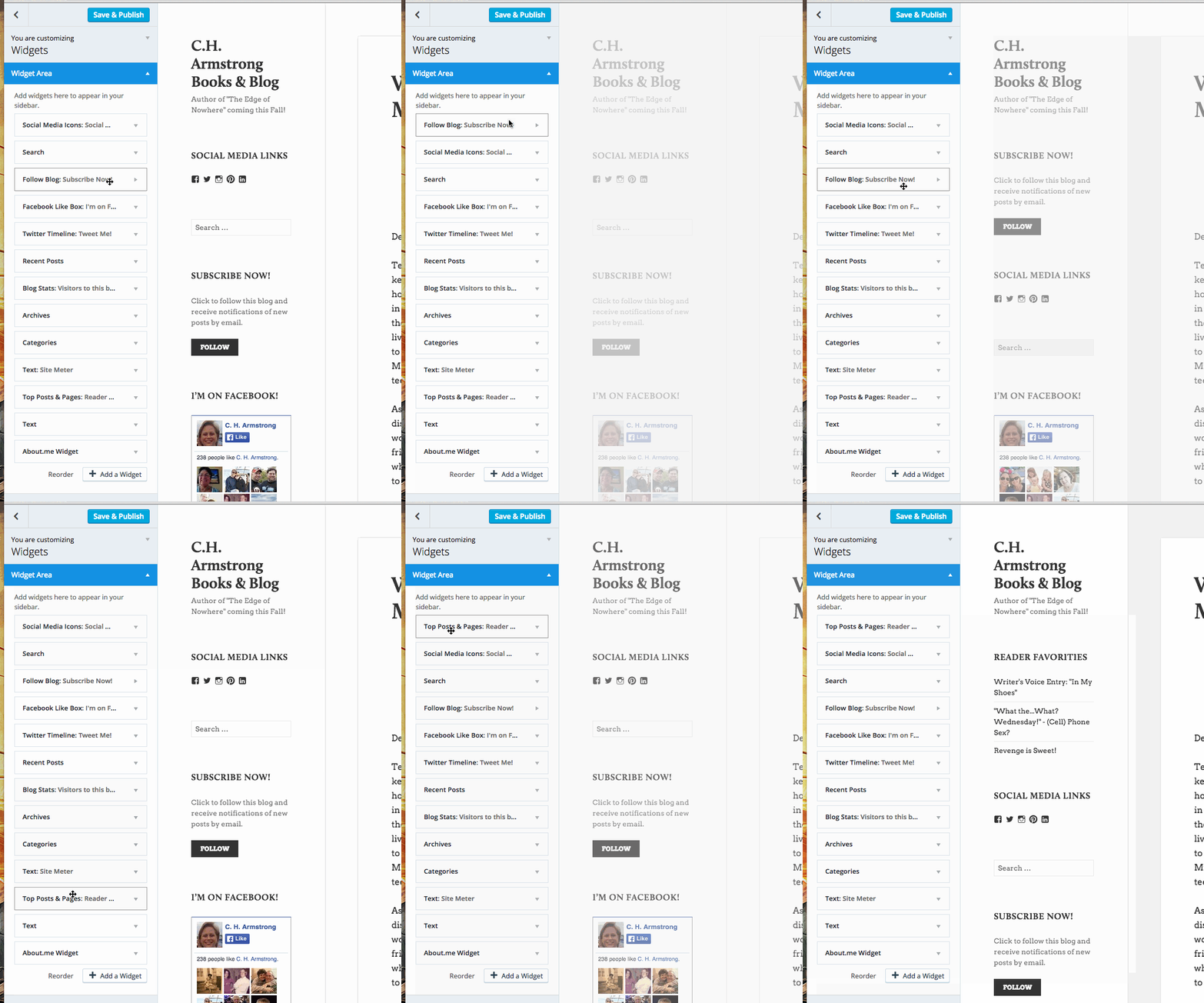
I was working in Google Chrome. What browser were you using at the time of the error? I’d like to test it out in the same one.
Did it happen with all widgets, or just one in particular?
-Alex G.
-
That’s because I had to work with my theme to find one that would work half-way decent. I’ve switched it over to something different so you can see the problem now. I’m frustrated. I need this to work properly or there’s no point in using WordPress…and I chose WordPress because I’d never had a problem. Please help.
I normally use Safari, but I pulled it up in Chrome and Firefox both yesterday and still had the same problem.
-
P.S. It happened with all widgets – they got pushed to the bottom of the feed….all the way to the bottom. You have to look to even find them.
-
I see what you mean. This normally happens when there are some stray HTML tags left in a post. I’ll track down the issue. :)
Just wanted to let you know I’m looking at it!
-
I’ve found the problem in your most recent post’s HTML.
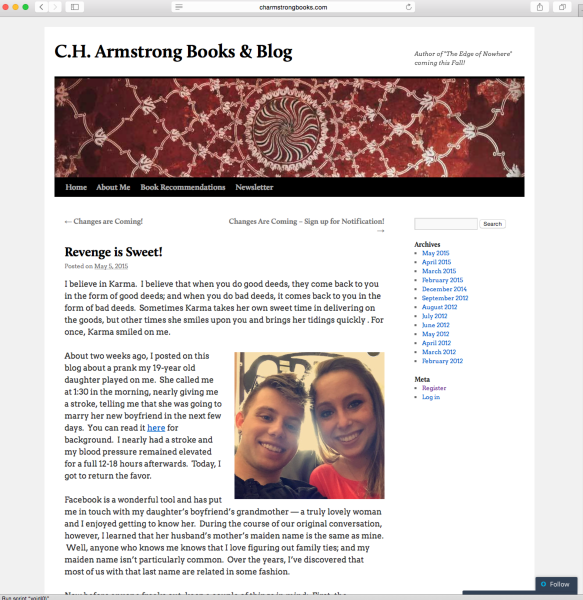
Your sidebar was fine on the single-post page for ‘Revenge is sweet’:
But the problem was still there on your most recent post’s single-post page:
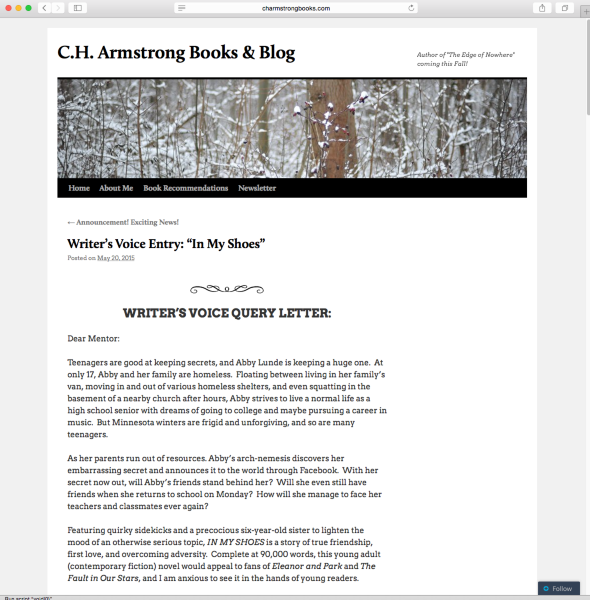
So I knew the problem was in that post.
Turns out you had a stray / in your first image:
<img class="aligncenter size-full wp-image-319" src="https://chattycathiechatters.files.wordpress.com/2012/02/newrule2.gif" alt="newrule" width="239" height="27" />I removed the slash:
<img class="aligncenter size-full wp-image-319" src="https://chattycathiechatters.files.wordpress.com/2012/02/newrule2.gif" alt="newrule" width="239" height="27">Normally that wouldn’t cause any problems, but because it was within a paragraph I think that threw off something in the Twenty Ten theme. Your sidebar now appears correctly.
-
If you still see the sidebar getting pushed down, you may need to clear your browser cache:
-
Thank you so much! I’m sorry if I sounded snotty…no excuses…just feeling a lot of stress at the moment. I appreciate you helping me fix the problem. I’ll let you know if there’s still a problem; otherwise, I’ll consider this resolved. Please enjoy the remainder of your weekend!


- The topic ‘widgets and sidebars’ is closed to new replies.
 WordPress.com Forums