Widgets Disappeared!!!
-
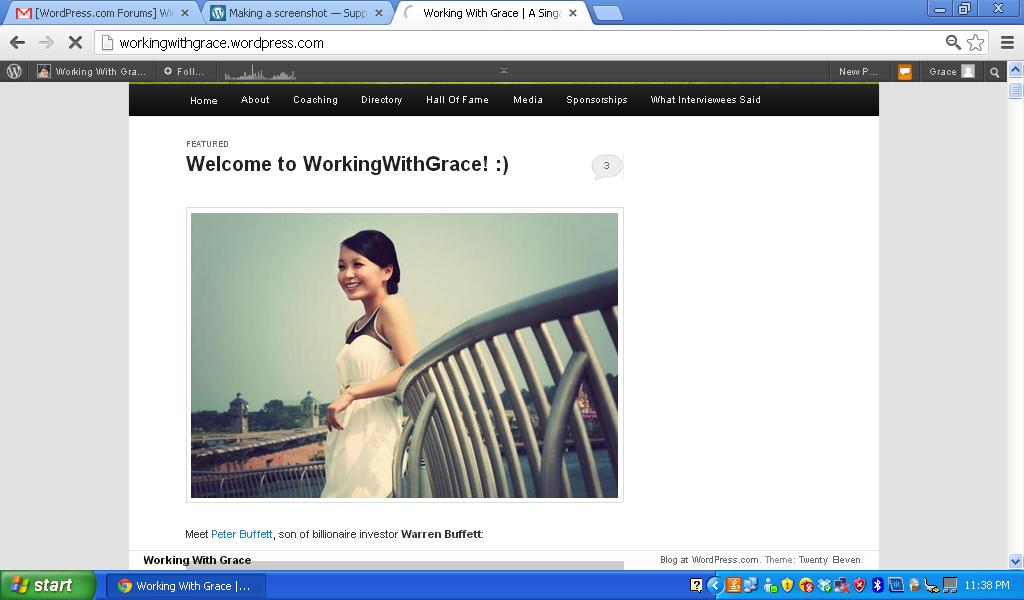
My widgets just end up on the bottom of the page no matter what I do. Removed some <div> tags already but it doesn’t work! Help! :(
Only when I keep just one post per page do the sidebar widgets all get back on top. *sigh*
The blog I need help with is: (visible only to logged in users)
-
Hi there, your widgets look alright to me – do you still need assistance with this, or did you sort it out at your end?
-
Hi Kathryn,
I do still need help. As mentioned, the sidebar widgets are in the right position only when there is just 1 post per page. I usually keep 10 posts on each page. I did not manage to sort this out on my end – please help.
Cheers
Grace -
Hi there – I’m still seeing your widgets fine, even with many posts on the page. Would it be possible to upload a screenshot to help in troubleshooting?
Here’s a guide on how to make a screenshot, if you’re not sure: http://en.support.wordpress.com/make-a-screenshot/
You can upload the screenshot in your Media Library and then post a link so I can see it.
Thanks.
-
Hi Kathryn,
Here’s what I do:
1) Change the reading settings to 10 posts per page: http://workingwithgrace.files.wordpress.com/2012/11/10-posts-per-page.jpg
2) And… I will discover that the widgets are gone: http://workingwithgrace.files.wordpress.com/2012/11/widgets-gone-1.jpg
3) The formatting of some blogposts also goes crazy: http://workingwithgrace.files.wordpress.com/2012/11/formatting-gone-bad.jpg
4) And I can only find the widgets when I scroll all the way to the bottom: http://workingwithgrace.files.wordpress.com/2012/11/widgets-end-up-at-bottom-of-page.jpg
Please help troubleshoot this.
It all only looks fine when I have just one post per blog page. :(
Thanks
Grace -
Thanks for the screenshots. Just a heads-up that I’ll be changing the number of blog posts on your front page temporarily while I try to troubleshoot this. I’ll keep you posted.
-
Hi there – I found the culprit and fixed the issue. Some square brackets in the title attribute of an anchor tag at the end of this post were causing the problem:
Read about the Slimming Quencher <a title="Conclusion: My Slimming Quencher Journey [Days 3 and 4]" href="http://workingwithgrace.wordpress.com/2012/11/15/conclusion-my-slimming-quencher-journey-days-3-and-4/">Day 3 & 4</a>I removed [Days 3 and 4] and the formatting problem went away.
I’ve reset your front page to display 10 posts.
-
-


- The topic ‘Widgets Disappeared!!!’ is closed to new replies.
 WordPress.com Forums