wrong image in reader
-
The last 2 posts I have done are displaying the wrong image in the reader when I view them on my phone. In both cases the picture they are displaying are not even in the post, nor were they ever attached to the post. They are showing up fine in the reader on the computer though.
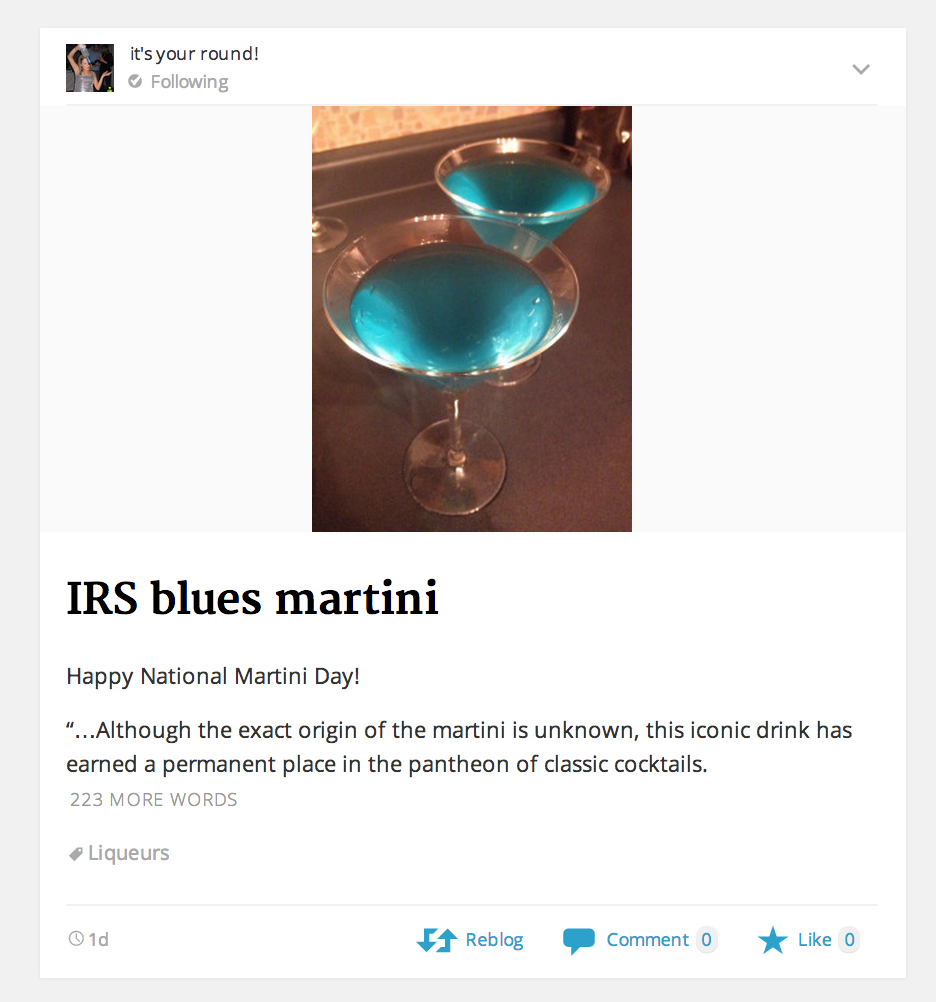
In the reader this post: https://itsyourround.wordpress.com/2014/06/19/irs-blues-martini/ is showing a picture of champagne glasses, which was never attached to that post.
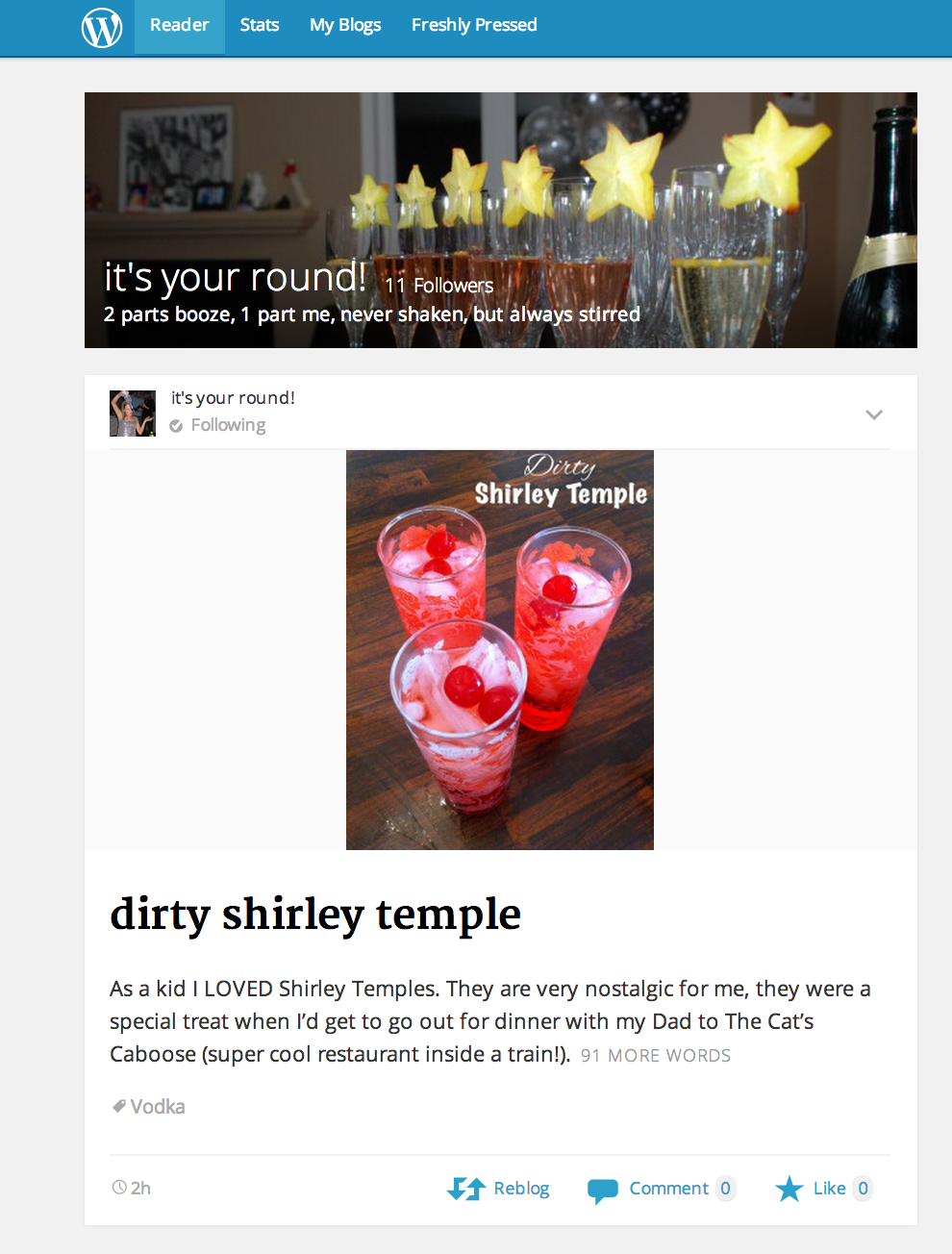
Today’s post https://itsyourround.wordpress.com/2014/06/20/dirty-shirley-temple/ is showing a split image which is not attached to my post (it may have been at one point before publishing, but I can’t recall)
Thanks,
JenThe blog I need help with is: (visible only to logged in users)
-
Currently, when a post with the Standard, Aside, Link, Quote, or Status post format contains a video or audio embed or slideshow, that embed is pulled out and used in the Reader. Otherwise, it uses an image from the post.
If the post has the Gallery or Image post format, a video or audio embed in that post would not be used in the Reader – one or more images would be used instead.
The way our RSS feeds work is that it pulls and displays the first image it finds inside the post content. When the Reader looks for an image, it goes for the featured image first and then an image inserted into the post — if there are no images that meet the size criteria mentioned above, it will display the image as a thumbnail instead of a large image.
-
I don’t think any of these apply to me. I have a gallery in my widget only, not in any of my posts. And in the case of the first scenario I have never posted the picture of the champagne glasses anywhere on my blog. It is contained only in my media folder.
-
Okay then I’ll tag this thread for a Staff follow-up. Please subscribe to the thread so you are notified when they respond and please be patient while waiting.
-
-
Hi there! To verify, I’ve followed your blog but was not able to see the problem you described with the posts you mentioned. Is this what you’re seeing in your Reader as well?
https://i.cloudup.com/jHhrq0N-4T.png
https://i.cloudup.com/ICYGGDk5FC.pngIf you can take a screenshot of what you’re seeing, that would help me look into this further.
Looking forward to your reply. Thanks!
-
@druesome
Using FF30 and IE 11on Windows 7 I see this image
https://itsyourround.files.wordpress.com/2014/06/20140619-111836.jpg
in this post
https://itsyourround.wordpress.com/2014/06/19/irs-blues-martini/Using FF30 and IE 11on Windows 7 I see this image https://itsyourround.files.wordpress.com/2014/06/20140618-121900-44340405.jpg
in this post
https://itsyourround.wordpress.com/2014/06/20/dirty-shirley-temple/And this is the header image I see https://itsyourround.files.wordpress.com/2014/06/cropped-dsc_01627.jpg
-
NOTE: In the Twenty Eleven theme featured images are header images.
The header image is 1000 by 288 (width, height). -
-
You can upload it to your Media Library, and return to this thread to provide the file name so Staff can examine it.
-
Have you tried this:
Go into your media folder > click on the picture that you don’t want to show up > Delete Permanently
I had the same problem with my theme but found out that when you delete the image out of the media folder, it doesn’t show up anymore.
-
-
-
Hi Jen!
I was able to see the problem in the “dirty shirley temple” post as I view it in the WordPress mobile app both for iOS and Android. Do you recall using the split image inside the post at some point? As I look at the second page of your Media Library, it’s telling me that it is attached to the post:
https://itsyourround.wordpress.com/wp-admin/upload.php?paged=2
But it’s nowhere to be found in your post or post revisions. Can you please report this at the WordPress for iOS/Android forums? Our developer team would be better equipped to troubleshoot the problem.
http://ios.forums.wordpress.org/
http://android.forums.wordpress.org/Please let me know what you find out. Thank you!
-
Ok thank you. I will try to report it there. I now also have a post that isn’t showing any image in the reader on my phone…
-
The link you provided is for wordpress.org which I do not have an account for. Is there another link I should be using?
-


- The topic ‘wrong image in reader’ is closed to new replies.
 WordPress.com Forums