
Admin Chat Management
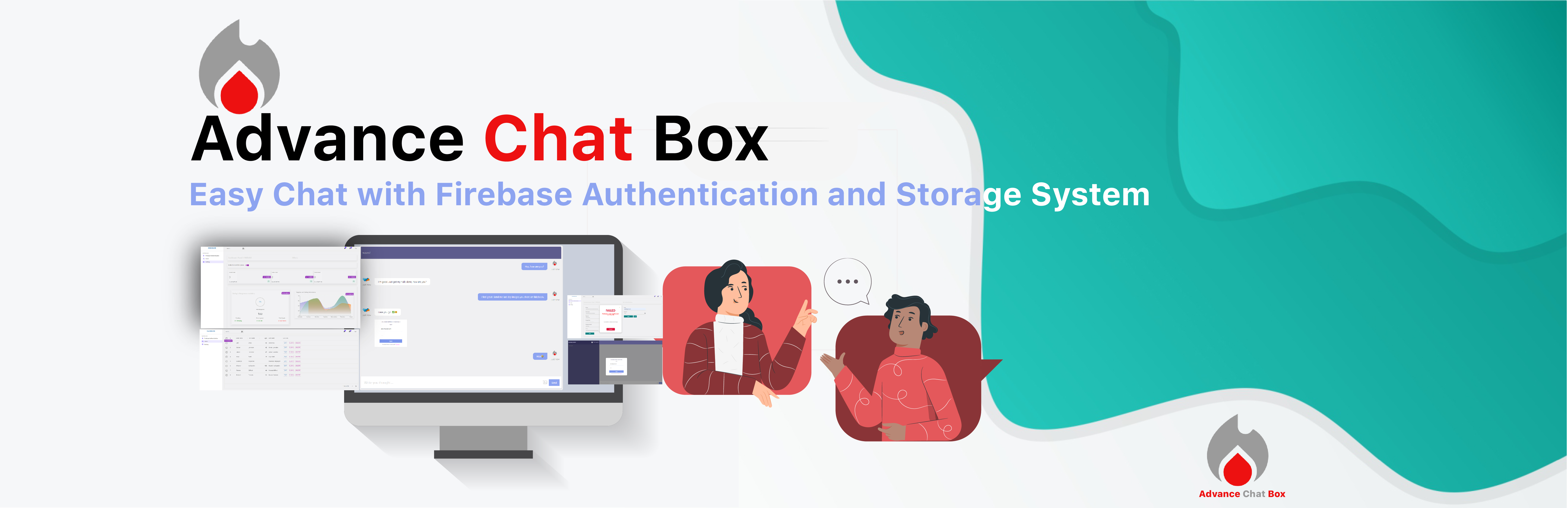
Admin Chat Management is a Firebase Support & Chat Management with real-time communication tool powered by Firebase for secure and scalable interaction. This plugin enhances your admin dashboard by offering powerful features like Backend/Frontend Chat + Support Management, User List & Agents Management, with a robust Support System Settings interface.
Users can instantly chat with each other or enable support mode to communicate exclusively with support agents. The modern, mobile-friendly UI delivers real-time messaging and push notifications, powered by Firebase for secure authentication, data storage, and seamless updates.
- Backend Chat Management allows admins to monitor and control all conversations directly from the dashboard. This includes filtering messages, and assigning agent roles to team members.
- User List & Agents Management enables clear oversight and segmentation of users, team agents, and their chat roles or responsibilities. You can now onboard support agents and organize client interactions with ease.
- Support System Settings centralizes all options—chat enablement, agent controls, Firebase credentials, and design customizations—under one panel for easy management.
Whether you’re building a support system for eCommerce, a team-based collaboration app, or a community platform—Firebase Support & Chat Management offers unmatched flexibility and Firebase-powered scalability.
ATTRACTIVE UI AND SUPER EASY TO USE
- Easy access to information – Access messages and images from the intuitive Firebase-powered chat interface.
- Improved collaboration – Enable real-time conversations through streamlined Backend Chat Management.
- Increased productivity – Quick User List & Agents Management allows fast task routing and communication.
- Secure authentication – Firebase ensures only authorized access.
- Data reliability – Firebase provides persistent storage for messages, images, and session logs.
- Enhanced user experience – Designed for both desktop and mobile users.
- Increased engagement – Real-time push notifications keep users active.
- Future growth – Built with Firebase to handle enterprise-level Support System Settings needs.
Key Features
🔧 Backend Chat Management
- Full control over chat logs, including moderation tools.
- Manage open conversations, archives, and resolve queries efficiently.
- Real-time Firebase updates ensure your Backend Chat Management stays up to date.
- Backend Chat Management works even on low-latency networks.
- Assign agents to conversations directly from Backend Chat Management.
👥 User List & Agents Management
- View, edit, and assign roles to users from the dashboard.
- Create unlimited support agents with custom roles.
- Manage the User List & Agents Management panel with advanced filters.
- Track user activity within User List & Agents Management views.
- Sync data directly from Firebase in real time.
⚙️ Support System Settings
- Central panel for all system-wide configurations.
- Enable/disable chat, choose layout, and set agent permissions.
- Customize branding and layout under Support System Settings.
- Securely store Firebase credentials and keys.
- Support System Settings panel includes fallback error handling.
Each of these core modules—Backend Chat Management, User List & Agents Management, and Support System Settings—is integrated with Firebase and WordPress for a seamless user and admin experience.
👁️ View Tutorial | 👩🏼💻 Get ORG Support
How to Use
After activating the plugin: Navigate to your Admin Dashboard > Firebase Support & Chat Management > Settings to configure Firebase and enable chat. Customize Backend Chat Management, set up the User List & Agents Management, and fine-tune the Support System Settings for optimal performance.
Privacy & Security
- All chat data stored locally in your WordPress database – no third-party data storage
- GDPR compliant with built-in data export, anonymization, and retention controls
- No data sent to any external server except your Firebase account
- Session security and XSS protection built-in