
Titan Anti-spam & Security – Brute Force Protection, 2FA & Spam Filter
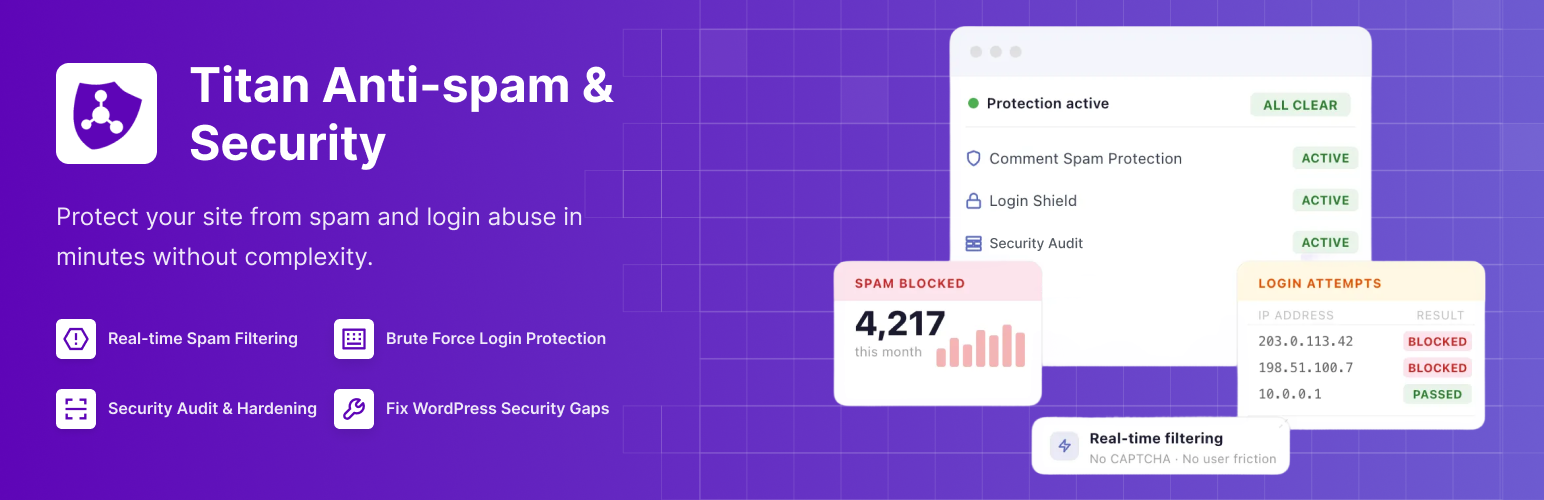
Titan Anti-Spam & Security is a complete protection solution designed to secure your website against spam, login attacks, and unauthorized access.
Websites are constantly targeted by automated spam bots, brute force login attempts, and malicious access patterns. Titan helps you block spam comments, protect your login page, enforce strong authentication, and apply essential security hardening rules from a single dashboard.
Whether you run a blog, business site, WooCommerce store, membership platform, or agency network, Titan helps you:
- Stop comment spam automatically
- Protect your login area from brute force attacks
- Limit login attempts and lock suspicious activity
- Monitor login activity and security events
- Apply security hardening best practices
- Enable two-factor authentication for stronger account security in Pro
- Create backups with advanced storage options in Pro
Titan is designed to reduce risk without affecting legitimate visitors or requiring captcha challenges.
Quick links
📘 Documentation – Complete setup and configuration guide 💬 Support Forum – Get help with spam protection, login security, and plugin settings from the community and support team. ⭐ Go Pro – Unlock Machine Learning spam detection, two-factor authentication, backups, and priority support.
Anti Spam Protection
Spam comments can damage your SEO, clutter your database, and waste moderation time. Titan provides automated spam protection that works in the background without interrupting real users.
Every comment is checked against a global spam database and evaluated using intelligent filtering rules. Suspicious comments are automatically marked as spam and hidden from public view.
Automatic spam comment blocking: Blocks spam comments in real time using a global spam database and intelligent filtering rules. Suspicious submissions are automatically marked as spam before they appear publicly.
Block spam comments without captcha: Protect your site from comment spam without forcing visitors to solve captcha challenges. Real users experience a smooth commenting process.
Save spam comments for review: Optionally store filtered spam comments in the moderation area so you can verify filtering accuracy and review blocked content.
Detailed spam processing logs: View logs of processed comments to understand how spam filtering works and monitor spam activity trends.
Privacy policy link integration: Display a privacy policy notice under comment forms to help with transparency and compliance requirements.
This ensures real visitors can interact freely while bots are filtered automatically.
Security Hardening Tools
Titan includes built-in security hardening options that reduce publicly exposed information and protect your website from common automated attacks.
Many bots scan websites looking for version numbers, exposed login patterns, weak passwords, or XML-RPC endpoints. Titan helps minimize those risks with configurable hardening controls that strengthen overall site security.
Strong Password Enforcement: Force users to create strong passwords based on the WordPress password strength meter. Weak passwords are a leading cause of account compromise. Enforcing strong credentials significantly improves login security and reduces unauthorized** access risks.
Hide Author Login: Attackers can attempt to discover usernames using author archive URLs. Titan prevents user enumeration by restricting access patterns that reveal valid login names. This reduces the effectiveness of targeted brute force login attacks.
Disable XML-RPC: XML-RPC can be abused for automated login attacks and pingback spam. Disabling XML-RPC reduces exposure to remote brute force attempts and limits unnecessary resource usage.
Hide Version Information: WordPress core and plugins sometimes expose version numbers in the source code. Attackers use this information to target known vulnerabilities. Titan removes version references to reduce fingerprinting risks.
Remove Version Query Strings: JavaScript and CSS files often include version query parameters. Removing these prevents attackers from identifying the exact WordPress or plugin version running on your site.
Remove Meta Generator Tag: The generator meta tag can reveal your CMS version. Titan removes it to reduce publicly visible system information and lower exposure.
Remove HTML Comments: Some themes and plugins output HTML comments that may expose structural details. Titan can remove these comments to limit unnecessary information disclosure.
Together, these security hardening options reduce your attack surface and strengthen your website without affecting normal functionality.
Activity Monitoring and Logs
Security is not only about blocking attacks. It is also about visibility and awareness.
Titan includes built-in monitoring tools that help you understand login behavior and security activity on your website.
Login Attempts Log: Track failed login attempts in real time. See which IP addresses are attempting access, how many retries were made, and when lockouts were triggered. This helps you evaluate brute force protection effectiveness.
Activity Logger: Monitor security-related events across your site, including login activity and system actions. Identify suspicious patterns before they escalate.
Error Log Viewer: View plugin-related errors directly from the dashboard. Diagnose configuration issues quickly without accessing server files.
Debug Information Export: Export diagnostic information when contacting support. This reduces troubleshooting time and speeds up issue resolution.
With proper monitoring and logging, you are not only blocking attacks but also gaining insight into how your website is being targeted.
PRO Anti Spam Features
Machine Learning spam detection: Advanced spam filtering powered by Machine Learning improves detection accuracy by analyzing behavioral patterns across large datasets.
Scan existing comments for spam: Identify previously approved spam comments and clean up your database.
Scan registered users for spam accounts: Detect and flag suspicious user accounts that may have been created by spam bots.
Enhanced background spam analysis: Apply additional invisible tests that improve spam protection without affecting legitimate visitors.
Upgrade to unlock advanced anti-spam capabilities.
PRO Two Factor Authentication
Two-factor authentication adds an additional verification step beyond a password. Even if a password is compromised, attackers cannot access the account without the second authentication factor.
QR Code Setup: Scan a QR code with an authenticator app to activate two-factor authentication quickly and securely.
Manual Secret Key Configuration: Set up two-factor authentication manually if QR code scanning is unavailable.
Per User 2FA Management: Enable or manage two-factor authentication individually for specific users or roles.
Compatible with TOTP Apps: Works with popular authenticator apps such as Google Authenticator and other TOTP-compatible applications.
Two-factor authentication significantly strengthens login security for administrators and users.
Upgrade to Titan Pro to enable Two Factor Authentication and advanced account protection.
PRO Backup and Recovery
Regular backups are essential for website security and recovery planning. If something goes wrong, having a recent backup allows you to restore your site quickly.
Scheduled Automatic Backups: Automatically create backups at defined intervals to ensure recent recovery points are always available.
Manual Backup Creation: Generate a backup instantly before making major changes to your website.
FTP Storage Support: Store backups on a remote FTP server for additional protection and redundancy.
Dropbox Storage Integration: Save backups to Dropbox for secure off-site storage.
Automatic Archive Cleanup: Remove older backup files automatically to manage storage usage efficiently.
Adjustable Backup Performance: Control backup speed to balance performance and server resource usage.
Backups can be managed directly from the Titan dashboard for centralized control.
Upgrade to Titan Pro to unlock scheduled backups and external storage options.
Use Cases
Titan is suitable for:
• Blogs receiving large volumes of comment spam • WooCommerce stores protecting customer login pages • Membership websites securing user accounts • Agencies managing multiple client websites • Educational platforms enforcing stronger authentication • Website owners looking for anti-spam and login security in one plugin
Support
Need help? Open a new thread in the Support Forum, and we’ll be happy to assist.
Documentation
Discover how to make the most of Robin with our detailed and user-friendly documentation.
Titan is backed by Themeisle, trusted by over 1 million WordPress users worldwide.