
Borges Bibliography Builder
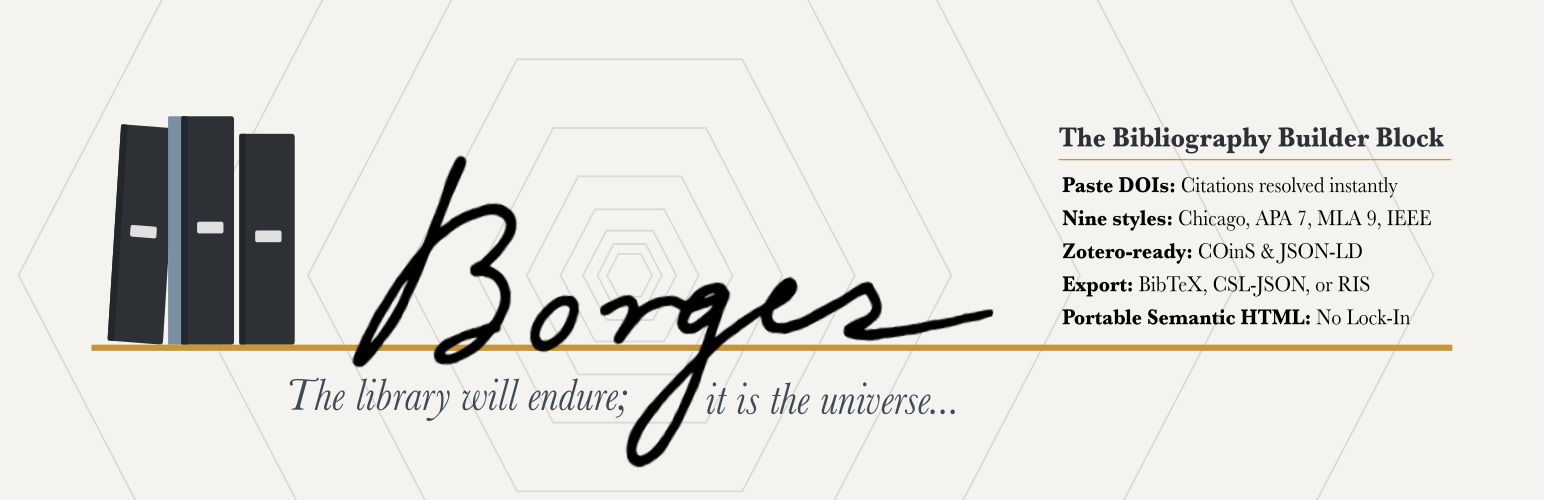
Named for Jorge Luis Borges (1899–1986), the Argentine writer and librarian known for stories about infinite libraries, imaginary books, and labyrinths of knowledge, Borges Bibliography Builder brings order to scholarly references in WordPress.
The Borges Bibliography Builder transforms DOI(s), PubMed/PMID records, BibTeX, CSL-JSON, manual entries, and supported free-text citations into a semantically rich, deduplicated, auto-sorted reference list with RIS export for citation managers.
One-click import. Paste a DOI and Crossref resolves the metadata instantly. Paste a PubMed/PMID identifier and Borges resolves it through an authenticated WordPress REST proxy to NCBI/PMC citation metadata. Paste BibTeX or formatted citations for books, articles, chapters, webpages, reviews, and theses.
Nine citation styles. Choose from Chicago Notes-Bibliography, Chicago Author-Date, APA 7, MLA 9, Harvard, Vancouver, IEEE, OSCOLA, and ABNT (Associação Brasileira de Normas Técnicas / NBR 6023:2018) — all with automatic sorting per style rules.
Portable. Static HTML output survives plugin deactivation. No shortcodes. No database tables.
Accessible by default. Semantic list markup, keyboard-operable editing and entry reordering (Alt+Arrow for numeric styles), visible focus, and optional Block Accessibility Checks integration (requires that plugin at version 4.0 or later) help your bibliographies meet accessibility expectations.
Reference-manager friendly. Export and reuse your bibliography in common research workflows. Borges supports CSL-JSON, BibTeX, BibLaTeX, RIS, DOI links, JSON-LD, and optional COinS metadata for compatibility with tools such as Zotero, Mendeley, EndNote, JabRef, BibDesk, and other citation managers.
Reader-facing cite & export. Optionally add a per-entry Cite / Export panel to the published bibliography: a static, JavaScript-free disclosure under each entry with the citation text and one-click downloads in RIS, CSL-JSON, BibTeX, and BibLaTeX. Off by default; enable it per block.
Try it first. Launch a disposable demo in WordPress Playground before installing it on your site.
Translation-ready. Plugin interface strings use the borges-bibliography-builder text domain, and official WordPress.org language packs are generated as community translations are approved on translate.wordpress.org.
Support development. If Borges saves you time by bringing order to your citations and joy to your heart, you can sponsor the author to support ongoing maintenance.
Performance & Footprint
Borges is a static-output block. Formatted bibliography HTML, JSON-LD, and COinS are baked into your post content when you save, so the citeproc formatting engine and the DOI/PubMed lookups run only in the editor — never on the front end.
What this means for a published page:
- Zero added database queries — no matter how many bibliographies or citations the page contains. Query load does not grow with your content.
- No
render_callback, no REST calls, no shortcodes on the front end. Output is static HTML from the block’ssave(). - No long-lived settings — the plugin registers no settings or autoloaded options, no custom tables, no custom post types, and no cron events. Editor-time PMID and formatting results are cached in the object cache and in short-lived, non-autoloaded transients, written only while editing. DOI imports are deduped in a browser-session cache, not stored server-side.
- Tiny front-end payload — only a small view script (~1.4 KB) and stylesheet (~2.9 KB) load, and only on pages that actually contain a bibliography.
Installed footprint is roughly 2.1 MB (the bundled citeproc-php formatting engine accounts for about half; the rest is translations, editor/front-end assets, and a curated set of citation styles). The downloadable ZIP is about 0.9–1 MB compressed.
Because output is static, your bibliographies remain intact as plain HTML even if the plugin is deactivated.
Known Limitations
OSCOLA grouped bibliography — OSCOLA convention requires the bibliography to be divided into source-type groups (cases, legislation, books, articles, online sources). Borges currently renders a single alphabetized list regardless of style. A dismissible notice in the editor explains this when OSCOLA is selected. Grouped-bibliography support is planned for a future release.
Development
Full developer documentation, source code, issue tracker, and contribution guidelines are on GitHub:
https://github.com/dknauss/Borges
Bug reports, feature requests, and pull requests are welcome. See CONTRIBUTING.md in the repository for development setup, coding standards, and the PR process.
External Services
This plugin connects to fixed scholarly metadata services only when you explicitly add an identifier in the block editor — no citation data is sent automatically or in the background. No account or API key is required for the supported DOI or PMID lookups.
DOI metadata
DOI input connects to the Crossref REST API (https://api.crossref.org/) to resolve citation metadata.
- Crossref service: https://www.crossref.org/
- Crossref REST API documentation: https://api.crossref.org/swagger-ui/index.html
- Crossref privacy policy: https://www.crossref.org/privacy/
- Crossref terms of service: https://www.crossref.org/terms/
PubMed/PMID metadata
PubMed/PMID input connects through the plugin’s authenticated WordPress REST proxy to the NCBI/PMC Literature Citation Exporter CSL endpoint. The proxy uses a fixed upstream host and validates the PMID before making the outbound request.
- NCBI APIs: https://www.ncbi.nlm.nih.gov/home/develop/api/
- NCBI/PMC Literature Citation Exporter: https://pmc.ncbi.nlm.nih.gov/api/ctxp/
- NLM Web Policies: https://www.nlm.nih.gov/web_policies.html