
CF7 Spreadsheets
·
Wordpress plugin that merge Contact form 7 functional with google spreadsheets (also works with private spreadsheet).
تقييمات
النسخة
2.3.2
التنصيبات النشطة
400
آخر تحديث
Dec 29, 2020
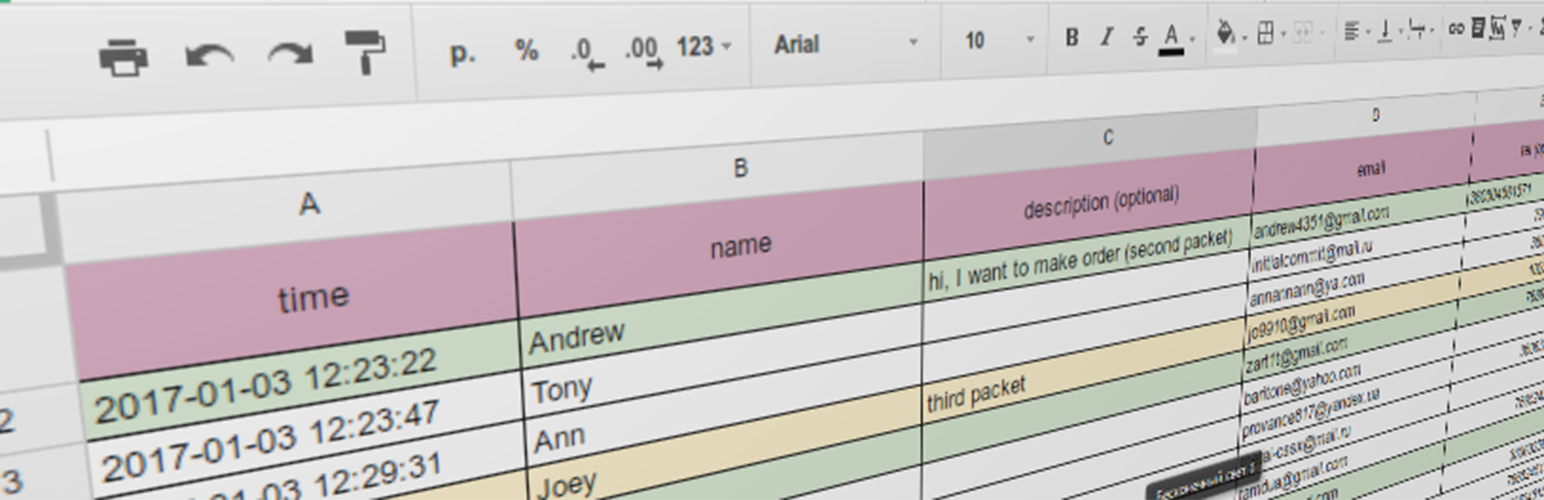
WordPress plugin that merge Contact form 7 functional with google spreadsheets (also works with private spreadsheet).
How to use:
Video instruction: https://www.youtube.com/watch?v=ZgZRBByY4fc Video instruction (OLD versions): https://www.youtube.com/watch?v=5ICWr5MMo7E
- Prepare API
- Go to the Console Developers API
- Create new project (or choose existing one)
- Click “enable API and services”, or click on “library” tab
- Find in list “Google sheets API” and click “Enable”
- Go to
Credentialstab and clickcreate credentials. In dropdown list chooseService account key. In next window select you service account, andKey typetoJSON. - Save the JSON document
- Upload JSON document on plugin page (second tab).
- Create a table
- Go to the Google Spreadsheets and create new table (or open exists table)
- Copy table URL and ID. For example:
//docs.google.com/spreadsheets/d/1yhzO1Q6ikYysfg8LCHqegPM/edit#gid=0in this table URL is:1yhzO1Q6ikYysfg8LCHqegPM, and ID is:0(parametergid). - If you have private spreadsheet – you should grant edit rights to your service account (that we create earlier) directly in spreadsheet. You could find service account email in your website admin panel after uploading JSON file.
- Paste the spreadsheet URL and ID in plugin options page, upload JSON file, and choose other options.
- Create usual form in
Contact form 7and use it.