
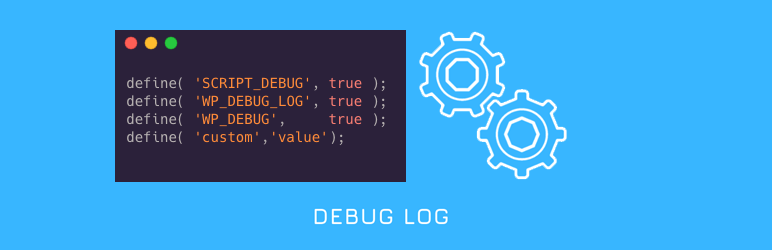
A comprehensive debugging toolkit for WordPress developers and site administrators. This plugin gives you complete control over WordPress debugging without editing wp-config.php files or using FTP.
Quick Demo
Key Features
- WP-CLI Style Terminal: Execute WordPress commands directly from your browser with syntax highlighting and auto-completion
- Database Tools: Run SQL queries, view table structures, and optimize your database (super admin only)
- Debug Constants Manager: Toggle all WordPress debug constants with a single click
- Log Viewer: View, filter, and analyze debug logs with syntax highlighting and error categorization
- Query Inspector: Examine database queries with SAVEQUERIES support
- Email Notifications: Get alerts when new errors appear in your logs
- Safe Mode: Quickly disable all plugins except selected ones for troubleshooting
- Custom Log Paths: Set custom log file locations with filter support
Debug Constants Available
- WP_DEBUG – Default Value: true – Enables WordPress debug mode
- WP_DEBUG_LOG – Default Value: true – Saves all errors to a debug.log file
- SCRIPT_DEBUG – Default Value: false – Uses development versions of core JS and CSS files
- WP_DEBUG_DISPLAY – Default Value: false – Controls whether debug messages display on screen
- SAVEQUERIES – Default Value: false – Saves database queries for analysis
Developer Tools
- Terminal Commands: Use WP-CLI style commands like
wp core versionorwp plugin list - Database Explorer: Run SELECT queries and view results in a formatted table
- Stack Trace Analysis: Visualize error stack traces for easier debugging
- Hook Inspector: View all registered hooks and their callbacks
- Environment Detection: Development features are automatically hidden in production
Developer API: Apply custom filters like
apply_filters('wp_debuglog_log_file_path', $file);to extend functionality
Please note: Constant values will be restored on plugin deactivation as it was before activating the plugin.