
DFUX White Label Lite
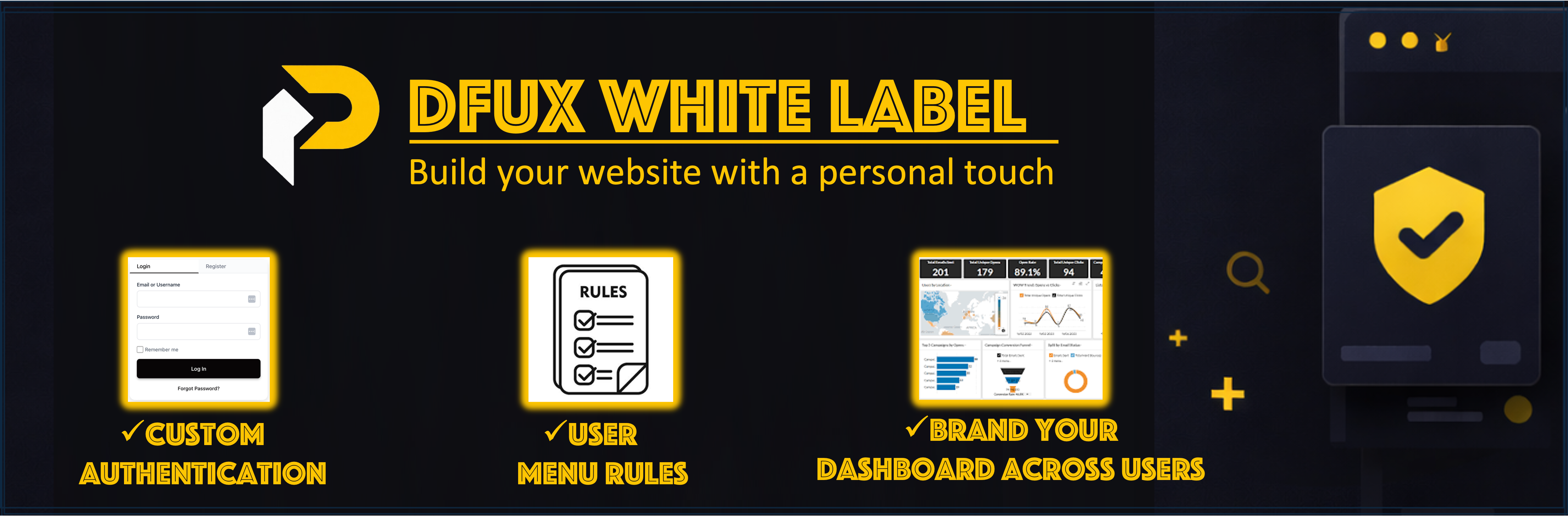
DFUX White Label Lite is a WordPress plugin that provides custom login and registration forms, role-based dashboards, and admin menu visibility control. Create custom authentication pages, assign dashboard pages to user roles, and control which admin menu items are visible to each role.
Features
-
Custom Authentication Forms
- Custom login and registration form shortcode
- Password reset functionality
- Modern, customizable UI
-
Role-Based Dashboards
- Map custom dashboard pages to user roles
- Non-admin users with assigned dashboard pages are automatically redirected to their dashboard when accessing wp-admin
- Dashboard pages display user information and account details using the dashboard shortcode
-
Admin Menu Visibility Control
- Hide specific wp-admin menu items by user role
- Control which menu items each role can access
- Administrators are never restricted
-
Admin Access Control
- Automatically block wp-admin access for non-admin users (redirects to role-based dashboard)
- Hide WordPress admin bar for specific user roles (defaults to subscribers)
- Administrators are never restricted
-
Additional Features
- Force redirect wp-login.php GET requests to custom login page
- Authentication logging for security monitoring
Configuration
General Settings
-
Custom Login Page: Create a page (e.g.,
/login-signup/) and add the[dfuxwhla_login_form]shortcode. Select this page in General Settings > Login Page. -
Force replace wp-login.php (GET only): Enable this option to redirect wp-login.php GET requests to your custom login page.
-
Block wp-admin for non-admins: This feature is enabled by default. Non-admin users with assigned dashboard pages will be automatically redirected to their role-based dashboard when attempting to access wp-admin. This helps create a more secure and streamlined experience for non-admin users.
Dashboards
- Navigate to General Settings > Dashboards tab.
- Map each user role to a dashboard page.
- Ensure each dashboard page contains the
[dfuxwhla_user_dashboard]shortcode.
Admin Menu Rules
- Navigate to General Settings > Admin Menu Rules tab.
- Select which menu items to hide for each role.
- Save your rules.
Shortcodes
-
[dfuxwhla_login_form]– Displays a complete login/registration form- Usage: Add to your login page (e.g.,
/login-signup/) - Features: Login, registration, and password reset
- Usage: Add to your login page (e.g.,
-
[dfuxwhla_register_form]– Alias for[dfuxwhla_login_form](same functionality) -
[dfuxwhla_logout_link]– Displays a logout link- Attributes:
label– Custom label text (default: “Logout”)redirect– Redirect URL after logout (default: home page)
-
[dfuxwhla_user_dashboard]– Displays user dashboard content- Usage: Add to dashboard pages mapped to roles
- Features: User information, account details, and logout option
Support
If you encounter any issues or have questions about plugin functionality, please:
- Visit the Support Forum
- Check the Plugin Documentation
- Visit our website: https://petafusion.com/
Before reporting an issue, please ensure: * Your WordPress version is up to date * Your PHP version meets the requirements (7.4 or higher) * You’ve tested with other plugins deactivated to check for conflicts * You’ve reviewed existing support forum topics for similar issues