
Halfborg QR Payments for PayNow for WooCommerce
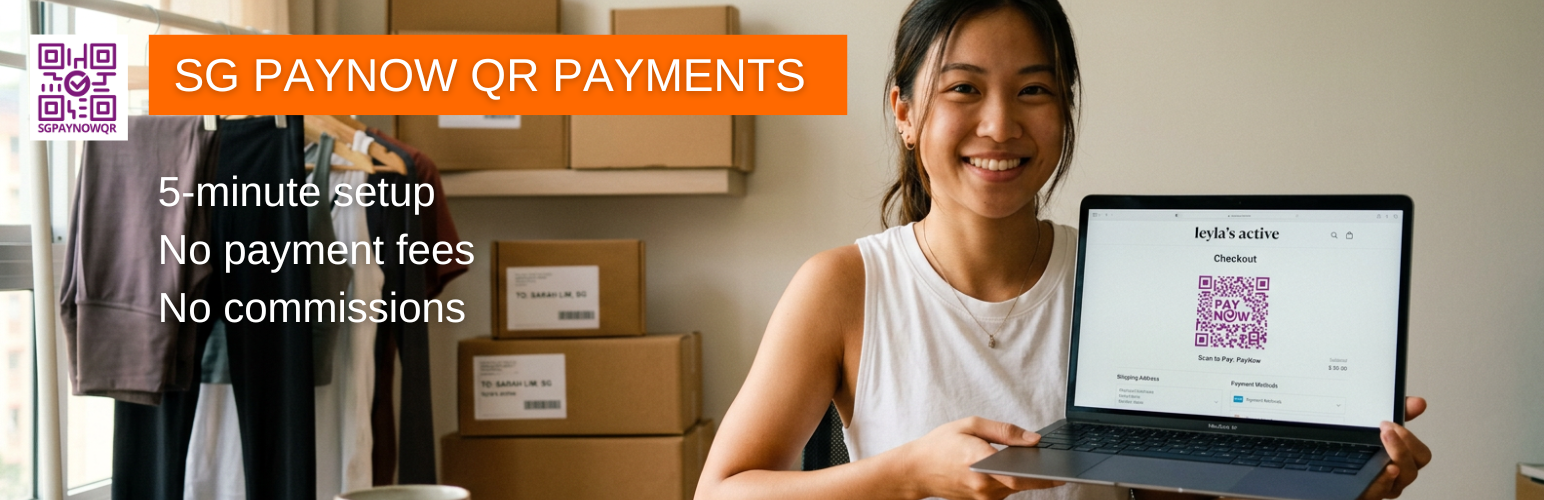
Simplify payments, build trust, and get paid faster with Singapore’s favourite payment method.
Halfborg QR Payments for PayNow for WooCommerce is the hassle-free way to accept Singapore’s trusted PayNow payment method in your WooCommerce store. At checkout, the plugin generates a dynamic PayNow QR code — pre-filled with the payment amount, your PayNow mobile number, and the WooCommerce order number — that customers scan with any Singapore banking app to pay you directly.
PayNow is the go-to payment method for millions of Singaporeans, and this plugin lets you tap into it in minutes.
Free and Premium
The free plugin is fully functional with no order or value limits — accept unlimited PayNow payments to your registered mobile number, show the QR on the order-received page, and embed the PayNow QR directly in order-confirmation emails.
Premium (a separate licensed upgrade, sold via Freemius) adds features for businesses that want more:
- Accept by business UEN with your business name shown on the QR code, and VPA recipients (e.g. GRAB, DASH).
- Reports & analytics — PayNow orders by status, paid vs awaiting payment, time to confirm, flagged issues, and a payment-method report across all gateways, with CSV export.
- Reconciliation — confirm or flag PayNow orders as paid from a dedicated screen (single and bulk actions).
You never need Premium to accept PayNow — the free plugin is complete on its own.
Why merchants choose this plugin
- No commissions: customer payments go directly to your bank account.
- Instant confirmation: your bank notifies you (usually by SMS) the moment a payment arrives, so you can fulfil right away.
- Easy reconciliation: each payment carries the WooCommerce order number, so you always know which payment belongs to which order.
- Familiar for customers: they pay with their own banking app (DBS digibank, OCBC, UOB TMRW, and more).
- Works everywhere: the QR code displays cleanly on desktop, laptop, and mobile, and is also emailed to the customer so they can pay at their convenience.
Why this instead of Stripe?
Stripe can also accept PayNow and offers deeper automation, but it takes a commission on every transaction and holds your funds before paying out. With this plugin there are no commissions — the money goes straight to your bank account, and every transaction is tagged with the WooCommerce order number for easy tracking.
How it works
- The customer chooses PayNow at checkout. The plugin generates a dynamic PayNow QR code pre-filled with the amount, your PayNow mobile number, and the order number.
- The customer scans the QR code with their banking app and pays.
- Your bank confirms the payment (most send an SMS), and you mark the order as paid. (Premium adds a dedicated PayNow Reconciliation page for confirming and flagging orders, with single and bulk actions.)
(Premium adds business UEN and VPA recipients.)
Who it’s for
Singapore-based WooCommerce stores of any size — small business owners, freelancers, and established e-commerce sellers who sell to Singaporean customers.
Key features (free)
- Quick setup: get started in under 5 minutes, no coding — just add your PayNow mobile number.
- Unlimited PayNow payments by mobile number, with no monthly order or value cap.
- Customisable QR size, colour, and the on-screen instructions shown to customers.
- QR code on the order-received page.
- WooCommerce checkout blocks support.
Premium adds
- Business UEN recipients (with your business name on the QR) and VPA suffixes (e.g. GRAB, DASH).
- Reports & analytics with CSV export (PayNow status breakdown plus an all-gateways payment-method report).
- PayNow Reconciliation page to confirm, flag, and unflag orders as paid (single and bulk actions).
Requirements
- WordPress 6.0 or higher
- WooCommerce (7.0.2 or higher recommended)
- PHP 7.4 or higher
- Store currency set to Singapore Dollar (SGD)
- A mobile number registered for PayNow with your bank (business UEN/VPA recipients are available in Premium)
External services
PayNow QR codes are generated entirely on your own server. No payment, order, or customer data is sent to any third party to create the QR codes.
This plugin uses Freemius to handle licence management, plugin updates, and optional opt-in usage analytics. When you activate the plugin, Freemius shows an opt-in screen that you may accept or skip. If you opt in, Freemius may collect basic environment information (such as your site URL, WordPress and PHP versions, active plugins and theme, and your administrator email) to support licensing, updates, and product improvement. The plugin is fully functional whether or not you opt in.
- Freemius Privacy Policy: https://freemius.com/privacy/
- Freemius Terms of Service: https://freemius.com/terms/