
Open Box Deal – Resell returned products and B-stock
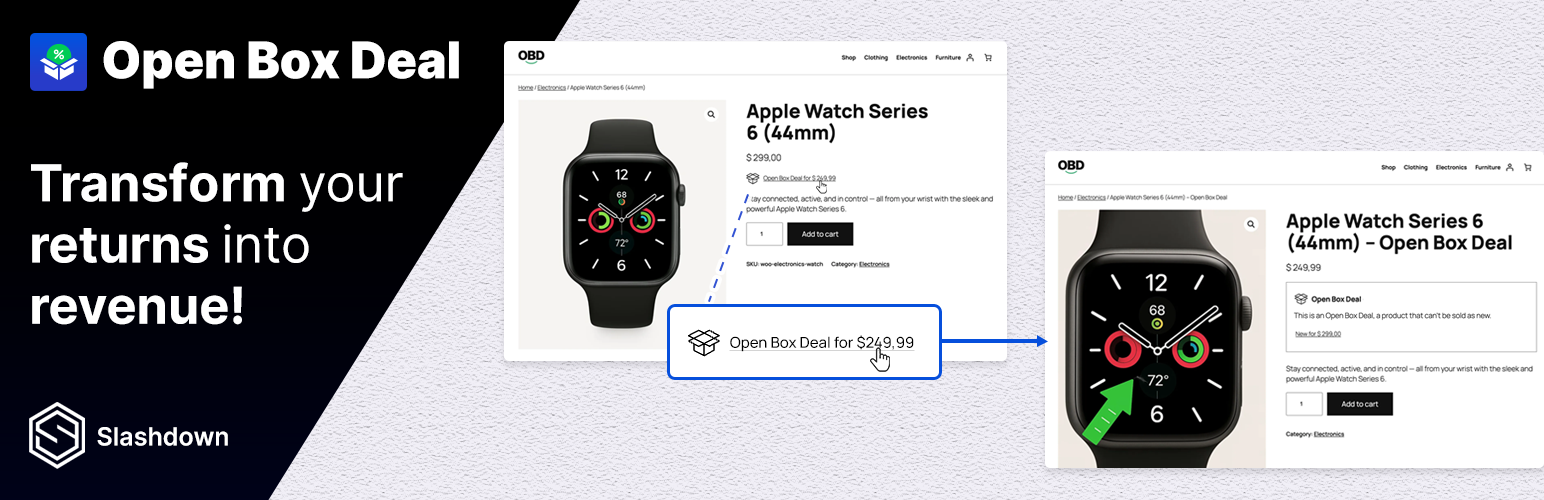
Resell returned, open-box and B-stock products directly in WooCommerce. Manage returns, recover lost revenue and reduce waste with this free plugin. Check out the demo →
Video includes premium functionality as well: Learn more →
With this plugin you can easily: * Create dedicated “Open Box Deal” products linked to the original item. * Add product photos of the returned item. * Offer a lower price to attract buyers while recovering lost revenue. * Keep your main catalog clean: Open Box Deals don’t clutter your shop loops.
This plugin is perfect for stores that want to reduce waste, improve sustainability, and maximize profit from B-stock or second chance products.
Free vs Pro (Premium) Features
Free version: Create Open Box Deals for simple products. Premium: Adds support for variable products, condition templates, visibility control, advanced settings and priority support. Learn more →
Create Open Box Deal
- In your WordPress Admin, go to Products > Add New Product.
- Enter the Product name of your Open Box Deal product. This will be displayed on the product page and in the order summary.
- Scroll down to the Product data section and ensure that Simple product is selected from the dropdown menu.
- Click on the Linked Products tab within the Product data section.
- Click on the dropdown under Open Box Deal Main Product and search for the product you want to link this Open Box Deal product to. Optionally, add a product image specifically for the Open Box Deal. If no image is selected, the default image from the main product will be used.