
Adminify – White Label, Admin Menu Editor, Login Customizer
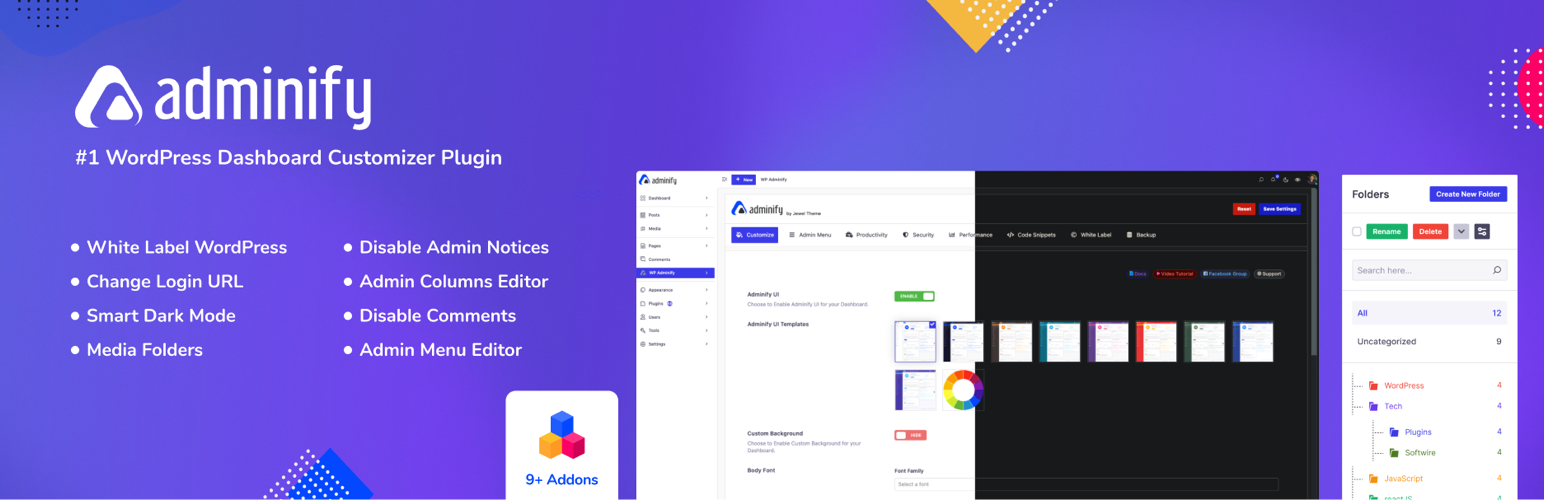
Adminify is an admin customization plugin for WordPress agencies, freelance developers, and power users. It lets you rebrand the admin area, reorganize menus, design a custom login screen, organize the media library, add security controls, and more – all from a single settings panel.
Upgrade to Adminify Pro | Documentation | Live Demo | Support
Video Overview
Key Features
White Label Admin Area: Replace the admin logo and favicon with your own branding, change menu labels, customize the footer text, and replace the „Howdy“ greeting to create a fully branded experience for your clients.
Drag and Drop Admin Menu Editor: Visually rearrange, rename, and hide admin menu items. Add new items, set role-based visibility rules, and assign custom icons – no coding required.
Login Page Customizer – Loginfy: Design a custom login screen with your own logo, background image or color, custom form styles, and button colors.
Dashboard UI Themes: Apply pre-built skins (Light, Dark, Gradient, Glass), enable dark mode, schedule light/dark switching, and customize colors and fonts.
Productivity Tools: Organize media files in drag-and-drop folders, hide admin notices, duplicate posts and pages, and add custom dashboard widgets.
Security Controls: Change the login URL, set role-based login and logout redirects, disable comments globally, control the Heartbeat API, and clean up the head section.
Admin Columns Editor: Add, remove, and reorder columns in post and page list views. Display custom field values from ACF, MetaBox, and Pods. Includes WooCommerce product list support.
Detailed Feature Breakdown
White Label and Dashboard UI
- Replace the admin bar logo, sidebar logo, and favicon with your own branding
- Change the admin footer text to your own content, links, or copyright notice
- Apply pre-designed skins: Light, Dark, Gradient, and Glass morphism styles
- Per-user light and dark mode preference with optional auto-scheduling
- Add custom CSS and JavaScript to the admin area without editing theme files
Admin Menu Editor
- Drag and drop to reorder menus and submenus
- Create custom menu items linking to internal pages, external URLs, or page builder pages
- Show or hide menus and submenus per user role – useful for client-facing dashboards
- Assign Dashicons or upload SVG icons to any menu item
- Add separators to group related menu items
- Set individual menu items to open in a new tab
Login Page Customizer (Loginfy)
- Upload a custom logo for the login screen
- Set a background image, color, gradient, or slideshow
- Customize form width, background, border radius, and shadow
- Customize button colors and labels
- Add custom CSS for precise styling control
Media Library Folders
- Create folders and subfolders; drag and drop files into them
- Filter and browse media by folder
- Bulk move files between folders
- Media Replace: swap out any image or file while keeping its original URL and ID intact
- Folder support inside the Elementor media picker, Classic Editor popup, and Customizer
Productivity and Admin Management
- Admin Notices Manager: hide promotional and update notifications from plugins and core
- Remove the Welcome to WordPress dashboard panel
- Hide Screen Options and Help tabs
- Duplicate posts, pages, and custom post types with one click
- Duplicate categories, tags, and custom taxonomies
- Custom dashboard widgets: text, RSS feed, and iframe embeds
Security and Performance
- Change the default login URL to a custom slug to reduce brute-force exposure
- Set login and logout redirect URLs per user role
- Disable comments globally across the entire site
- Control the Heartbeat API interval per screen area to reduce server load
- Disable oEmbeds
- Remove unnecessary head tags: RSS links, RSD, WLW Manifest, shortlinks, generator tag, and emoji scripts
- Login attempt limiter to protect the login screen
Admin Columns Editor
- Add, remove, and reorder columns in list views for any post type or custom post type
- Display values from ACF, MetaBox, Pods, and other custom field plugins
- WooCommerce support: show SKU, stock status, price, or weight in product lists
Addon System
Adminify’s functionality can be extended with dedicated addon plugins.
- Admin Bar Editor: Customize the WordPress toolbar visible at the top of the site when logged in
- Activity Logs: Track user actions including logins, post edits, and plugin activity
- Google PageSpeed Insights: Check site performance scores directly from the dashboard
- RoleMaster Suite: Create, edit, clone, and manage user roles and capabilities
- Header and Footer Scripts: Add analytics snippets or custom scripts without editing theme files
Get Adminify Pro – Unlock All Features
Source Code
This plugin uses compiled and minified JavaScript and CSS files built with webpack and npm.
The full unminified source code is publicly available at: https://github.com/litonarefin/adminify-free
To build from source:
- Clone the repository
- Run
npm install - Run
npm run build
External services
Adminify relies on the following third-party / external services. Each entry describes what the service is, what data is sent, when it happens, and links to the provider’s terms and privacy policy.
Freemius Adminify uses the Freemius SDK to handle plugin licensing and updates (and, for the premium version, account management). Validating a license or checking for updates sends your license key, site URL, basic environment details (WordPress and PHP versions) and the plugin version to Freemius. Any anonymous usage data is shared only if you choose to opt in.
- Triggered: on activation, license actions and update checks.
- Freemius Terms | Freemius Privacy Policy
Optional usage diagnostics (Pixar Labs) This is OFF by default. Only if a site administrator explicitly opts in by clicking „Allow“ on the „What we collect“ admin notice does Adminify send the administrator email address and basic, non-sensitive site information (for example WordPress version, active plugins and site name) to help us understand how the plugin is used and improve it. Nothing is sent unless you opt in.
- Data sent: administrator email and basic site information — only after you click „Allow“.
- Triggered: only on the explicit „Allow“ opt-in; never automatically.
- Pixar Labs Terms | Pixar Labs Privacy Policy
Google Fonts (optional local font hosting) When you select a Google font and save Adminify settings, the plugin downloads the chosen font files from Google so they can be served locally from your own site (better privacy and performance). This only happens when you save settings with a Google font selected.
- Data sent: the requested font family and weights via a standard HTTP GET to Google Fonts. No personal data is sent.
- Triggered: when you save Adminify settings with a Google font selected.
- Google Terms | Google Privacy Policy